
ASUS ROG Strix G16 (2025) Gaming Laptop G615JMR-AS74
4.4Editor score
Intel Core i7 14650HX Processor
NVIDIA GeForce RTX 5060 GPU
165Hz FHD+ Display
This guide compares ten top ASUS ROG Strix Laptop models featuring RTX 50 series GPUs, high refresh displays, and advanced cooling for gaming and creative
Choosing the right gaming laptop requires balancing power, portability, and display quality. The ASUS ROG Strix series offers robust performance for gamers and creators alike. These machines integrate the latest hardware to deliver smooth gameplay and efficient multitasking capabilities.
We evaluated ten distinct models based on processor speed, graphics capability, and screen fidelity. Each device was analyzed for thermal management, build quality, and upgrade potential. Our goal is to help you find the exact configuration that fits your workflow.
Each pick highlights unique strengths like premium displays or specific processor architectures. Prices fluctuate frequently due to market demand and promotions. Always verify the latest details before purchasing to ensure you get the best value for your investment today.
4.4Editor score

4.3Editor score

4.3Editor score
This table provides a side-by-side comparison of all ten selected models. It highlights key specifications including processor types, graphics cards, memory configurations, and display technologies to help you distinguish between the various options available in the current lineup.



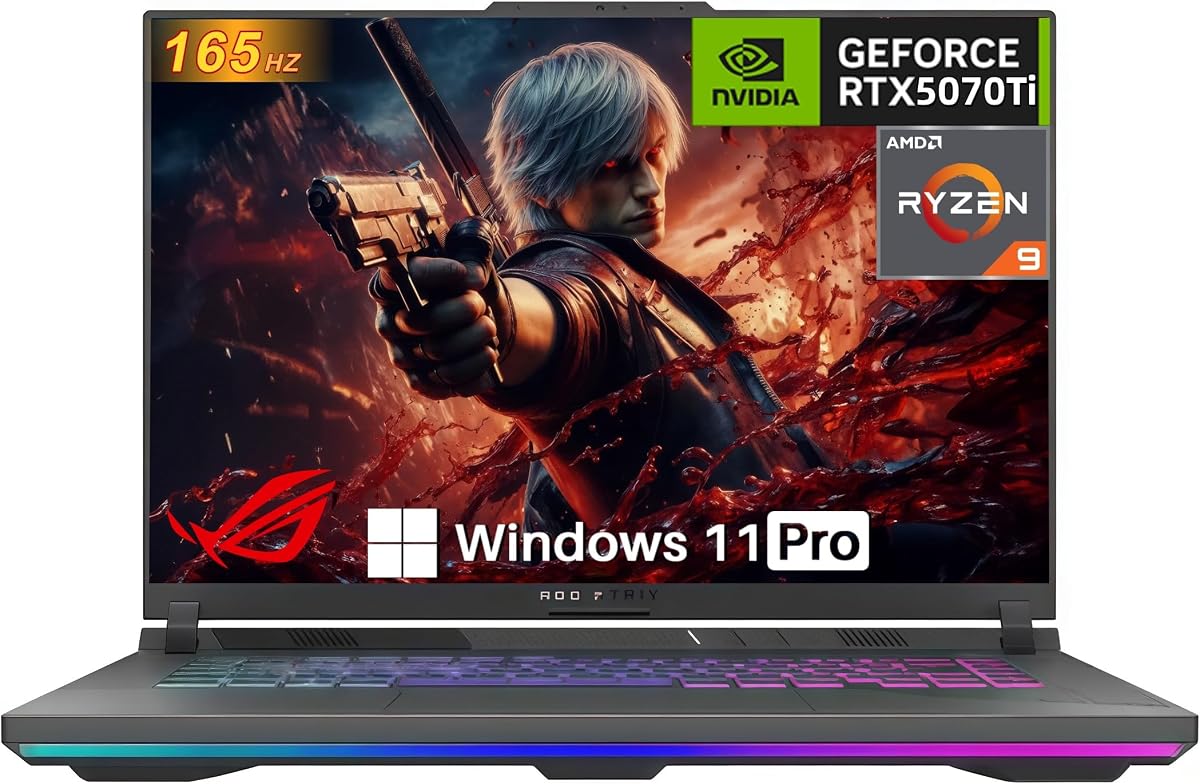

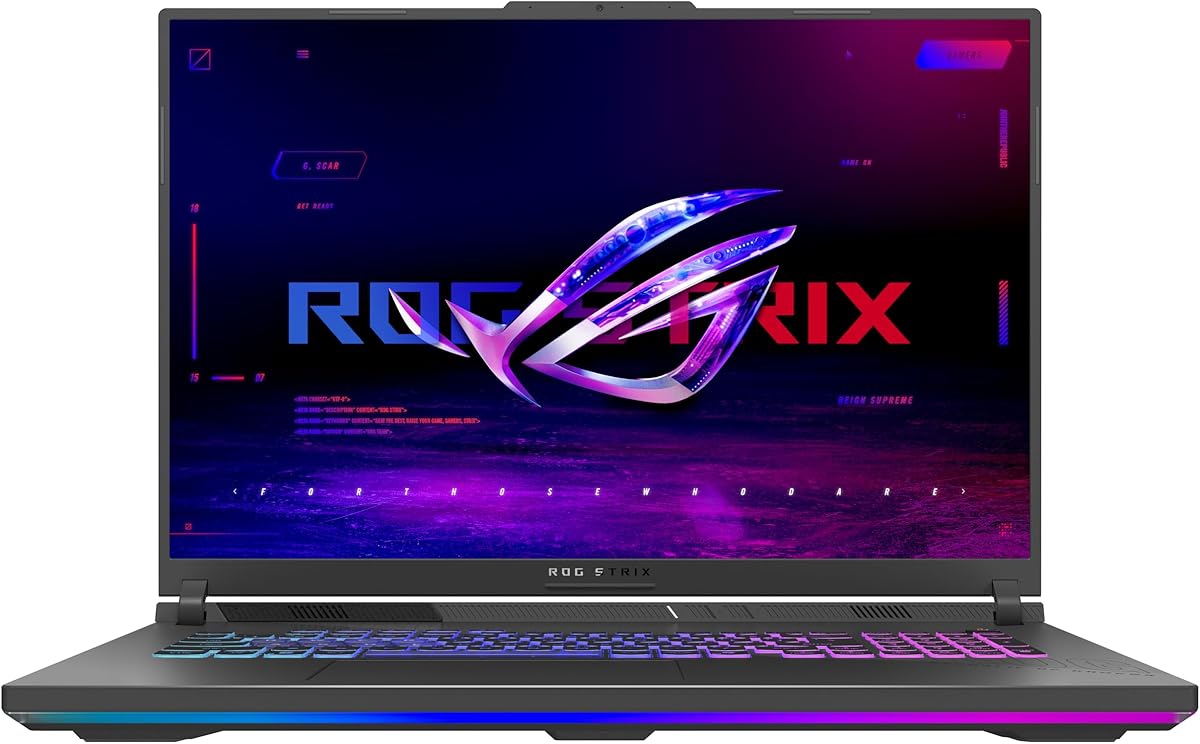
This laptop represents an excellent entry point into the ROG Strix lineup for budget conscious gamers. It balances powerful specs with a reasonable price point making it accessible for students or casual users. The integration of Wi-Fi 7 ensures future proof connectivity for online gaming.
We may earn a commission when you buy through this link, at no additional cost to you.
The Intel Core i7 processor handles multitasking well while the RTX 5060 supports modern titles with high frame rates. Users appreciate the responsive keyboard and the effective thermal design that keeps temperatures manageable during long sessions.
While the display is limited to 1080p it still delivers smooth visuals with its 165Hz refresh rate. Some users might wish for more RAM but the system is efficient enough for most standard gaming and productivity tasks without upgrades.
This model is ideal for buyers who want a reliable gaming machine without breaking the bank. It offers a strong foundation for learning PC gaming or casual content creation with room to grow as your needs evolve over time.
Despite the lower price point this laptop does not compromise on core gaming performance metrics.
The inclusion of Wi-Fi 7 provides faster wireless speeds for downloading large game files.
We may earn a commission when you buy through this link, at no additional cost to you.
This model stands out as a versatile powerhouse suitable for both intense gaming and professional creative work. The 2.5K Nebula display provides stunning color accuracy and smooth motion for immersive experiences. It strikes a perfect balance between raw power and refined design elements.
We may earn a commission when you buy through this link, at no additional cost to you.
The Intel Core Ultra 9 processor delivers exceptional speed for rendering and compiling code. Paired with the RTX 5070 Ti it handles ray tracing and high resolution gaming effortlessly. The 32GB of RAM ensures that heavy applications run without bottlenecks.
The premium build quality and cooling solution ensure sustained performance under load. While it is heavier than ultrabooks the desktop replacement feel is appreciated for stationary setups. The Nebula screen is a standout feature for visual professionals.
Buyers seeking a premium all-in-one machine will find this model hard to beat. It offers the best combination of screen quality processing speed and memory in the current lineup making it a top recommendation for serious users.
The Nebula display offers high brightness and contrast which is crucial for HDR content and design.
The Ultra 9 processor provides significant gains in productivity tasks compared to previous generations.
We may earn a commission when you buy through this link, at no additional cost to you.
The Scar 18 brings a desktop like experience to a portable form factor with its expansive display. The 18 inch screen offers incredible workspace and visual impact for both gaming and multimedia consumption. It is a beast of a machine for home or office use.
We may earn a commission when you buy through this link, at no additional cost to you.
Features like the AniMe Vision lid and tool-free upgrades add unique value to this premium device. The HDR display ensures that colors pop and blacks are deep for an immersive viewing experience. It supports professional workflows with Windows 11 Pro.
Portability is not the main focus here as the weight is significant. However for users who prioritize screen real estate and performance over travel the benefits are undeniable. The cooling system is robust enough to handle long gaming marathons.
This laptop is perfect for enthusiasts who want the ultimate gaming visual experience without building a desktop. It is an investment in entertainment and productivity that delivers top tier performance in a striking package.
The HDR technology on the Nebula screen provides a cinematic experience unmatched by standard panels.
Tool-free access allows easy maintenance and upgrades without voiding warranties or needing tools.
We may earn a commission when you buy through this link, at no additional cost to you.
This configuration pairs a top tier processor with a capable GPU making it ideal for CPU intensive tasks. The Nebula display brings visual fidelity to the table with vibrant colors and quick response times. It is a strong choice for creators needing power.
We may earn a commission when you buy through this link, at no additional cost to you.
The inclusion of Dolby Vision and HDR support enhances media consumption significantly. Users report smooth performance in rendering software and streaming due to the strong processor core. The build quality remains consistent with the rest of the series.
While the GPU is not the highest end the system is well balanced for general gaming. Some gamers might prefer a higher tier graphics card but this setup covers most bases well. The screen is truly the star of this configuration.
If your workflow relies heavily on CPU power for editing or simulations this model is highly recommended. It provides a premium visual interface for those tasks while still handling modern gaming with ease and style.
The Nebula screen uses advanced film layers to reduce glare and boost contrast effectively.
The Ultra 9 processor is optimized for efficiency and high throughput in demanding apps.
We may earn a commission when you buy through this link, at no additional cost to you.
This model offers a compelling alternative for those who prefer AMD processors for their efficiency and multitasking capabilities. The RTX 5070 provides plenty of graphical power for high settings in popular titles. It delivers excellent value for money overall.
We may earn a commission when you buy through this link, at no additional cost to you.
The Ryzen 9 processor handles heavy workloads with ease and manages heat effectively. Users appreciate the MUX Switch which allows for better performance when plugged in. The system feels responsive and robust for daily use cases.
The display is limited to 1080p which may not satisfy high resolution content creators. However for gaming on standard monitors this speed and responsiveness are sufficient. It is a great fit for competitive gamers on a budget.
Buyers looking for raw power without the premium price tag of the Intel models will appreciate this choice. It balances performance and cost well making it a solid contender in the competitive mid range segment.
Ryzen processors often offer better battery efficiency which helps for portable use cases.
The RTX 5070 ensures that ray tracing and DLSS features work smoothly.
We may earn a commission when you buy through this link, at no additional cost to you.
This variant is highly rated by users for its robust performance and generous memory configuration. The high TGP GPU ensures that graphics performance is maximized for gaming and creative tasks. It is a reliable choice for demanding workflows.
We may earn a commission when you buy through this link, at no additional cost to you.
The combination of Ryzen 9 and RTX 5070 Ti provides a powerful synergy for multitasking. Users report that the system stays cool even under heavy loads thanks to the thermal design. It is a well rounded option for general gaming.
The screen resolution is standard for this price point but the refresh rate ensures smoothness. Some might prefer a higher resolution panel but the speed is excellent for competitive titles. The 32GB RAM is a significant advantage here.
If you want a high performance machine without paying for the absolute highest display tier this model works well. It is a favorite among users who prioritize raw horsepower and reliability over premium screen features.
Full TGP GPU delivers maximum power output which is critical for consistent frame rates.
High user ratings indicate that buyers are generally very happy with their purchase experience.
We may earn a commission when you buy through this link, at no additional cost to you.
This model focuses on delivering strong graphics performance through the RTX 5070 Ti GPU. It is designed for users who need a powerful machine for gaming but want to keep costs manageable. The processor is fast enough for most productivity needs.
We may earn a commission when you buy through this link, at no additional cost to you.
The system supports tool-free upgrades which makes future proofing easier for owners. Users appreciate the ability to add more RAM or storage without opening the case with tools. This flexibility is rare at this price point.
The thermal design ensures that the high power GPU and CPU can run safely. While the base memory is 16GB the upgrade path is clear for those who need more. It is a smart choice for tech savvy buyers.
For those who prioritize graphics power and upgradeability this laptop is a strong contender. It offers a great balance of modern features and practical design elements that enhance the overall user experience.
Tool-free access makes it easy to maintain and upgrade the hardware components easily.
The RTX 5070 Ti provides ample power for high settings and ray tracing in games.
We may earn a commission when you buy through this link, at no additional cost to you.
This 2026 model pushes the envelope with the RTX 5080 GPU and top tier processor. It is designed for users who want the absolute best performance available in a laptop form factor. The HDR display adds a layer of visual fidelity for creative work.
We may earn a commission when you buy through this link, at no additional cost to you.
The integration of Game Pass and tool-free upgrades makes this a complete package for enthusiasts. Users highlight the smooth experience in 3D rendering and gaming. The cooling system is designed to handle the intense heat of these components.
The price is high but it delivers desktop replacing performance and portability. It is ideal for professionals who need raw speed and gamers who demand top settings. The screen is a standout feature for visual accuracy.
If budget is not the primary concern and you want the best of the best this is the model to choose. It offers a premium experience that justifies its cost through superior hardware and design features.
The RTX 5080 ensures that even the most demanding games run at ultra settings.
The HDR support and high resolution screen make this a dream for content creators.
We may earn a commission when you buy through this link, at no additional cost to you.
This variant focuses on providing massive storage for users with large media libraries. The 2TB SSD ensures that you do not need to use external drives for games and projects. It is excellent for creators who handle huge data files.
We may earn a commission when you buy through this link, at no additional cost to you.
The processor and GPU combination is capable of handling most creative and gaming tasks well. The Nebula screen ensures that your content looks great on the internal display. The Pro version of Windows adds useful business tools.
While the GPU is not the highest end the storage and memory are generous. This makes it a great choice for those who need space and speed over maximum graphical power. It is a solid workstation for content creators.
Buyers who need a lot of local storage and a professional OS will appreciate this configuration. It balances performance and utility well for users who deal with large projects regularly.
The 2TB SSD is rare at this price point and eliminates the need for immediate upgrades.
Windows 11 Pro offers better security and management tools for business users.
We may earn a commission when you buy through this link, at no additional cost to you.
This is the most affordable option in the lineup offering a large 18 inch screen for immersion. While the GPU is lower end it is sufficient for esports titles and casual gaming. The processor ensures that daily tasks run smoothly.
We may earn a commission when you buy through this link, at no additional cost to you.
The large display provides a desktop like feel even when working without a monitor. Users appreciate the build quality and the cooling system which keeps temperatures reasonable. It is a great option for students or light gamers.
The GPU limits performance in AAA titles but the CPU is strong enough for work. If you prioritize screen size and budget over graphical power this is a sensible choice. The 16 inch models offer better performance but less screen.
For buyers who want a large screen experience without the highest price tag this model is ideal. It offers a balance of size and basic performance that fits well for general computing needs.
The 18 inch panel provides ample workspace for multitasking and immersive gaming.
This model is the most affordable way to get a large ROG Strix laptop today.
We may earn a commission when you buy through this link, at no additional cost to you.
Selecting the right gaming laptop involves evaluating several critical components to ensure it meets your specific needs. This guide breaks down the key factors you should consider before making a purchase.
The CPU is the brain of your laptop and impacts multitasking and processing speed. Look for Intel Core Ultra 9 or AMD Ryzen 9 models for top tier performance in creative work. For general gaming the i7 or Ryzen 7 options are sufficient and cost effective.
The GPU determines how well you can run modern games with high settings and ray tracing. RTX 5070 and higher models are recommended for AAA titles while the 5060 works well for casual gaming. Always check the TGP to ensure full power is utilized.
A high refresh rate screen is essential for competitive gaming to reduce motion blur and latency. Look for 240Hz or higher refresh rates with low response times for the best experience. HDR and color accuracy are vital for video editing and professional design tasks.
16GB of RAM is standard but 32GB is preferred for heavy multitasking and editing. Ensure the laptop has ample SSD storage to hold games and files locally. Check if the device supports upgrades to extend its lifespan and capacity.
Thermal management is critical to maintain performance during long gaming or rendering sessions. Look for models with advanced cooling like vapor chambers and multiple fans. A well cooled system will stay quieter and last longer over time.
Modern gaming requires fast and stable internet connections for online play and downloads. Wi-Fi 7 or 6E support ensures you get the best wireless speeds. Check for USB-C and HDMI ports to connect external monitors and accessories.
To maximize performance keep the laptop in a cool and well ventilated environment to prevent overheating. Avoid placing it on soft surfaces like beds or blankets as this can block air vents and cause heat buildup.
The RTX 50 series offers significant improvements in efficiency and AI driven features like DLSS 4. For gamers and creators needing top performance it is a worthwhile investment. It provides better frame rates and lower power consumption compared to older models.
Most models offer tool-free access to the RAM slots. Simply slide the latch on the bottom to reveal the memory slots for easy upgrades. This design allows users to expand memory without needing specialized tools.
Yes the high refresh displays and powerful processors make them ideal for creative workflows. Models with 32GB RAM and high color accuracy screens are particularly well suited for professional editing tasks.
Gaming on battery will drain it quickly but daily tasks can last several hours. Advanced Optimus helps switch to the integrated GPU to save power when gaming is not in progress.
All models support external displays via HDMI or USB-C ports. You can connect to high resolution monitors for a multi screen setup that enhances productivity and immersion.
The 16 inch models are lighter and more portable than the 18 inch versions. If you travel often consider the G16 models for a better balance between performance and weight.
The ASUS ROG Strix lineup offers a diverse range of options to suit different performance needs and budgets. Whether you want a budget friendly G16 or a premium Scar 18 there is a model for every type of user.