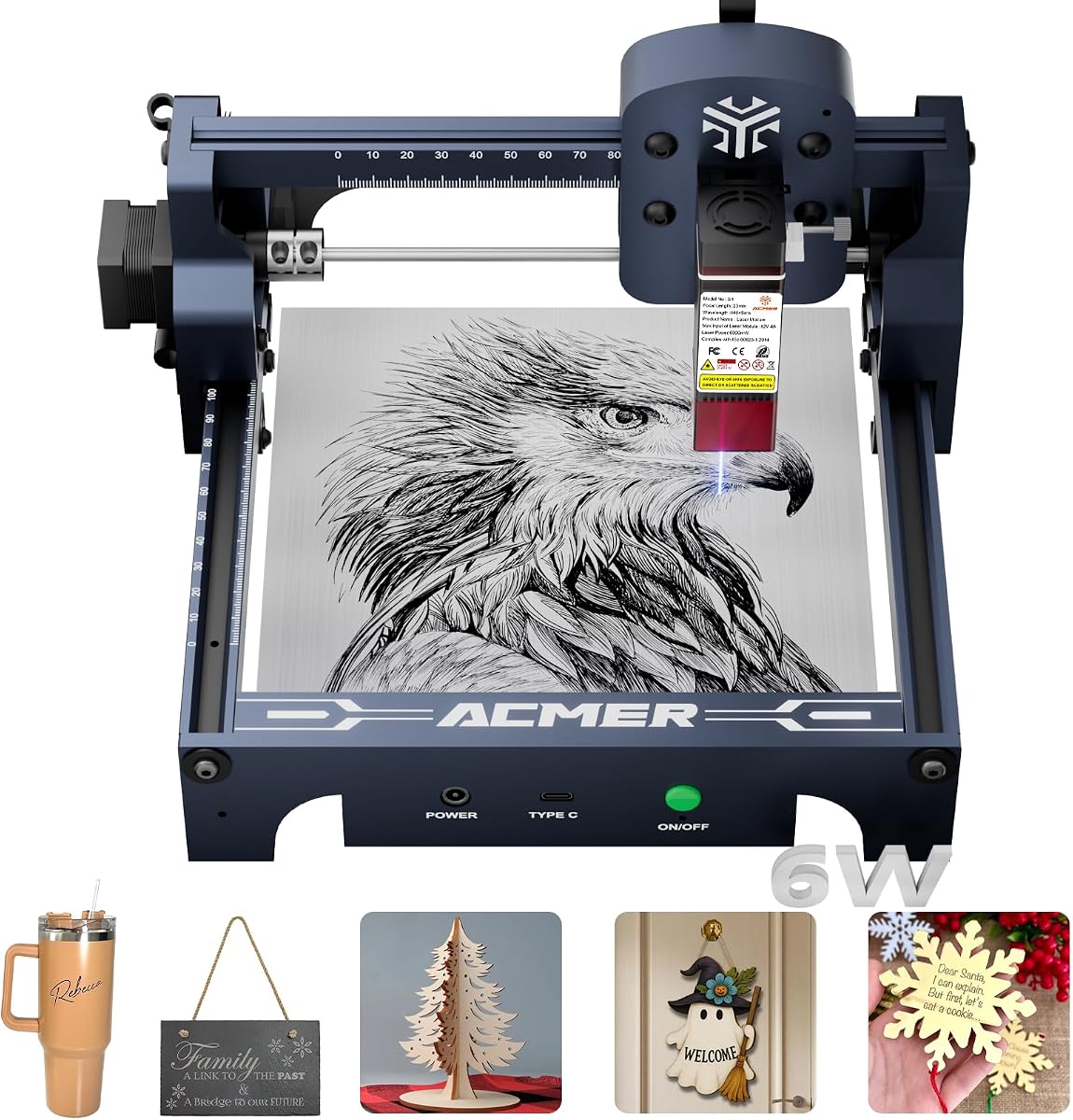
ACMER S1 Laser Engraver
4.3Editor score
6000mW Laser Power
130x130mm Working Area
99% Preassembled Design
This guide compares the top Acmer laser engraver models to help you find the best machine for your precision cutting and engraving project needs.
Choosing the right laser engraver can transform your creative projects into professional-quality outputs. Acmer offers a range of machines designed for hobbyists and small businesses alike. Each model brings unique features that cater to different skill levels and material requirements.
We have carefully evaluated ten distinct Acmer laser engraver products based on their performance, versatility, and user feedback. Our analysis focuses on laser power, working area, software compatibility, and safety features. This ensures you receive a comprehensive overview of what each machine delivers.
Each pick in this list highlights specific strengths such as precision, speed, or budget friendliness. You will find detailed breakdowns of specifications and real-world use cases. Please note that product prices and availability can change frequently over time.
4.3Editor score

4.4Editor score

5.0Editor score
The following table provides a side by side comparison of all ten Acmer laser engraver models to help you evaluate key specifications at a glance.



The ACMER S2 Laser Engraver stands out as a top choice for makers seeking a balance of power and precision. With a rating of 4.4 stars it has gained trust among users for its reliable performance. This machine is designed to handle a wide variety of materials with ease.
We may earn a commission when you buy through this link, at no additional cost to you.
Its true 12W laser module provides ample power for cutting through thicker materials like 15mm paulownia wood. The 300x300mm workspace allows for larger projects without needing to constantly reposition your workpiece. The 0.01mm positioning accuracy ensures intricate details are reproduced faithfully.
While the machine offers professional features it may require some setup time and software learning. Beginners might find the initial configuration challenging compared to fully plug and play devices. However the investment in time pays off in the quality of the output.
This engraver is ideal for small business owners or serious hobbyists who need versatility. Whether you are creating personalized gifts or signs the S2 delivers consistent results. It is a robust tool that grows with your skills and project demands.
The S2 handles over 100 materials including wood leather and acrylic ensuring you never run out of project ideas.
Optional accessories like rotary modules allow you to engrave cylindrical objects expanding your creative possibilities significantly.
We may earn a commission when you buy through this link, at no additional cost to you.
The ACMER P3 represents the peak of laser engraving technology with its switchable dual laser output. Achieving a perfect 5.0 rating it offers unmatched power for professional applications. This machine is built to handle heavy duty tasks while maintaining safety standards.
We may earn a commission when you buy through this link, at no additional cost to you.
With the ability to switch between 24W and 48W outputs you gain flexibility for different material thicknesses. The CoreXY structure ensures high speed stability reducing vibrations during rapid movements. The closed box design significantly reduces smoke and noise for a cleaner workspace.
The premium price reflects the advanced engineering and safety features included. It may be overkill for casual users who only need occasional engraving. However for businesses needing reliability and speed it is a worthwhile investment.
This model is best suited for professional workshops or advanced makers. Its robust construction and safety features make it a long term asset. You get top tier performance that justifies the cost over time.
The closed box system meets Class I safety standards protecting users from laser exposure while reducing environmental pollution.
With speeds up to 800mm/s this machine completes projects faster than standard models increasing productivity for bulk orders.
We may earn a commission when you buy through this link, at no additional cost to you.
The ACMER S1 Laser Engraver offers an excellent entry point for those new to laser cutting. With a 4.3 rating it is praised for its ease of use and reliability. This machine proves you do not need to spend a fortune to start creating.
We may earn a commission when you buy through this link, at no additional cost to you.
It arrives 99 percent preassembled which means you can start working almost immediately after unpacking. The lightweight aluminum design makes it easy to move around or store away when not in use. Despite its size it delivers 0.01mm precision for detailed work.
The smaller working area limits the size of projects you can tackle in one go. You may need to section large designs into smaller parts. For hobbyists working on small crafts or jewelry this is a minor trade-off.
This model is perfect for beginners or those with limited desk space. It provides a solid foundation to learn laser engraving without breaking the bank. Once you outgrow it you can upgrade to a larger model easily.
With minimal assembly required you can focus on creativity rather than mechanical installation right out of the box.
Even at this price it supports a wide range of materials making it a versatile tool for various DIY projects.
We may earn a commission when you buy through this link, at no additional cost to you.
This version of the ACMER S2 emphasizes user experience with built-in AI design capabilities. It holds a 4.3 rating indicating strong user satisfaction with its features. The focus on software accessibility makes it attractive for those who want to design quickly.
We may earn a commission when you buy through this link, at no additional cost to you.
The AI tools allow you to turn text prompts or photos into engraving designs effortlessly. This reduces the need for external design skills or complex software. The 12W power ensures that these designs are cut with depth and clarity.
Reliance on AI tools means you need a capable computer to run the software smoothly. Some users might prefer more manual control over design elements. However for quick prototyping this feature saves significant time.
Ideal for creators who want to prototype ideas fast this model streamlines the workflow. It bridges the gap between creative vision and physical execution. It is a great choice for modern makers valuing efficiency.
Built-in AI tools simplify the design process allowing you to generate patterns from simple text prompts easily.
With speeds reaching 10000mm/min you can complete projects in record time without sacrificing detail quality.
We may earn a commission when you buy through this link, at no additional cost to you.
The ACMER S2 variant with 7000mW power focuses heavily on safety and stability. It has achieved a 5.0 rating suggesting users trust its reliability. This model is particularly good for environments where safety is a primary concern.
We may earn a commission when you buy through this link, at no additional cost to you.
Motion detection features pause the machine if abnormal movement is detected preventing accidents. The included anti UV shield protects users from harmful radiation during operation. These features make it suitable for classrooms or shared workspaces.
The power output is lower than the 12W version which limits cutting thickness. You might need multiple passes for thicker materials like 15mm wood. However for engraving tasks the power is sufficient.
This machine is best for educators or home users prioritizing safety. The peace of mind provided by the safety features is invaluable. It is a dependable choice for learning and teaching laser engraving.
Motion detection and UV shielding ensure a secure environment for users of all experience levels.
The safety features make this model an excellent choice for schools or community workshops.
We may earn a commission when you buy through this link, at no additional cost to you.
The ACMER P1 S Pro 20W is engineered for users needing strong cutting capabilities. It holds a 5.0 rating indicating high satisfaction with its cutting performance. This machine is built to handle demanding projects with confidence.
We may earn a commission when you buy through this link, at no additional cost to you.
The 20W power combined with 25L/min air assist ensures clean cuts with minimal burn marks. High acceleration allows for rapid changes in direction without losing precision. The lens lifespan of 8000 hours reduces maintenance costs over time.
You must ensure your workspace has proper ventilation even with the air assist. The machine may also require occasional calibration to maintain focus. These are standard trade-offs for high power diode lasers.
For users focused on cutting thicker materials this model is a top pick. It balances power and precision effectively for both hobbyists and pros. It stands out as a versatile workhorse for diverse projects.
The built-in air assist pump minimizes residue ensuring your finished pieces look professional and polished.
High acceleration values allow for quick engraving cycles improving throughput for production work.
We may earn a commission when you buy through this link, at no additional cost to you.
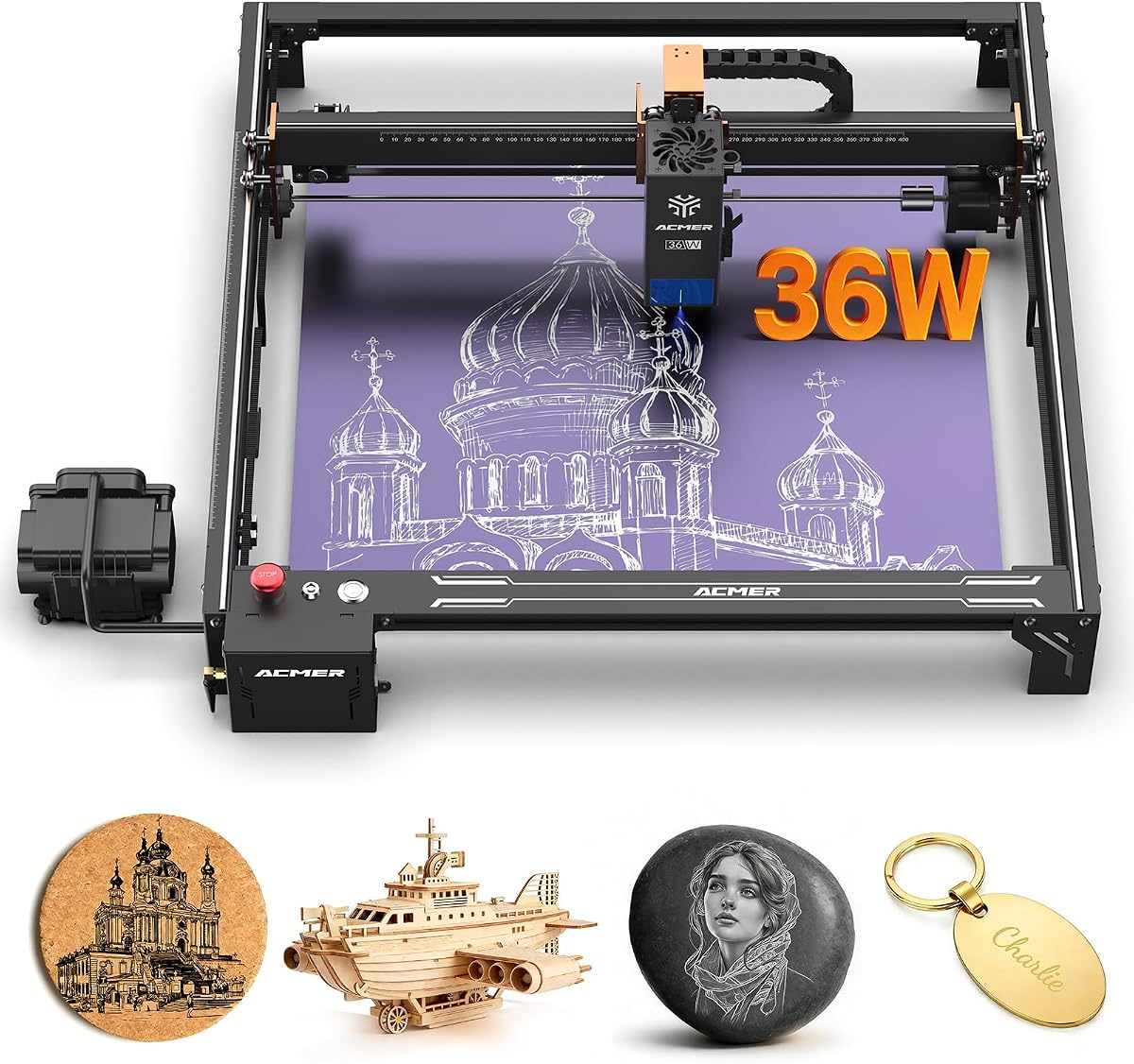
The Acmer S2 Pro 36W brings industrial-level stability to the desktop market. With a 4.1 rating it is recognized for its robust build quality. This machine is designed for users who need a larger workspace and higher power.
We may earn a commission when you buy through this link, at no additional cost to you.
Dual linear rails provide better stability than single rail designs ensuring accurate cuts over long distances. The 400x400mm working area is ideal for large signs or batch production. The 36W laser cuts through materials quickly and cleanly.
The machine may require more setup and calibration compared to simpler models. Maintenance on dual rails can be time-consuming. However the performance gains justify the effort for serious makers.
This model is perfect for small businesses needing higher volume output. Its connectivity options allow for flexible workflows in a production environment. It is a powerful tool for scaling your creative business.
Dual linear rails minimize vibration ensuring high precision even during high speed engraving cycles.
The expanded area supports large projects like signs without needing to split designs into multiple parts.
We may earn a commission when you buy through this link, at no additional cost to you.
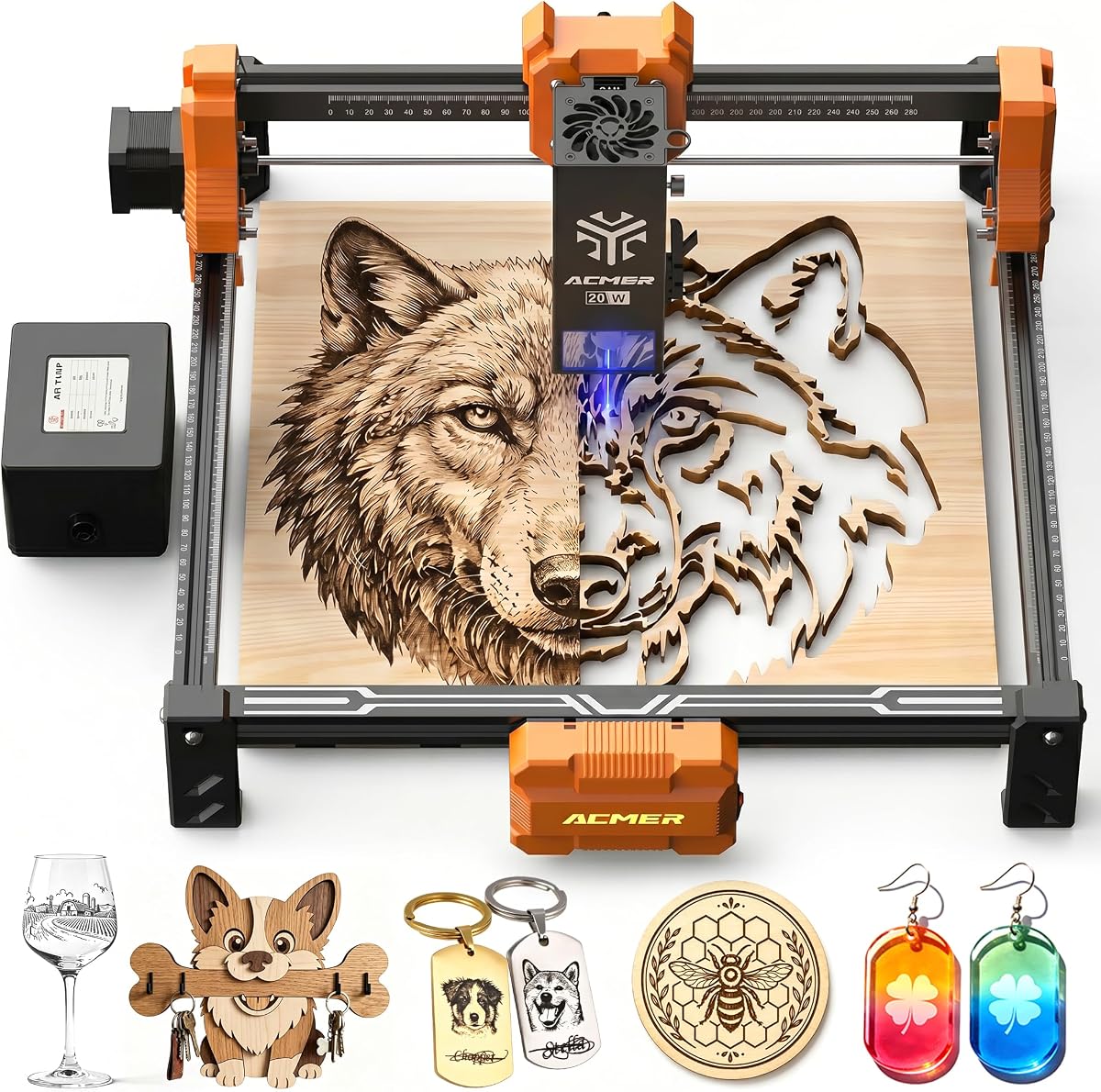
The Acmer S2 20W Laser offers a balanced mix of power and safety features. It holds a perfect 5.0 rating indicating strong user trust and satisfaction. This machine is well suited for a variety of common engraving tasks.
We may earn a commission when you buy through this link, at no additional cost to you.
The 20W power allows for significant cutting depth while maintaining precision for fine details. Built-in limit switches prevent the laser head from over-traveling protecting the machine. The air assist ensures clean cuts on various materials.
While it lacks the large area of the Pro model it fits better on standard desks. The lack of a rotary module means it is limited to flat surfaces unless purchased separately. For most users this is an acceptable trade-off.
Ideal for general purpose DIY and professional work this model is reliable. It offers a safe and efficient environment for daily use. It is a solid investment for consistent quality outputs.
Built-in limit switches prevent mechanical damage ensuring the machine runs safely within its working bounds.
The combination of air assist and precision ensures high quality finishes on every project you complete.
We may earn a commission when you buy through this link, at no additional cost to you.
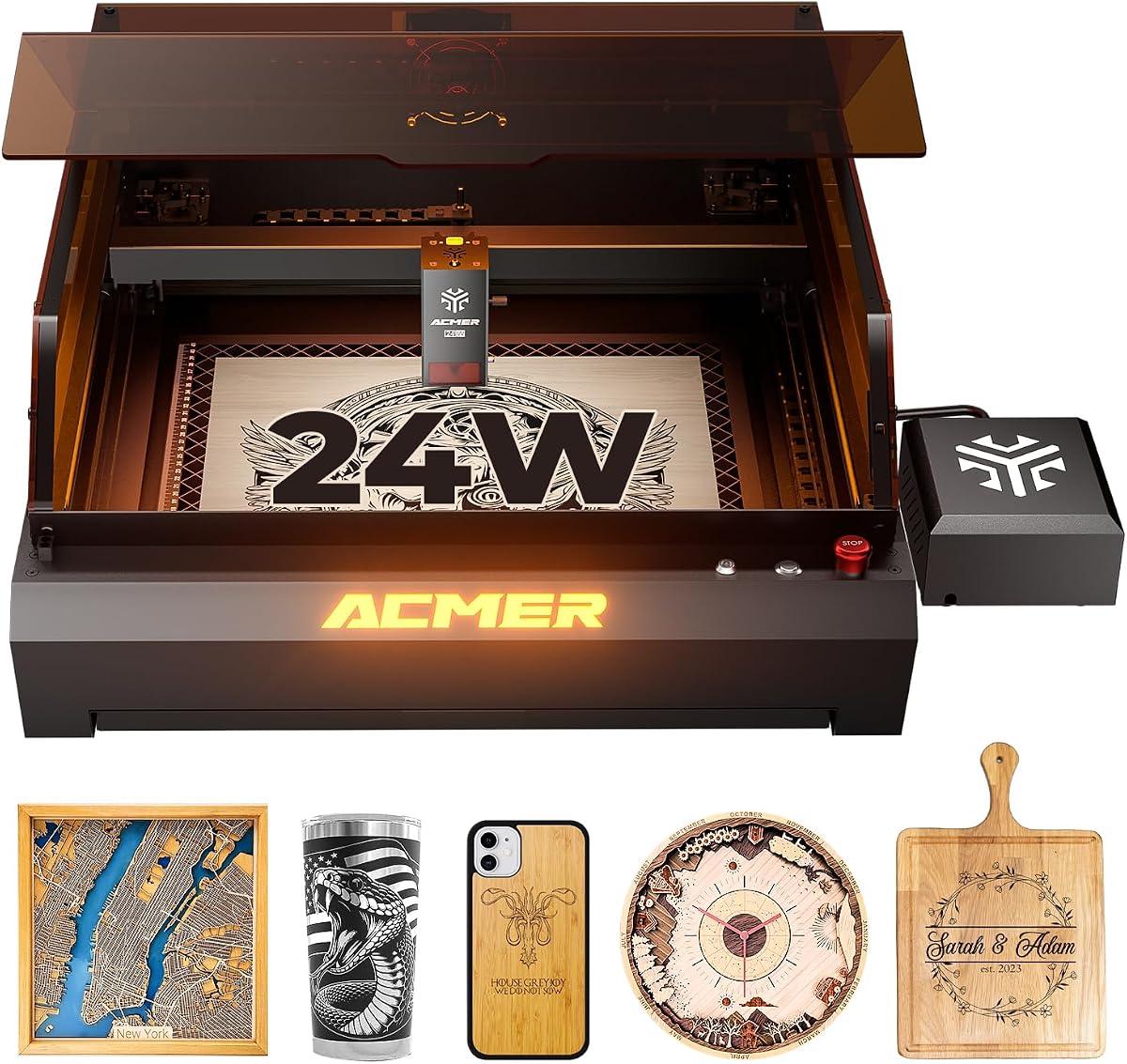
The ACMER P3 24W Laser includes a built-in camera for precise positioning. It has earned a 5.0 rating reflecting its advanced features and reliability. This machine simplifies the setup process for detailed engraving tasks.
We may earn a commission when you buy through this link, at no additional cost to you.
The camera allows you to drag and drop materials visually in software increasing accuracy. The closed housing design reduces smoke and noise making it suitable for indoor use. The 24W power is sufficient for most materials.
The housing adds weight and makes it harder to move around the studio. You need to ensure the software is correctly configured for camera use. However the precision gains are significant for complex work.
This model is ideal for users working with complex or irregular shapes. The camera feature saves time on alignment and positioning. It is a modern solution for high precision requirements.
The built-in camera allows for drag and drop material alignment improving setup speed significantly.
The closed housing system minimizes smoke and sound pollution ensuring a cleaner workspace.
We may earn a commission when you buy through this link, at no additional cost to you.
The ACMER P1 S Pro 6W offers a large working area at a budget price. It holds a 5.0 rating suggesting users value its cost effectiveness and safety. This machine is a great option for those starting out.
We may earn a commission when you buy through this link, at no additional cost to you.
The 380x370mm area allows for large signs or multiple small items at once. WiFi connectivity lets you control the machine from a mobile device easily. The Class 1 safety certification ensures safe operation without additional shields.
The 6W power is limited to thinner materials like 8mm acrylic or 12mm wood. Cutting times are longer compared to higher power models. For light duty tasks this is a minor inconvenience.
Best for hobbyists needing a large bed without a high cost. It provides a safe and accessible entry into laser engraving. It is a practical choice for casual makers.
The expansive workspace allows for multiple pieces to be processed simultaneously increasing project efficiency.
WiFi control enables easy management of engraving jobs from smartphones or tablets.
We may earn a commission when you buy through this link, at no additional cost to you.
Selecting the right laser engraver involves evaluating several key factors to match your specific needs and budget constraints.
Laser power measured in watts or milliwatts determines how deep and fast the machine can cut. Higher power like 20W or 48W is better for thicker materials and faster production while lower power suits fine details.
Choose higher power for cutting thick wood or acrylic and lower power for engraving delicate surfaces.
The working area defines the maximum size of material you can engrave in one pass. Larger beds like 400x400mm are essential for signs or batch production while smaller ones fit compact desks.
Select a bed size that accommodates your typical project dimensions without needing excessive segmentation.
Precision is measured in millimeters indicating how accurately the laser can reproduce designs. A precision of 0.01mm is standard for detailed work while higher numbers may result in blurring.
Prioritize 0.01mm accuracy for intricate designs and logos to ensure professional results.
Software determines how easy it is to prepare and run designs. Compatibility with LightBurn or LaserGRBL offers flexibility while proprietary software like ACMER Studio simplifies the workflow.
Check if the software supports your operating system and preferred file formats before buying.
Safety features include shields, motion detection, and safety ratings. Closed housing and emergency stop buttons are vital for home use or environments with children.
Always choose a machine with adequate eye protection and motion safety protocols for safe operation.
An air assist system blows air across the cutting path to clear debris and cool the material. This improves cut quality and prevents burn marks especially on wood and acrylic.
Ensure the machine includes a built-in or optional air pump for cleaner cuts and better lens protection.
Connectivity allows you to send designs to the machine via USB, WiFi, or TF card. Wireless options offer convenience while wired connections provide stability in noisy environments.
Look for WiFi or USB options depending on your workflow preferences and workspace setup.
Build quality impacts long term reliability and performance. Machines with dual linear rails and aluminum frames tend to last longer and vibrate less than cheaper alternatives.
Invest in a robust frame for professional use to ensure consistent performance over time.
Start by assembling the machine according to the manual ensuring all rails are aligned. Connect the power supply and software on your computer to verify the connection works smoothly.
Adjust the laser focus using the included tool to ensure the spot size is optimal for your material. Set the power and speed parameters in the software based on material thickness and desired depth.
Regularly clean the lens and air vents to prevent dust buildup which affects performance. Check the belts and rails for wear periodically to maintain accuracy over time.
Standard diode lasers like those from Acmer cannot cut raw metal but they can engrave coated or anodized metal. For cutting metal you would need a fiber laser system which is a different technology.
Most ACMER machines come with free software like ACMER Studio. They also support popular third-party tools like LightBurn and LaserGRBL for advanced users who need more control over design settings.
Clean the lens gently with a soft cloth and lens cleaner solution after every few hours of use. Dust and debris can block the laser and reduce performance so regular maintenance is key.
Yes if you use the safety shields and ventilation provided. Closed housing models or external air purifiers are recommended to remove smoke and fumes from your indoor workspace effectively.
Avoid materials like PVC or vinyl which release toxic chlorine gas when heated. Always check material safety sheets to ensure the material is safe for laser exposure before engraving.
Laser modules typically last between 3000 to 8000 hours depending on the model and usage. High quality lenses and proper cooling extend the life of the module significantly.
The ACMER S2, S1, and P3 models offer distinct advantages for different users and projects. Whether you prioritize power safety or budget there is a machine in this lineup that fits your needs.
Focus on the working area and laser power to ensure the machine can handle your most common projects. Consider safety features if you plan to use it in shared spaces or with family members.
Always verify current prices and availability before purchasing since these change frequently. Choosing the right model today will set you up for success in your creative laser projects.