
HP 14 inch Laptop 2027 Edition
4.5Editor score
Anti-glare display coating
Lightweight portable design
Windows 11 Home OS
Finding a laptop with anti glare screen is essential for comfortable viewing. These displays reduce reflections and eye strain during long work sessions or casual browsing.
We reviewed ten top models based on screen technology, performance, and build quality. Each option offers distinct advantages for different user needs and budget constraints.
This guide details key features and real-world performance for every pick. Note that pricing fluctuates frequently, so verify current costs before making your final decision.
4.5Editor score

4.4Editor score

4.5Editor score
As an Amazon Associate we earn from qualifying purchases.
Below is a side-by-side comparison of all ten models. We highlight critical specifications and display attributes to help you identify the right match for your workflow.




The Dell 15.6 Laptop offers a reliable entry-level experience with a clear Full HD display. It scores well for everyday tasks and casual users needing a stable machine.
We may earn a commission when you buy through this link, at no additional cost to you.
Its Intel Core 3 processor handles basic productivity smoothly while the ComfortView software reduces eye strain during extended sessions. The ergonomic hinge design supports comfortable typing.
This model lacks high-end performance but suits students or home users perfectly. Its simplicity ensures longevity for light workloads without demanding system resources.
Buy this if you need a dependable device for web browsing and documents. It delivers value without unnecessary complexity or premium cost demands.
ComfortView software filters harmful blue light to keep eyes comfortable during long usage periods.
Lifted hinges provide a better typing angle while the numeric keypad aids quick calculations.
We may earn a commission when you buy through this link, at no additional cost to you.
The HP Pavilion combines an anti-glare touchscreen with ample storage and memory. It balances performance and usability for multimedia and daily productivity tasks effectively.
We may earn a commission when you buy through this link, at no additional cost to you.
With 16GB RAM and a 1TB SSD, it handles multitasking without lag. The IPS technology ensures clear viewing angles while the touchscreen allows direct navigation control.
Battery life supports all-day work without needing constant power access. However the chassis weight and camera privacy features might not suit all portable workflows.
Choose this model for creative work or general office use. It offers flexibility through touch input while maintaining robust internal storage.
The capacitive touchscreen makes scrolling and selection tasks more intuitive for varied interaction styles.
A spacious SSD ensures fast boot times and plenty of room for your growing digital library.
We may earn a commission when you buy through this link, at no additional cost to you.
The HP 14 inch Laptop stands out as a cost-effective option with a clear anti-glare display. It offers strong value for students or basic home computing needs.
We may earn a commission when you buy through this link, at no additional cost to you.
Its lightweight profile makes it easy to carry between locations while the anti-glare coating minimizes reflections. The included cloud storage extends usable space beyond the local drive.
While the specs are modest, the system handles basic tasks efficiently. Users must manage storage carefully due to limited internal drive capacity.
Buy this if you prioritize portability and price. It serves well for web browsing and document work without financial strain.
A slim profile and light weight make it easy to carry between home, office, or school.
1TB Cloud Storage paired with Windows 11 provides access to essential productivity apps instantly.
We may earn a commission when you buy through this link, at no additional cost to you.
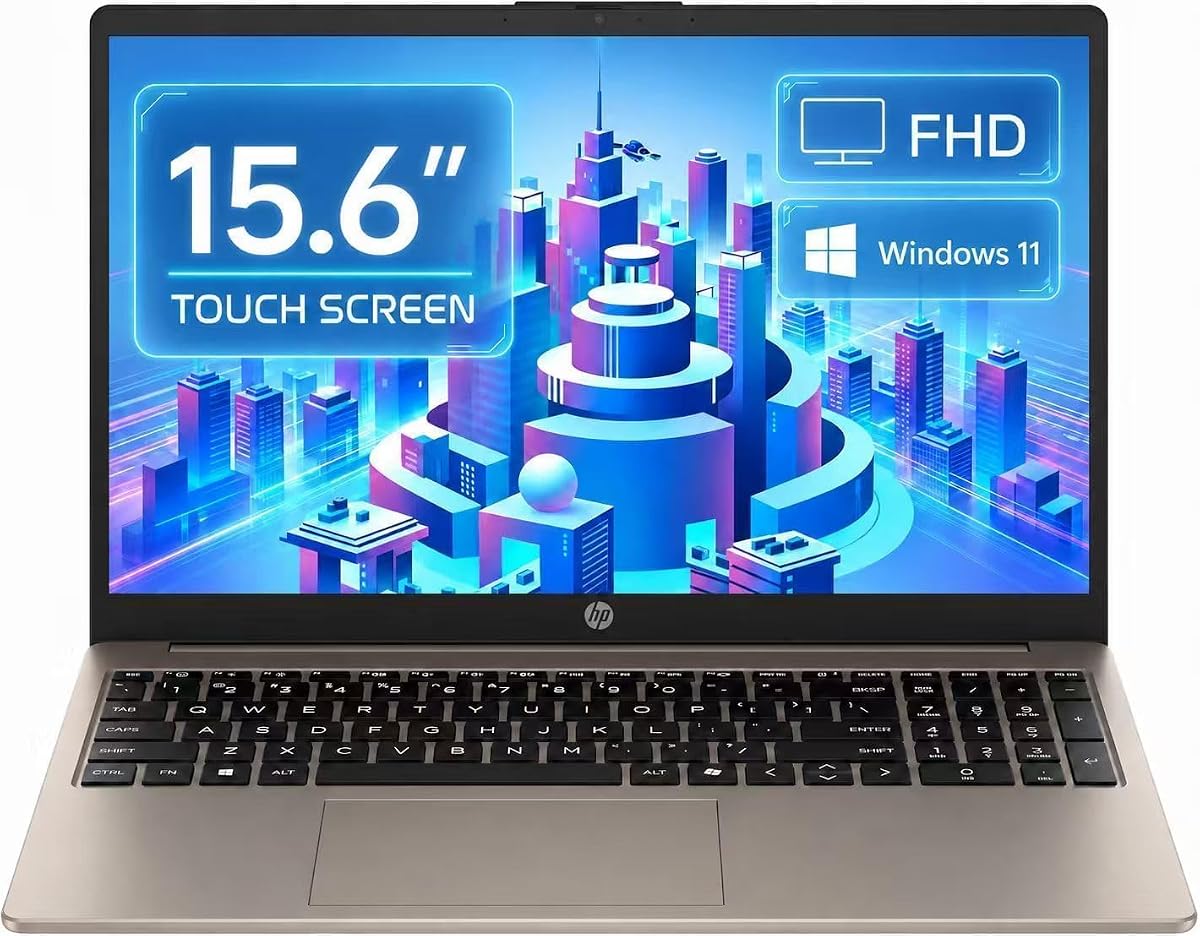
This HP model delivers a bright anti-glare touchscreen with modern AI tools. It targets users who want interactive displays without sacrificing clarity or performance.
We may earn a commission when you buy through this link, at no additional cost to you.
The Ryzen 5 processor supports smooth multitasking while AI noise reduction improves video call quality. The 300 nits brightness ensures visibility even in bright rooms.
Storage is modest but adequate for essential apps and files. Users may need external drives for media-heavy workflows to avoid filling the drive quickly.
Select this for multimedia or online collaboration needs. The display quality and AI tools provide a refined experience for moderate users.
300 nits brightness ensures clear visibility for anti-glare viewing in varied lighting conditions.
AI noise reduction filters background noise during conference calls for distinctively focused communications.
We may earn a commission when you buy through this link, at no additional cost to you.
The HP Laptop Computer offers a powerful core and anti-glare visuals for demanding tasks. It earns high marks for balancing speed and screen clarity in a portable form.
We may earn a commission when you buy through this link, at no additional cost to you.
With 13th Gen Intel processing and 16GB RAM, it handles heavy workloads effortlessly. The Fast Charge feature ensures you regain battery power quickly during busy days.
Although not the cheapest, its performance justifies the investment. Users needing speed and reliability will appreciate the robust internal components and design.
Buy this if you require performance for editing or gaming. It delivers consistent power while maintaining clear visual comfort.
Go from zero to fifty percent charge in forty-five minutes with HP Fast Charge technology.
Intel Iris Xe graphics deliver crisp visuals for creating, gaming, and entertainment tasks.
We may earn a commission when you buy through this link, at no additional cost to you.
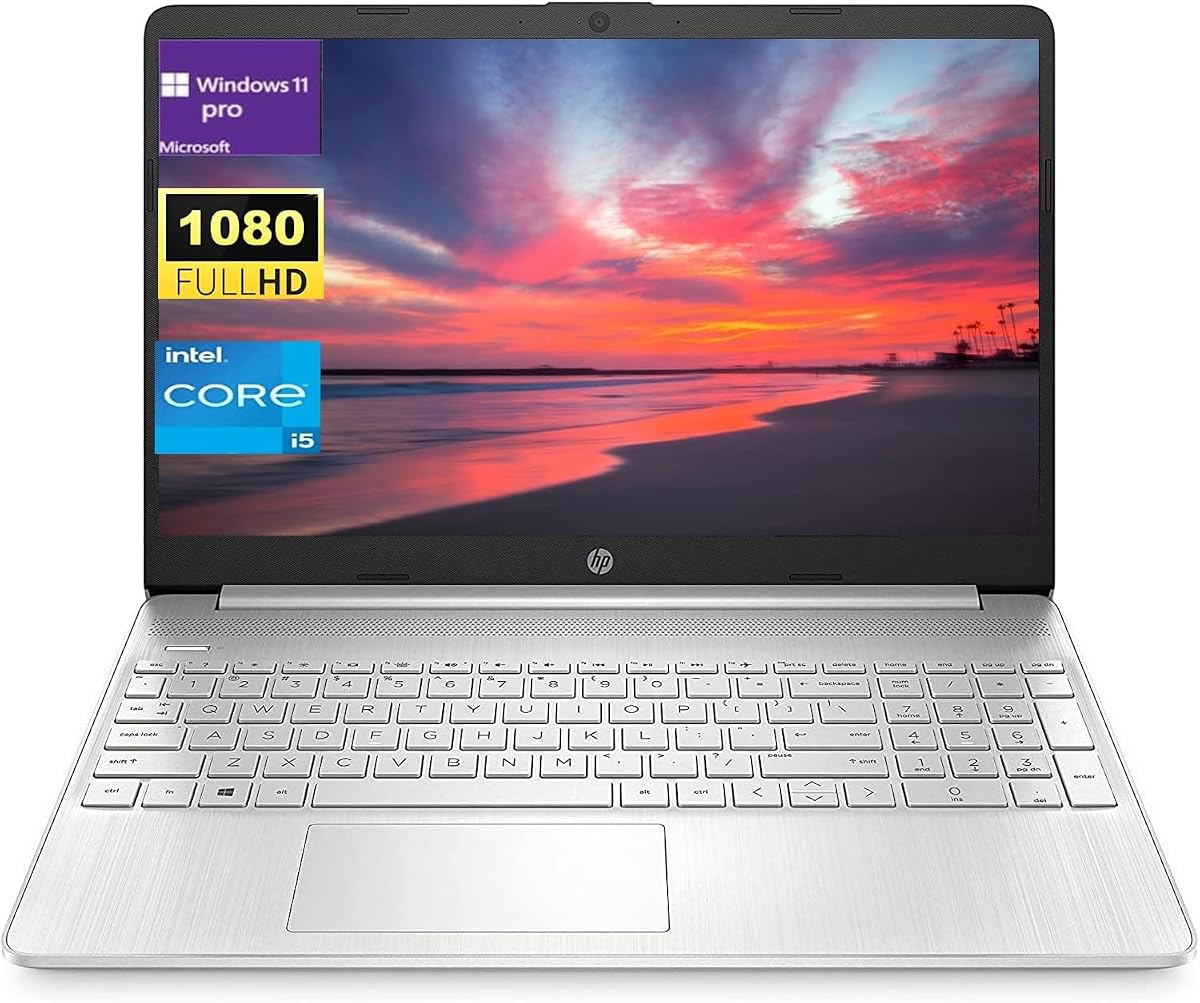
This HP model provides a professional-grade OS and clear anti-glare display for business users. It offers stability and security features suited for enterprise workflows.
We may earn a commission when you buy through this link, at no additional cost to you.
The Intel Core i5 processor handles standard business tasks reliably. An SD card reader facilitates easy media transfer for photographers or designers.
Storage is solid for most users though RAM could be upgraded later. The Windows 11 Pro edition supports advanced management features effectively.
Choose this if you need business security and clarity. It serves as a robust workhorse for consistent productivity.
Windows 11 Pro offers enhanced security and management tools for professional business environments.
Ports include HDMI and a card reader for flexible external display and media access options.
We may earn a commission when you buy through this link, at no additional cost to you.
The Dell Latitude brings professional touch features to a competitive renewed price. It supports efficient workflows with ample memory and clear visual output.
We may earn a commission when you buy through this link, at no additional cost to you.
Sixteen gigabytes of RAM ensure smooth operation even with multiple apps open. The anti-glare touchscreen adds versatility for presentations or quick navigation tasks.
Storage is minimal compared to peers but can be supplemented externally. The renewed status often means rigorous testing before delivery.
Buy this if you need business specs on a budget. It balances touch input with memory capacity for efficient daily use.
Sufficient 16GB DDR4 memory manages multiple tasks effortlessly for fluent operation all day long.
Built for everyday reliability, this laptop reduces light reflections in all scenes effectively.
We may earn a commission when you buy through this link, at no additional cost to you.
This Lenovo model combines DDR5 speed with hybrid storage for efficient performance. It is designed for students and remote workers needing reliable daily computing.
We may earn a commission when you buy through this link, at no additional cost to you.
The anti-glare display includes low blue light certification for eye health. Hybrid storage balances fast SSD access with large HDD capacity for files.
Build quality meets military standards for durability in tough conditions. Users must accept slower boot times from the mechanical drive component.
Choose this if you need endurance and eye comfort. It serves well for long study sessions or daily office routines.
MIL-STD-810H military-grade tested chassis withstands daily wear and tear effectively.
TUV Low Blue Light certified displays reduce eye strain during extended work sessions.
We may earn a commission when you buy through this link, at no additional cost to you.
The HP 17.3 model delivers a large anti-glare display with powerful processing. It suits users who need space for multitasking or media consumption primarily.
We may earn a commission when you buy through this link, at no additional cost to you.
The 17.3 inch screen provides immersive visuals while maintaining anti-glare clarity. The Ryzen 5 processor handles multitasking and entertainment without performance drops.
Though less portable, the screen size benefits productivity significantly. It is ideal for desktop replacement scenarios requiring visual detail.
Buy this if screen size matters most. It balances large format viewing with reliable internal performance effectively.
A 17.3 inch Full HD display delivers incredible detail and wide viewing angles.
A powerful 6-core processor handles multitasking and video editing smoothly.
We may earn a commission when you buy through this link, at no additional cost to you.
This HP model provides a large anti-glare screen with fast SSD access for home or office. It ensures quick application launches and secure storage.
We may earn a commission when you buy through this link, at no additional cost to you.
The ergonomic lift hinge improves typing angles for comfort. Copilot keys streamline tasks by offering AI-powered assistance directly from the system.
Storage is ample for most users though not expandable internally. Users seeking a desktop replacement will value the screen size.
Choose this if you need productivity space. It balances large visual real estate with modern connectivity features.
A lift-hinge ergonomic design keeps your wrists comfortable for extended typing angles.
Dedicated Copilot key offers AI-powered assistance to streamline tasks and optimize workflows.
We may earn a commission when you buy through this link, at no additional cost to you.
Selecting a laptop with anti glare screen requires evaluating display specs, performance, and portability needs.
Anti-glare coatings reduce reflections significantly compared to glossy screens. Look for IPS panels for wide viewing angles and accurate color reproduction.
Prioritize IPS panels with clear anti-glare finishes for consistent viewing in bright environments.
Choose sizes based on portability needs. Fourteen inches suits travel while seventeen inches supports desktop replacement workflows.
Decide between fourteen inches for travel or seventeen inches for desktop replacement needs.
Modern processors ensure smooth performance for multitasking and basic editing. Avoid older generations if you need longevity.
Select modern processors to ensure smooth performance for multitasking tasks.
At least eight gigabytes are recommended for multitasking. Sixteen gigabytes allow for future-proofing demanding workflows.
Aim for sixteen gigabytes to allow for future-proofing demanding workflows.
Solid state drives (SSDs) offer faster boot times and reliability over mechanical drives. Look for at least 512GB capacity.
Prioritize at least 512GB capacity to ensure faster boot times and reliability.
Battery life impacts daily productivity. Target devices offering six hours or more for consistent usage away from power sources.
Target devices offering six hours or more for consistent usage away from power sources.
Weight matters for frequent travelers. Lighter models under four pounds reduce strain during daily commutes.
Choose lighter models under four pounds to reduce strain during daily commutes.
Modern ports like USB-C ensure compatibility with peripherals. Wi-Fi 6 supports faster wireless streaming speeds.
Ensure modern ports like USB-C are available for compatibility with peripherals.
Clean the screen using a soft, dry microfiber cloth to avoid scratching the anti-glare coating. Do not spray liquid directly onto the display.
Adjust brightness and color settings to match ambient lighting conditions. This reduces eye strain during long viewing periods.
Keep vents clear and update software regularly to maintain performance. Avoid placing the laptop on soft surfaces like blankets.
An anti-glare screen has a special coating that diffuses reflections from lights and windows. This reduces eye strain and improves visibility in bright environments.
Anti-glare screens are better for reducing reflections and eye fatigue. Glossy screens often have higher contrast but struggle with reflections in bright rooms.
Use a dry microfiber cloth to wipe away dust and smudges gently. Avoid chemical cleaners or sprays that could damage the surface coating.
Yes, IPS panels offer wider viewing angles and better color accuracy. Combined with anti-glare coatings, they provide superior visual comfort for work.
Most modern budget laptops include anti-glare options. Always verify the display description before purchasing to ensure it is not glossy.
Ideally, a screen should be at least 250 nits for indoor use. Brighter panels help in well-lit offices or outdoors.
Anti-glare coatings may slightly soften text or reduce contrast compared to glossy screens. The trade-off is usually worth it for reduced glare.
Yes, you can apply matte film to glossy screens. However, factory anti-glare panels generally offer better optical clarity and durability.
Our top three picks balance value, performance, and display quality effectively. These models offer reliable anti-glare protection for different user needs.
Prioritize display size, RAM capacity, and battery life when selecting a new device. Ensure the specs match your daily workload requirements.
Always check current prices before purchasing to secure the best deal. Technology costs fluctuate regularly so timing matters for savings.