
Keyboard Case for Amazon Fire Max 11 inch
4.5Editor score
7 color backlit keyboard
90 hour battery life
Magnetic detachable design
Compare the best Keyboard Case for Fire Max 11 options for productivity and protection, featuring top models with trackpads, backlighting, and durable designs.
Finding the right Keyboard Case for Fire Max 11 transforms your tablet into a powerful workstation. A quality case offers protection, comfortable typing, and versatile viewing angles for daily tasks.
We compared ten top-rated models based on compatibility, build quality, battery life, and special features like backlighting or trackpads. Our analysis highlights the most reliable options available today.
Each pick showcases key strengths and potential trade-offs to help you decide. Prices and availability change frequently, so check the latest details before purchasing your ideal accessory.
4.5Editor score

4.6Editor score
4.6Editor score
This side-by-side comparison highlights the key specifications and unique features of each top-rated keyboard case for the Fire Max 11 tablet.
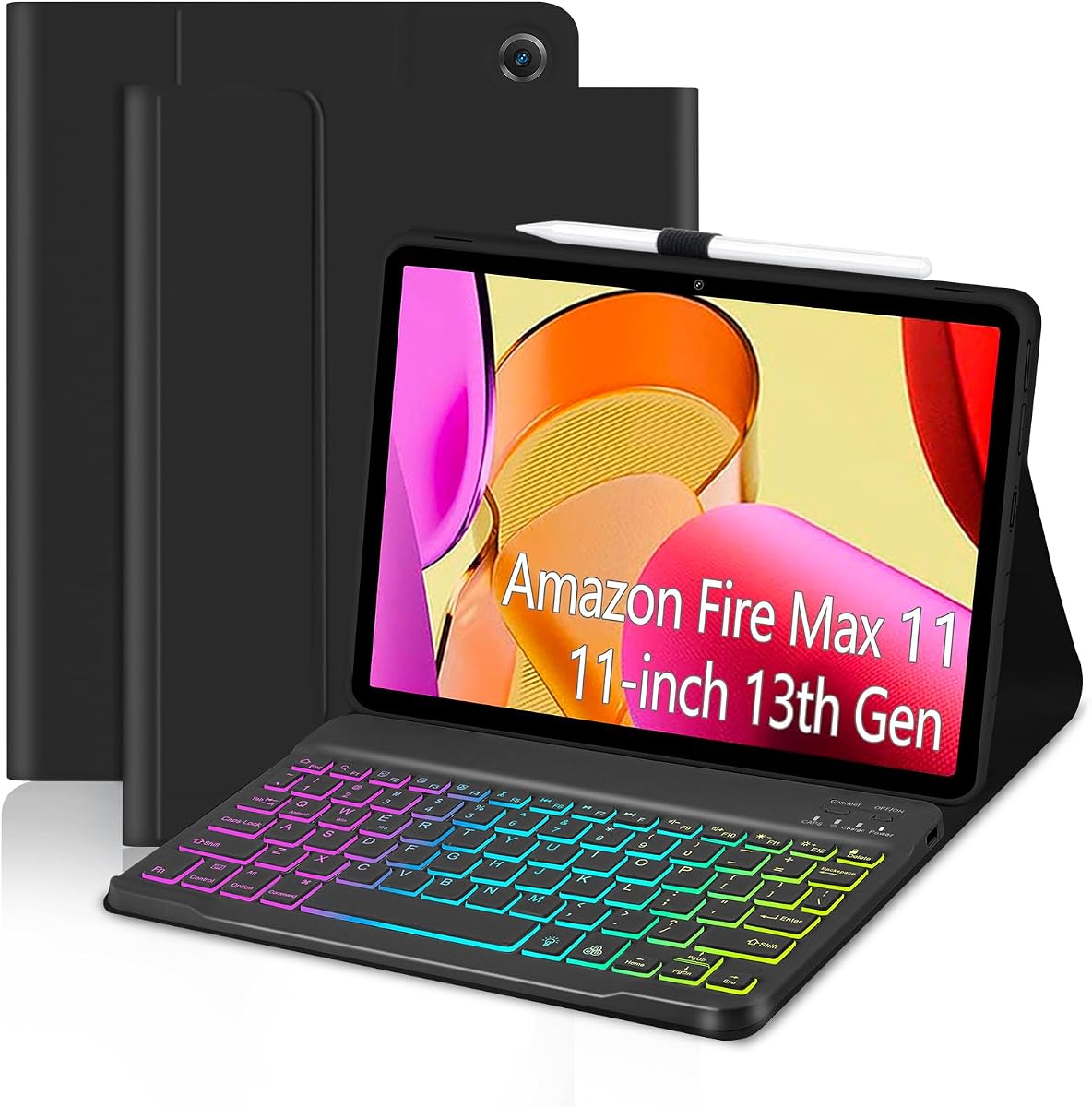
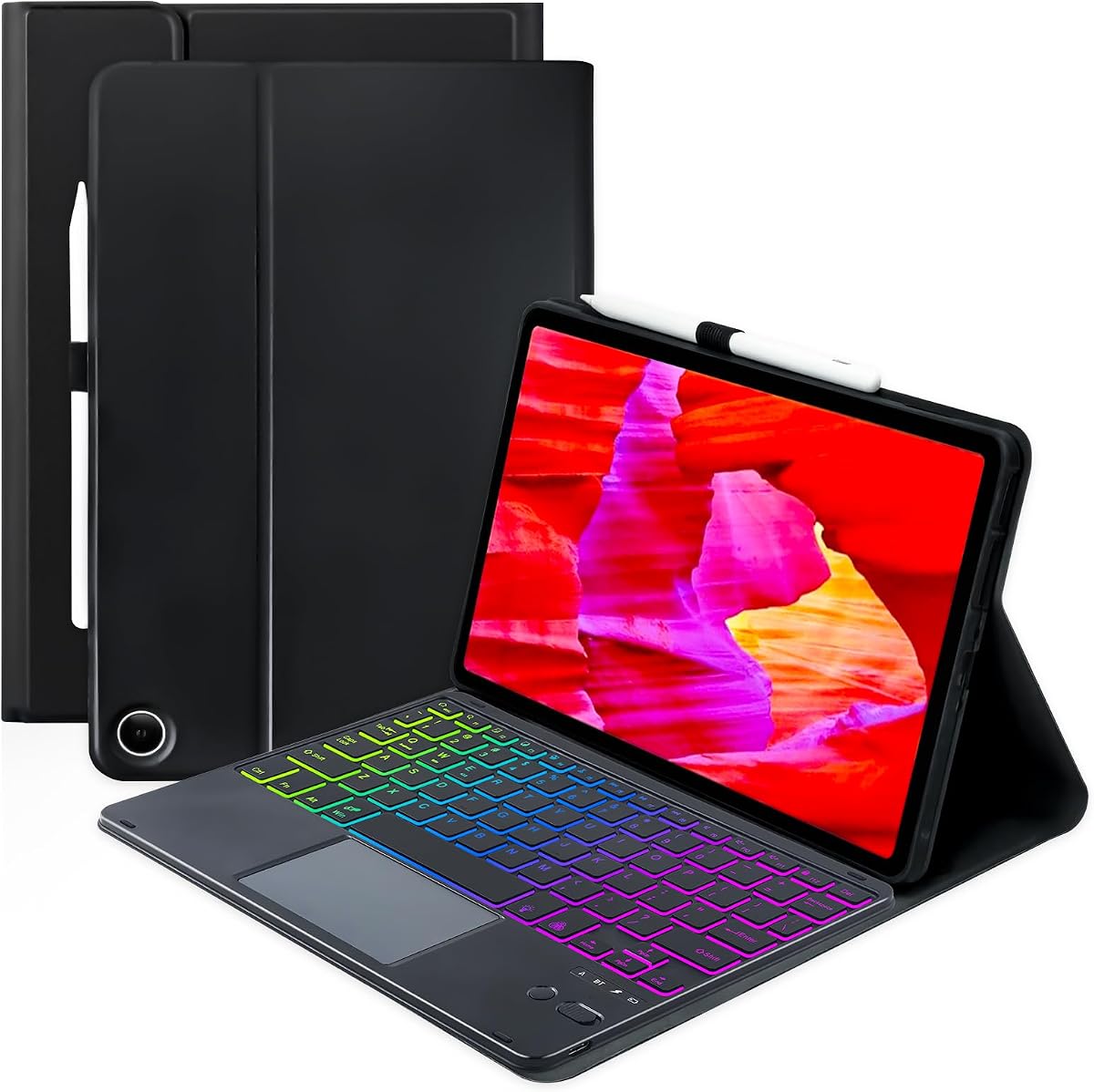


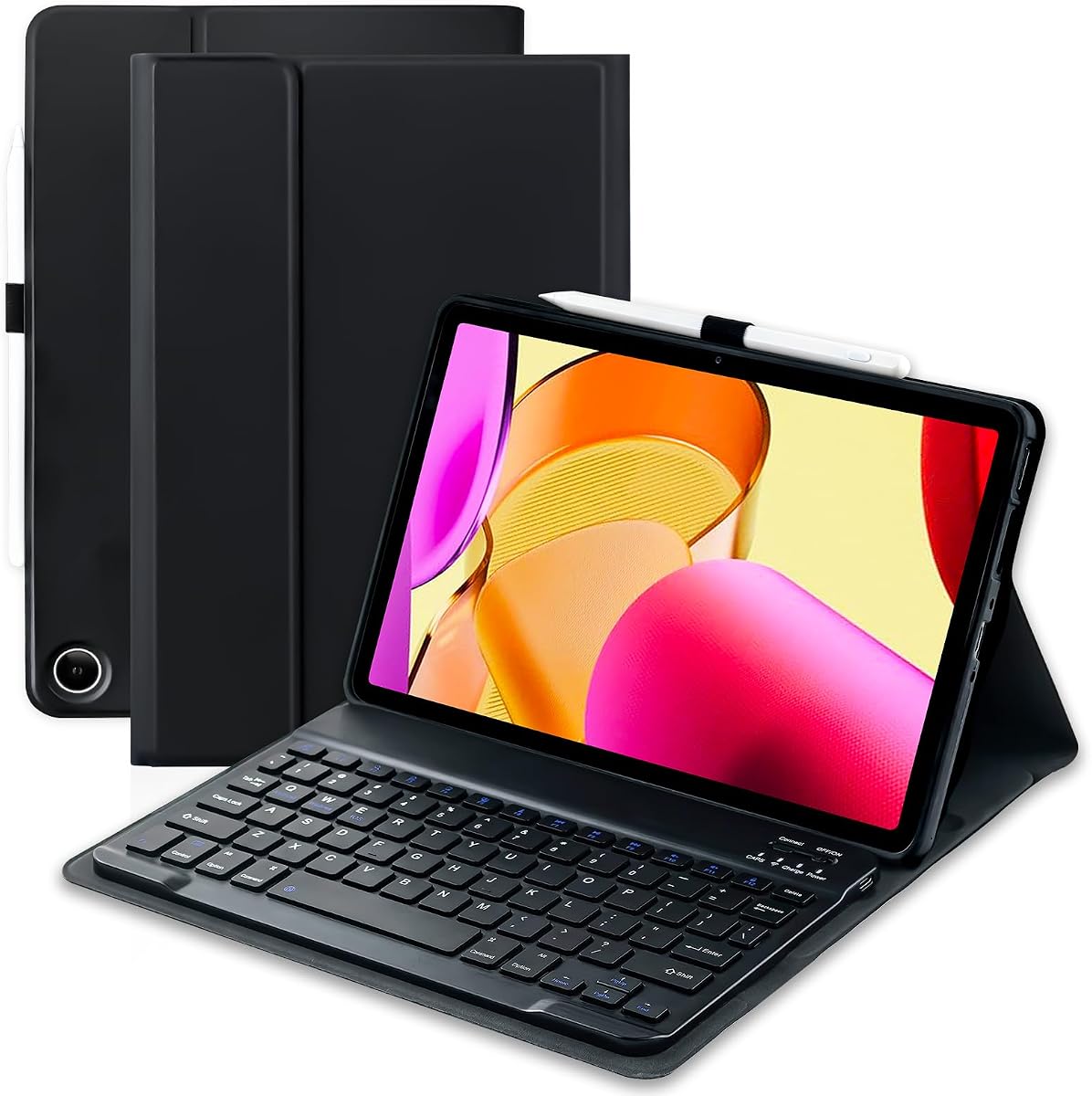


This Keyboard Case for Fire Max 11 stands out as the top choice for productivity with its integrated trackpad and seamless power connection.
We may earn a commission when you buy through this link, at no additional cost to you.
The trackpad supports pinch zoom and scrolling, while the pogo pins eliminate the need for charging the keyboard independently, ensuring constant readiness.
While the price is higher, the convenience of no charging and premium build quality justifies the investment for daily heavy users.
Ideal for professionals needing reliable input, this case offers a laptop-like experience tailored specifically for the Fire Max 11.
The built-in trackpad allows for fluid cursor control without needing a separate mouse, making document editing and web browsing much easier.
By drawing power directly from the tablet, the keyboard never runs out of battery, ensuring uninterrupted workflow during critical tasks.
We may earn a commission when you buy through this link, at no additional cost to you.
This option offers exceptional value for users seeking a feature-rich Keyboard Case for Fire Max 11 without breaking the bank.
We may earn a commission when you buy through this link, at no additional cost to you.
With a massive 420mAh battery and customizable backlight, it supports long typing sessions in various lighting conditions comfortably.
The absence of a touchpad is a trade-off, but the Bluetooth connection is stable and the magnetic attachment is secure.
Perfect for students or casual users, this budget-friendly case provides solid protection and typing comfort at a great price.
The large battery capacity ensures weeks of use on a single charge, reducing the hassle of frequent recharging.
Seven color backlight options allow users to personalize their typing experience and improve visibility in low-light environments.
We may earn a commission when you buy through this link, at no additional cost to you.
This premium model delivers a superior typing experience with a trackpad and extra features like Microsoft 365 trial included.
We may earn a commission when you buy through this link, at no additional cost to you.
The 15 shortcut keys and customizable options streamline workflow, while the trackpad ensures seamless navigation across apps.
The higher cost reflects the build quality and extra software benefits, making it a worthwhile choice for power users.
If you need top-tier performance and sustainability, this case provides a reliable and efficient setup for your tablet.
Shortcut keys and a trackpad help you work faster and more efficiently, turning your tablet into a true laptop replacement.
Made with recycled plastics, this case combines high performance with environmental responsibility, appealing to eco-conscious buyers.
We may earn a commission when you buy through this link, at no additional cost to you.
This case stands out with its vibrant 7-color rainbow backlight, offering a unique and stylish Keyboard Case for Fire Max 11 option.
We may earn a commission when you buy through this link, at no additional cost to you.
The honeycomb design aids heat dissipation, keeping the tablet cool during extended use, while the pen holder adds practical convenience.
Typing in the dark is easy due to the adjustable backlight, making it ideal for night users or creative projects.
A great choice for those who want personality and function, this case protects well while adding a splash of color.
Switch between seven colors or use breathing mode to set the perfect mood for your workspace or entertainment area.
The honeycomb inner shell helps dissipate heat, ensuring your tablet stays cool and performs optimally during long sessions.
We may earn a commission when you buy through this link, at no additional cost to you.
With a built-in touchpad, this Keyboard Case for Fire Max 11 provides a full mouse experience for navigating apps easily.
We may earn a commission when you buy through this link, at no additional cost to you.
The rainbow backlight ensures visibility in dim environments, and the rechargeable battery removes the need for replacements.
Anti-slip grooves keep the tablet secure, while multiple viewing angles support comfortable reading and typing from any position.
Ideal for users needing precise cursor control without extra devices, this case combines functionality with solid protection features.
The integrated touchpad allows for smooth scrolling and selection, making document editing and web navigation more intuitive.
A built-in lithium battery ensures you can charge via cable without worrying about replacing batteries repeatedly.
We may earn a commission when you buy through this link, at no additional cost to you.
This package includes a rechargeable Bluetooth mouse, offering a complete input solution as a Keyboard Case for Fire Max 11.
We may earn a commission when you buy through this link, at no additional cost to you.
Full 360-degree protection ensures safety against drops, while the auto sleep wake function conserves battery life effectively.
The magnetic keyboard attaches quickly, turning your tablet into a mini laptop, and the included mouse adds versatility.
Best for those wanting a full setup in one box, this case delivers reliability and convenience for everyday tasks.
The included mouse pairs with the keyboard to provide full control, ideal for presentations or complex document editing.
Full edge coverage and a honeycomb inner layer protect your device from bumps and overheating during intense use.
We may earn a commission when you buy through this link, at no additional cost to you.
This versatile case bundles a keyboard and mouse, creating a robust productivity kit as a Keyboard Case for Fire Max 11.
We may earn a commission when you buy through this link, at no additional cost to you.
The 3-zone backlight allows customized lighting, while the honeycomb inner design ensures heat dissipation and device safety.
Sleep wake functionality saves battery, and the magnetic design ensures the keyboard stays aligned with the tablet securely.
Great for office tasks, this combo pack delivers comprehensive features at a reasonable price point for professionals.
Zone-based backlighting lets you focus light where you need it, improving visibility and style during evening work.
Receiving both keyboard and mouse in one package saves time and money, streamlining your setup process immediately.
We may earn a commission when you buy through this link, at no additional cost to you.
With a Type-C charging port and pen holder, this Keyboard Case for Fire Max 11 offers modern charging convenience and stylus storage.
We may earn a commission when you buy through this link, at no additional cost to you.
Multi-function keys simplify tasks like volume control, and the precise holes ensure full access to all tablet ports.
The magnetic design keeps the keyboard attached securely, while the PU leather material adds durable protection against scratches.
Ideal for users who prefer modern ports, this case combines practical features with reliable everyday protection for your device.
The USB-C port lets you charge the keyboard quickly with standard cables, reducing clutter and simplifying power management.
A dedicated holder keeps your stylus handy and safe, ensuring you never lose it while using the tablet.
We may earn a commission when you buy through this link, at no additional cost to you.
This model focuses on style with vibrant lighting and practical features as a Keyboard Case for Fire Max 11 option.
We may earn a commission when you buy through this link, at no additional cost to you.
Full coverage protection protects against drops, while the Type-C charging ensures you can power the keyboard with modern cables.
Despite a lower rating, the design offers good value for those prioritizing aesthetics and stylus storage in one unit.
A solid choice for casual users, it brings a touch of fun and utility to your daily tablet usage and activities.
The rainbow backlight adds a unique visual flair that sets your tablet setup apart from standard protective cases.
Full edge coverage and a soft inner shell ensure your device is safe from bumps and scratches during transport.
We may earn a commission when you buy through this link, at no additional cost to you.
Crafted with premium vegan leather, this Keyboard Case for Fire Max 11 combines elegance with function for a professional look.
We may earn a commission when you buy through this link, at no additional cost to you.
The 70-hour battery life ensures long use, and auto sleep wake features help conserve power when the lid is closed.
Precise cutouts allow full access to ports, while the multiple viewing angles support comfortable use in any environment.
Ideal for style-conscious users, this case delivers reliability and a sleek aesthetic for your Fire Max 11 tablet.
The vegan leather exterior gives the device a premium feel while protecting it from everyday wear and tear.
With a 70-hour battery, you can type for days without needing a charge, ensuring uninterrupted productivity on the go.
We may earn a commission when you buy through this link, at no additional cost to you.
Selecting the right case depends on specific needs like input method, durability, and extra features such as backlighting or trackpads.
Bluetooth cases offer flexibility but require pairing and charging, while magnetic pogo pin models draw power directly from the tablet. Consider your preference for independence versus seamless integration.
Choose pogo pin models if you want no charging, or Bluetooth for detachable versatility.
Some cases include a touchpad or mouse for cursor control, which is vital for document editing. Others focus solely on typing shortcuts and basic navigation.
Prioritize a trackpad or mouse if you plan to replace a laptop for work tasks.
Backlit keyboards with adjustable colors are helpful for low-light typing. Check if the brightness is adjustable and how many color modes are available.
Look for adjustable backlighting if you use your tablet in dark environments frequently.
Battery life can range from 50 to 90 hours depending on the model and usage. Longer battery life reduces charging interruptions during work.
Select a model with at least 70 hours of battery life for heavy daily use.
Look for cases with full 360-degree protection, durable materials like PU leather, and internal honeycomb designs for heat dissipation. These features prevent damage from drops and overheating.
Ensure the case offers full coverage and heat management to keep the tablet safe and cool.
A built-in pen holder is useful if you use a stylus for drawing or note-taking. Check if the holder is secure and easily accessible.
Choose a case with a dedicated slot if you regularly use a stylus with your tablet.
Multi-angle stands allow you to use the tablet for media or typing comfortably. Adjustable slots or magnetic props enable various viewing positions.
Opt for adjustable angles to ensure comfort during long reading or work sessions.
Materials like vegan leather, TPU, and recycled plastics affect durability and aesthetics. Premium materials often provide better protection and a sophisticated look.
Select materials that balance durability, weight, and your preferred aesthetic for long-term use.
Connect the keyboard via Bluetooth or magnets according to the manufacturer's instructions. Ensure the tablet and case are aligned correctly for a secure fit.
Clean the keyboard and case regularly with a soft, lint-free cloth to avoid dust buildup. Avoid using harsh chemicals that might damage the material.
Charge the keyboard via its port when the battery runs low. Store the tablet in a cool, dry place when not in use to preserve battery life.
Most cases are designed specifically for the 13th Generation Fire Max 11. Always check the compatibility details on the product page before purchasing to ensure a proper fit.
Some models use pogo pins to draw power from the tablet, eliminating separate charging. Others have internal batteries that need to be charged via USB-C. Check the product specifications for details.
Many cases include a dedicated pen holder for stylus storage. Always verify if the case has a pen slot if you plan to use a stylus with your tablet.
Battery life varies by model but can range from 50 to 90 hours on a full charge. Usage patterns like backlight brightness affect total duration significantly.
Most cases feature detachable keyboards via magnets for flexible use. This allows you to use the tablet without the keyboard when reading or watching videos.
Yes, many keyboard cases act as smart folios that cover the screen when closed. This provides extra protection against scratches and accidental drops.
The top three picks offer distinct advantages depending on your priorities, whether it is cost, performance, or premium features like a trackpad.
Prioritize what matters most for your workflow, such as backlighting, battery life, or material quality, when making your final decision.
Always check the latest pricing and availability before buying to ensure you get the best value for your purchase.