
Blackmagic Design Mini Converter Audio to SDI CONVMCAUDS
4.5Editor score
3 Gb/s SDI Technology
Automatic Format Switching
International Power Adapter
This guide compares the top Audio to Sdi Embedder models for professional video production, highlighting features like redundancy, format support, and audio
Selecting the right Audio to Sdi Embedder is crucial for professional video workflows. These devices ensure high-quality audio is seamlessly integrated into SDI signals for broadcast and live events.
We compared ten top-rated models based on video format support, audio channel capacity, and reliability features. Our analysis focuses on tools that deliver consistent performance in demanding production environments.
Each pick highlights specific strengths like 4K compatibility or redundant inputs. Note that pricing and availability may vary. Check current listings for the most up-to-date information before purchasing.
4.5Editor score

4.9Editor score

3.8Editor score
The following table provides a side-by-side comparison of all ten selected Audio to Sdi Embedder models, highlighting key specifications and features to help you choose the right tool for your needs.




This converter is a top pick for professionals needing reliable audio embedding. It holds a high rating and is known for its robust build quality.
We may earn a commission when you buy through this link, at no additional cost to you.
The redundant SDI input ensures uninterrupted streams by auto-switching when the main input fails. This feature is vital for live broadcasts.
While it lacks 12G-SDI support, it handles standard HD formats perfectly. The universal power supply makes it ideal for international travel.
Buy this if you need a dependable embedder for live events or broadcast. It offers excellent value for the reliability it provides.
The redundant input capability ensures your broadcast continues even if a cable fails, making it perfect for critical live events.
Included international adapters allow you to plug the device into any power socket worldwide without needing extra gear.
We may earn a commission when you buy through this link, at no additional cost to you.
This model offers excellent value for its price. It supports a vast range of video formats and is widely trusted by professionals.
We may earn a commission when you buy through this link, at no additional cost to you.
The 3 Gb/s SDI technology ensures compatibility with modern equipment. It automatically switches between standards when input changes.
Future compatibility is maintained through USB upgrades. However, setting changes require a physical pen tool on the device.
Choose this if you need a versatile embedder without breaking the bank. It is a solid choice for general production work.
New video formats can be added later via USB, keeping your device current without needing a new hardware purchase.
The unit detects and switches between SD and HD inputs automatically, simplifying your workflow during live broadcasts.
We may earn a commission when you buy through this link, at no additional cost to you.
Designed for high-end workflows, this converter handles 12G-SDI and 4K video with ease. It is built for demanding professional environments.
We may earn a commission when you buy through this link, at no additional cost to you.
The AES/EBU input provides professional audio channels, while the timecode input supports synchronization. It automatically switches rates for SD to 4K.
The price is higher than standard models, and user feedback is mixed. However, it remains the go-to for 12G-SDI needs.
Buy this if your workflow requires ultra-high definition compatibility. It delivers top-tier performance for advanced production setups.
With 12G-SDI support, it handles 4K and 2K video natively, ensuring compatibility with the latest broadcast standards.
Dedicated AES/EBU input via XLR allows you to bring in high-quality digital audio for broadcast-grade sound production.
We may earn a commission when you buy through this link, at no additional cost to you.
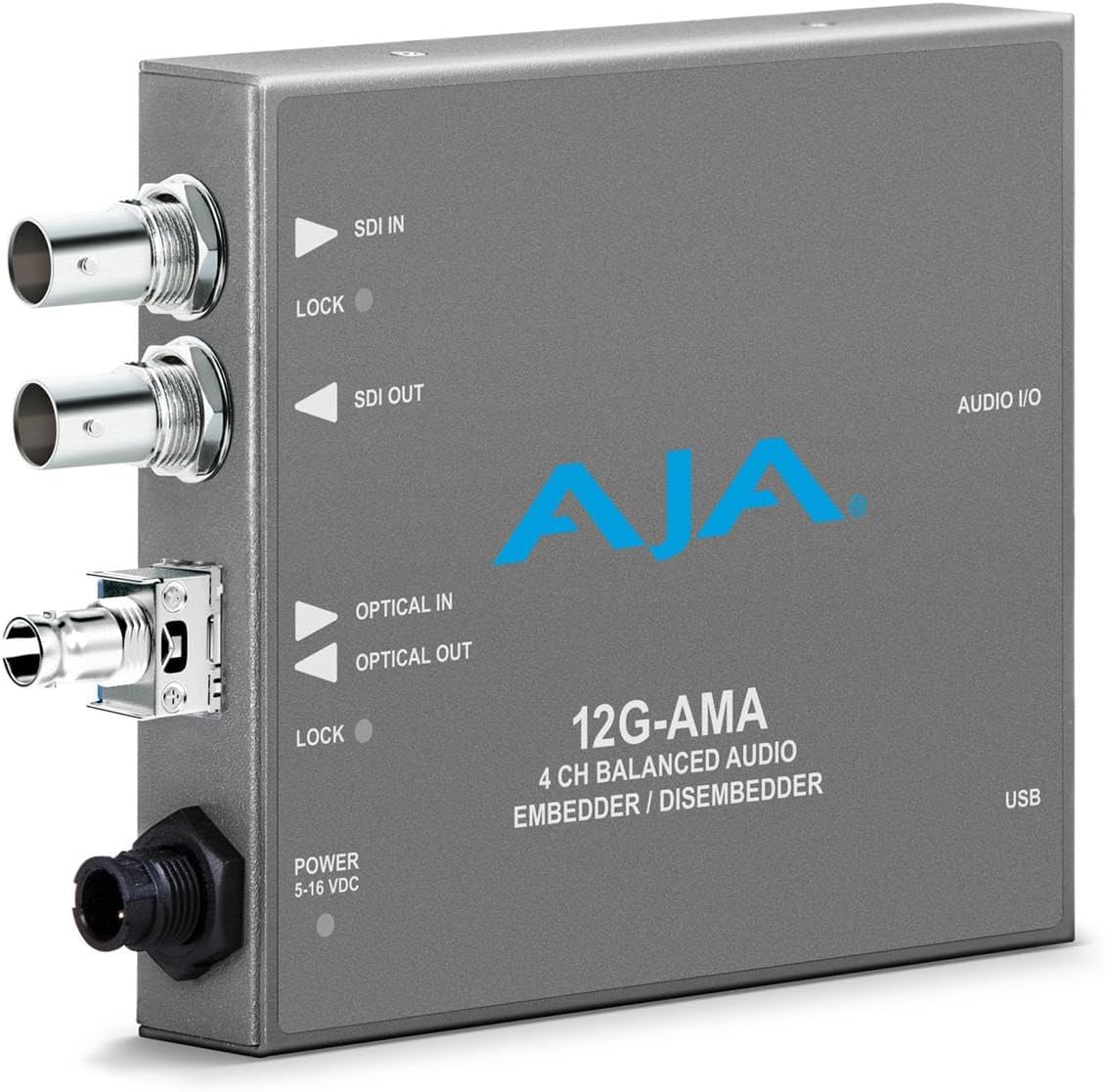
This unit is engineered for high-performance environments. It supports 12G-SDI and offers fiber options for long-distance signal transmission.
We may earn a commission when you buy through this link, at no additional cost to you.
Balanced audio inputs ensure clean sound embedding. It can both embed and disembed signals, providing flexibility in signal routing.
The price reflects its professional-grade features. While user reviews are limited, its specs align with high-end broadcast needs.
Choose this if you require fiber options or 12G support. It is a powerful tool for complex live production setups.
The fiber options allow you to transmit signals over long distances without signal degradation, ideal for large venue setups.
It can embed audio into SDI or extract it from SDI, giving you the flexibility to adapt to different signal flow needs.
We may earn a commission when you buy through this link, at no additional cost to you.
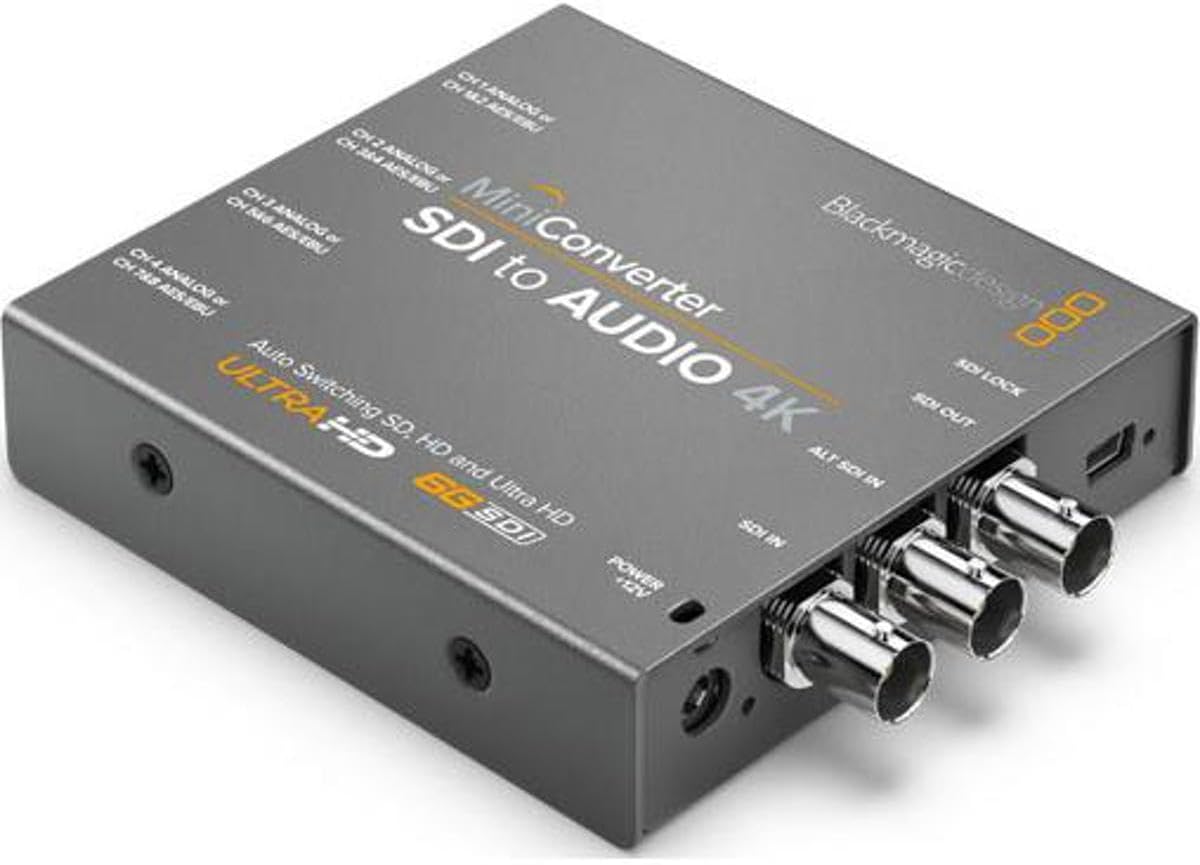
This converter focuses on extracting audio from SDI signals. It is a reliable choice for monitoring or recording audio feeds.
We may earn a commission when you buy through this link, at no additional cost to you.
It comes with a power supply and international adapters, making it ready for global use. The design is compact and easy to mount.
While it does not embed audio, it excels at de-embedding. It is a solid tool for monitoring audio quality during production.
Buy this if you need to extract audio from SDI. It offers simplicity and reliability for monitoring purposes.
Included adapters let you use the device anywhere in the world, which is essential for international event coverage.
Designed for straightforward audio extraction, it helps you verify sound quality without complex configuration steps.
We may earn a commission when you buy through this link, at no additional cost to you.
This device is ideal for legacy workflows needing analog outputs. It converts SDI video to analog and extracts audio.
We may earn a commission when you buy through this link, at no additional cost to you.
The audio de-embedding is precise, offering balanced outputs for clean sound. It serves as a bridge between modern and old gear.
It does not embed audio but focuses on conversion. It is useful for connecting SDI sources to analog monitors or recorders.
Select this if you need to interface with analog gear. It provides reliable conversion for mixed signal environments.
Allows you to connect modern SDI sources to older analog equipment, extending the life of legacy production gear.
The balanced analog outputs reduce noise, ensuring your audio remains clear even in electrically noisy environments.
We may earn a commission when you buy through this link, at no additional cost to you.
This unit handles 4K SDI with ease, extracting up to 8 channels of digital audio. It features reclocking to ensure stability.
We may earn a commission when you buy through this link, at no additional cost to you.
The redundant input is a safety net for critical applications. It is designed for high-res workflows where signal integrity matters.
It does not embed audio but is a robust extractor. It handles 4K inputs seamlessly without compromising audio quality.
Choose this if you need reliable 4K audio extraction. It is a strong fit for post-production or broadcast monitoring.
With support for 8 channels of digital audio, it can handle complex soundtracks found in modern 4K productions.
Reclocking technology ensures the audio signal remains synchronized and stable, reducing jitter in the output.
We may earn a commission when you buy through this link, at no additional cost to you.
This converter turns analog video into SDI while embedding audio. It supports a wide range of input signals including component and composite.
We may earn a commission when you buy through this link, at no additional cost to you.
It is perfect for connecting legacy cameras to modern switchers. The embedded audio is clean and well-synced with the video.
It handles HD and SD formats but not 4K. It is a practical solution for upgrading older gear to SDI workflows.
Buy this if you have analog sources to bring online. It simplifies integration for legacy production equipment.
Allows you to use older analog cameras in a modern SDI setup by converting their signal to a compatible format.
Accepts various analog formats like component and S-video, giving you the freedom to connect different sources.
We may earn a commission when you buy through this link, at no additional cost to you.
This unit offers superior audio embedding with ultra-low latency. It supports 3G-SDI and includes software for precise control.
We may earn a commission when you buy through this link, at no additional cost to you.
The 4-channel balanced audio is ideal for high-end recording. It maintains synchronization perfectly, crucial for live production.
While it lacks 4K support, it is highly reliable for HD and 3G workflows. The software interface makes customization simple.
Choose this if you prioritize audio fidelity. It is a top choice for live broadcast setups requiring minimal delay.
The processing delay is minimal, ensuring audio and video stay in perfect sync during live broadcasts and events.
Use MiniConfig software to adjust audio levels and settings on your computer, allowing for precise control over the embedding process.
We may earn a commission when you buy through this link, at no additional cost to you.
Designed for ultra HD, this converter embeds audio into 4K SDI. It supports 8 channels of digital audio for complex sound.
We may earn a commission when you buy through this link, at no additional cost to you.
The redundant input ensures signal reliability during production. It handles various resolutions from SD to 4K seamlessly.
It is a high-end tool with premium features. It may be expensive, but it delivers professional results for broadcast.
Buy this if you need 4K embedding with redundancy. It is ideal for high-quality video production and live events.
The ability to embed up to 8 channels of digital audio into 4K SDI signals supports complex broadcast sound requirements.
A secondary input automatically takes over if the main signal fails, ensuring uninterrupted audio and video output.
We may earn a commission when you buy through this link, at no additional cost to you.
Selecting the right embedder requires understanding your workflow, resolution needs, and audio requirements. Use these factors to narrow down your choices.
Check if the device supports your target resolution like HD, 4K, or 12G-SDI. Ensure it matches your camera and switcher capabilities.
Always verify the embedder handles the highest resolution you plan to use to avoid signal conversion issues.
Determine how many audio channels you need. Some embedders support up to 8 channels while others are limited to 4.
Choose a model that offers enough channels for your mixing needs to avoid external hardware.
Live events require signal stability. Look for redundant SDI inputs that auto-switch if the main connection fails.
Prioritize redundancy when the broadcast is critical to ensure uninterrupted feeds.
Check inputs like XLR for balanced audio or AES/EBU for digital sound. Ensure the device has the right connectors for your gear.
Match the connectivity to your existing audio gear to avoid needing extra cables or converters.
Consider if the device needs a dedicated power supply or if it can be powered via USB or SDI. This matters for portable use.
A universal power supply with international adapters is a bonus for travel.
Some units are controlled via software while others use physical tools like a pen. Decide which interface fits your workflow better.
Software control allows for remote adjustments and precise settings.
Live production demands low latency. Check specs for video and audio delay to ensure lip-sync remains accurate.
Opt for ultra-low latency models if you are working on live streams or broadcasts.
Higher price usually means better reliability and support. Balance your budget with the importance of the device in your workflow.
Invest in reputable brands known for stable performance to avoid downtime.
Connect your audio source to the embedder inputs like XLR or AES/EBU. Then route the SDI output to your switcher or recorder to ensure the signal flow is correct.
Use the software or device controls to map audio channels to SDI slots. Adjust gain levels as needed to prevent distortion during transmission.
Store the device in a cool and dry place. Avoid bending cables too tightly and inspect connections regularly to maintain signal integrity.
An embedder takes separate audio and video signals and combines them into a single SDI cable. This simplifies cabling and ensures audio sync with video.
Yes if you want to send clean audio over a single SDI line. It reduces cable clutter and ensures your audio travels with the video signal.
Only if the embedder supports 4K or 12G-SDI. Standard HD embedders will not handle 4K signals properly so check specs first.
Redundant inputs automatically switch to a backup cable if the main one fails. This is critical for broadcast reliability to avoid signal loss.
Most embedders allow level adjustments via software or onboard controls. Use a meter to ensure levels are healthy without clipping.
Prices vary by features and brand. Basic models are more affordable while high-end 4K and redundant units cost more.
Many embedders come with dedicated power supplies. Some may support USB or SDI power, but check the manual to confirm.
Yes, many units can both embed and disembed audio. Look for a model that supports de-embedding if you need to monitor audio separately.
We reviewed ten models ranging from budget-friendly to premium solutions. The top picks cover various needs including 4K support, redundancy, and balanced audio.
Prioritize compatibility with your existing gear and the reliability features like redundancy. Your choice should depend on your specific production environment.
Prices and availability change often. Always verify the latest specs and current offers on the product pages before making your final purchase.