
Liene PixCut S1
4.2Editor score
Color dye-sublimation
Precise auto-cutting
High resolution prints
This guide compares the top ten AI sticker printer makers for kids and creators. Find the best thermal, voice-to-image, and portable options for creative
Artificial intelligence has transformed how children and creators approach artistic expression. An AI sticker printer maker turns spoken ideas into physical stickers instantly. These devices use thermal technology to produce inkless prints perfect for journals, crafts, and personalization projects.
We evaluated ten leading models based on ease of use, print quality, and creative features. Our analysis focused on voice recognition accuracy, app integration, and portability. Each product offers unique benefits for different age groups and creative needs.
Each pick highlights key strengths like cutting precision or voice control. We include detailed specs and pros to help you decide. Remember that availability and pricing may change over time. Always check current listings before purchasing your ideal creative companion.
4.2Editor score

4.8Editor score

5.0Editor score
Explore our side-by-side comparison of the top ten AI sticker printer makers available this year. Each model brings unique capabilities to the table.



This Memoking AI sticker printer is a top-rated device designed to spark creativity in children. It features a unique voice-to-sticker function where kids speak their ideas and the machine generates cartoon stickers instantly. The thermal technology ensures clean printing without ink.
We may earn a commission when you buy through this link, at no additional cost to you.
The device connects via Wi-Fi without needing an app, simplifying setup for parents. It comes with vibrant watercolor pens so kids can color the black-and-white prints after they emerge. This combination encourages both digital interaction and traditional artistic skills.
While the prints are monochrome, the included coloring activity adds significant value. The strict content filtering ensures safety during voice prompts. The only limitation is the requirement for a Wi-Fi connection to operate properly.
This printer is ideal for children aged four and older who enjoy imaginative play. It is perfect for birthdays, holidays, or school gifts. We recommend it for families seeking a safe, creative tool that merges technology with hands-on art projects.
The voice-to-sticker feature allows children to describe scenes without drawing skills. This lowers the barrier to entry for imaginative play.
Thermal printing means parents never need to buy ink or toner cartridges. This reduces long-term costs and keeps mess away from the home.
We may earn a commission when you buy through this link, at no additional cost to you.
The Liene PixCut S1 stands out as a premium all-in-one solution for serious crafters. It combines high-resolution photo printing with precise die cutting. The AI extraction feature removes backgrounds automatically to create custom stickers from photos.
We may earn a commission when you buy through this link, at no additional cost to you.
Using thermal dye-sublimation technology, it produces 300 DPI prints with vibrant colors. The laminated output is waterproof and scratch-resistant, making stickers durable for daily use. You can create phone skins, journal labels, and custom gifts effortlessly.
The main trade-off is the higher cost compared to basic thermal printers. It also requires using the Liene app on a device, which may add a step for some users. However, the professional quality results justify the investment for many.
This machine is perfect for small business owners or DIY enthusiasts needing color and cutting. It saves time by handling both printing and cutting in one step. We recommend it for those willing to invest in higher-end creative tools.
Unlike standard thermal printers, this model prints full color images. This is essential for logos or photo-based sticker projects.
The AI auto-cutting follows edges precisely without manual tracing. This ensures consistent shapes and professional-looking finished products.
We may earn a commission when you buy through this link, at no additional cost to you.
This portable thermal printer offers excellent value for families on a budget. It turns spoken ideas into printable line art instantly with seven available art styles. The built-in LED screen lets you preview designs before printing to save paper.
We may earn a commission when you buy through this link, at no additional cost to you.
The device is compact and lightweight, fitting easily into backpacks. It uses USB-C charging and includes enough paper rolls to get started immediately. The content filtering ensures safe prompts for kids without recording personal data.
While the print quality is basic black-and-white, the preview screen prevents waste. The low price point makes it accessible for more households. It lacks color printing but excels in creative convenience.
This printer is great for kids who want quick creative projects without high costs. It is also ideal for travel or on-the-go journaling. We recommend it as a first sticker printer for younger children.
The color LED display shows designs before printing. This feature reduces paper waste significantly compared to models without screens.
You can choose from Anime, Cartoon, or Sketch styles easily. This variety keeps the creative process fresh and engaging for users.
We may earn a commission when you buy through this link, at no additional cost to you.
This sticker printer simplifies the process with a responsive touchscreen interface. Children can select modes like Drawing or Anime without navigating complex apps. Voice input adds another layer of interaction to spark imagination quickly.
We may earn a commission when you buy through this link, at no additional cost to you.
The device supports Wi-Fi 2.4GHz for fast connections without pairing. You can save images directly to a TF card for easy reprinting. Four rolls of paper are included to cover sticker and plain printing needs.
The main limitation is the reliance on Wi-Fi for operation. If the network is unstable, printing may be delayed. However, the interface is user-friendly enough for independent kid use.
This model is perfect for classrooms or homes with stable internet. It encourages exploration through ten different creative modes. We recommend it for parents who want a simple app-free solution.
The touch interface makes navigation easier than physical buttons. This speeds up the selection of art styles and preview options.
Saved images can be stored locally without cloud services. This ensures your best designs remain available even if internet access changes.
We may earn a commission when you buy through this link, at no additional cost to you.
The Stickerbox machine prioritizes safety with a COPPA-compliant design. It lacks screens to reduce blue light exposure while maintaining creative engagement. Voice commands trigger printing instantly for a seamless storytelling experience.
We may earn a commission when you buy through this link, at no additional cost to you.
Once printed, kids can color with included pencils. This offline activity promotes hands-on creativity away from tablets. The thermal technology ensures prints are clean without requiring cartridges.
The higher price reflects the premium focus on child safety features. Some parents may want more connectivity options like Wi-Fi. However, the safety-first approach appeals to many families.
This printer is ideal for children five and older who benefit from screen breaks. It is a thoughtful gift for fostering offline play. We recommend it for safety-conscious parents seeking a creative toy.
By removing screens, it pushes kids to focus on physical coloring. This balance helps manage digital screen time effectively.
KidSAFE and COPPA compliance ensure strict privacy standards. This gives parents peace of mind regarding data collection practices.
We may earn a commission when you buy through this link, at no additional cost to you.
This mini thermal printer combines technology with learning to help kids develop skills. The voice-to-image feature transforms ideas into unique sticker designs easily. It includes markers and rolls for immediate creative use without setup.
We may earn a commission when you buy through this link, at no additional cost to you.
The official Fun Print app allows for additional layouts and templates. It is secure and free without hidden fees. The compact design fits easily in backpacks for on-the-go use.
While the printer is portable, it relies on the app for full features. Some users might prefer standalone operation. However, the free nature of the software is a strong benefit.
This model is perfect for younger kids interested in storytelling. It supports artistic growth through simple voice commands. We recommend it for families wanting a learning-focused creative tool.
Translating words to images helps children practice articulation. This educational aspect adds value beyond just crafting.
Templates are available without subscription costs. This ensures ongoing use without extra financial barriers for parents.
We may earn a commission when you buy through this link, at no additional cost to you.
This device features a clear HD screen for comfortable viewing of designs. It supports voice and typing input via the Fun Print app. The thermal printing ensures instant black-and-white output for various projects.
We may earn a commission when you buy through this link, at no additional cost to you.
It includes five rolls of paper, offering great value for families. The design is lightweight and easy to carry around. Simple controls make it accessible for children during creative activities.
The small form factor is both a pro and con. It makes it portable but limits print size to smaller stickers. Users need to plan projects around this constraint.
This printer is ideal for travel or quick crafting sessions. The high paper count ensures plenty of creative play time. We recommend it for on-the-go sticker enthusiasts.
The bright screen helps kids see designs clearly before printing. This reduces errors and frustration during the creative process.
Five rolls provide ample supply for immediate use. This avoids the need for immediate repurchases after initial projects.
We may earn a commission when you buy through this link, at no additional cost to you.
The T02 mini printer is a versatile tool for students and creators alike. It includes AI features like photo cutout and image blending within the app. It works well for study notes and flashcards alongside creative projects.
We may earn a commission when you buy through this link, at no additional cost to you.
It connects via Bluetooth quickly to smartphones. The device is palm-sized, fitting easily into pockets. It supports various paper types, including transparent and clear sticker options.
The limitation is that it does not support computer printing. This restricts use to mobile devices. However, the app ecosystem offers a wide range of useful templates.
This printer is perfect for students needing a portable study aid. It adds creativity to learning materials easily. We recommend it for mobile-first users wanting versatility.
The companion app offers tools like filtering and blending. These features expand the creative possibilities beyond simple printing.
Printable flashcards and diagrams aid memory retention. This functional aspect makes it valuable for academic purposes too.
We may earn a commission when you buy through this link, at no additional cost to you.
This printer offers flexibility with both WiFi and Bluetooth connectivity options. You can print directly via voice or through the app for custom projects. It describes the generated image aloud for an engaging experience.
We may earn a commission when you buy through this link, at no additional cost to you.
The device uses BPA-free materials for safety. Six art styles like Anime or Ink Wash provide variety. USB-C charging keeps the battery ready for sessions.
The requirement for initial setup might slow down very young kids. However, the dual connection ensures stability if one signal fails. It balances features well for home use.
This model is perfect for families with both tablets and phones. It supports diverse creative projects like reward charts. We recommend it for tech-savvy households seeking flexibility.
WiFi and Bluetooth options ensure reliable access. This flexibility prevents connectivity issues during use.
The machine describes the image aloud. This helps kids understand the AI output before it prints.
We may earn a commission when you buy through this link, at no additional cost to you.
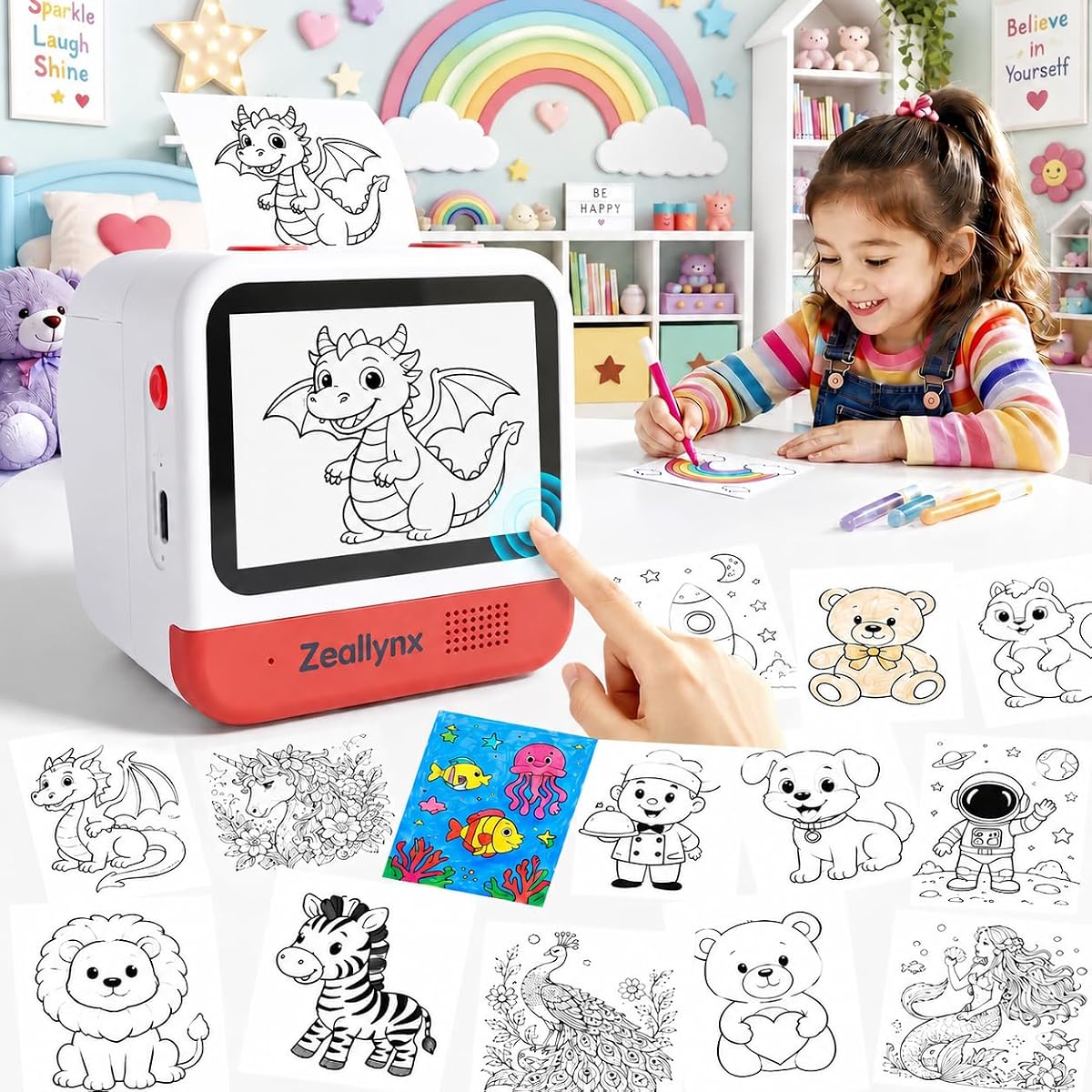
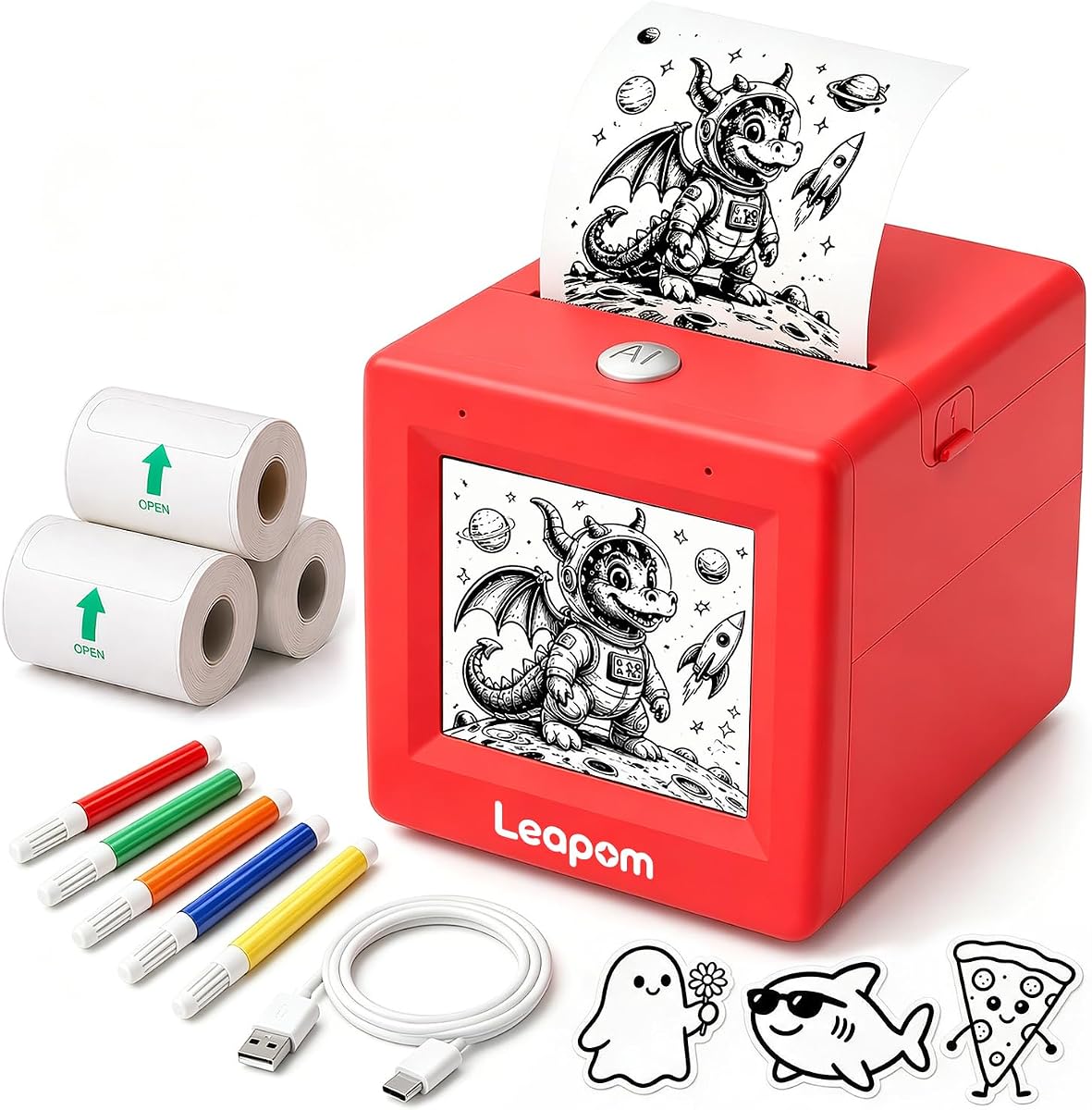
This model is designed for independent use with its 3.5-inch touchscreen. It connects via Wi-Fi without needing app downloads. Built-in AI chat provides creative ideas to inspire children during play.
We may earn a commission when you buy through this link, at no additional cost to you.
The device prints crisp, smudge-resistant designs on adhesive paper. It prioritizes privacy by not requiring phone access. The red design makes it visually appealing to kids.
Reliance on Wi-Fi means offline use is restricted. However, the interface is so simple that children can operate it easily. The included rolls are enough for a trial period.
This printer is ideal for kids aged three to twelve. It offers a controlled AI experience for home crafting. We recommend it for families wanting minimal setup steps.
Direct touchscreen control removes phone dependency. This simplifies the workflow for younger children.
Built-in prompts help kids brainstorm ideas. This guidance keeps them engaged even without prompts.
We may earn a commission when you buy through this link, at no additional cost to you.
Selecting the right AI sticker printer requires understanding key features and needs. This guide outlines the most critical factors to consider.
Look for devices with high recognition accuracy to ensure ideas translate well. Poor recognition can lead to frustrating experiences for children.
Choose models that offer clear voice feedback to confirm understanding.
Decide if black-and-white is sufficient or if color is needed. Thermal printers are affordable but monochrome while dye-sub models offer color.
For vibrant stickers, invest in models offering advanced printing technologies.
Check if the printer needs Wi-Fi, Bluetooth, or an app. Some kids prefer standalone devices without pairing steps.
Standalone touchscreens often provide a smoother experience for young users.
Ensure the device has content filtering and COPPA compliance. Privacy is paramount when kids speak into devices.
Select models that explicitly state data non-storage for safety.
Consider the cost and availability of replacement rolls. Some devices need specific thermal paper rolls for operation.
Models including rolls in the box offer better immediate value.
Look for extra modes like coloring or templates. Additional features keep kids engaged longer.
Art style variety enhances the creative possibilities significantly.
Compact designs are better for travel or small spaces. Light units are easier for children to handle.
Battery life matters for use without constant power outlets.
Basic thermal models are cheaper than all-in-one cutters. Determine if cutting is necessary for your use case.
Budget options still offer great creativity without high costs.
Start by placing the thermal paper roll in the tray ensuring the adhesive side is correct. Turn on the device and connect to Wi-Fi or Bluetooth as required. Test a voice command to ensure the microphone is working well.
No, most AI sticker printers use thermal technology that does not require ink cartridges. This makes them mess-free and cost-effective over time for parents.
Yes, devices with touchscreens or voice buttons are designed for independent use. Parents may need to set up Wi-Fi initially before kids play.
Most apps are free with no subscriptions required. Some offer optional templates but basic printing features remain accessible without fees.
Most budget models are black-and-white only. Premium models offer color but cost significantly more. Check product specs before buying.
Portable units typically last a few hours on a charge. Rechargeable models provide convenience for travel.
Most are designed for ages four to twelve. Some simpler models work for toddlers with parental supervision.
We reviewed ten top models ranging from portable budget units to premium all-in-one cutters. The Memoking and Voice models offer easy entry for families.