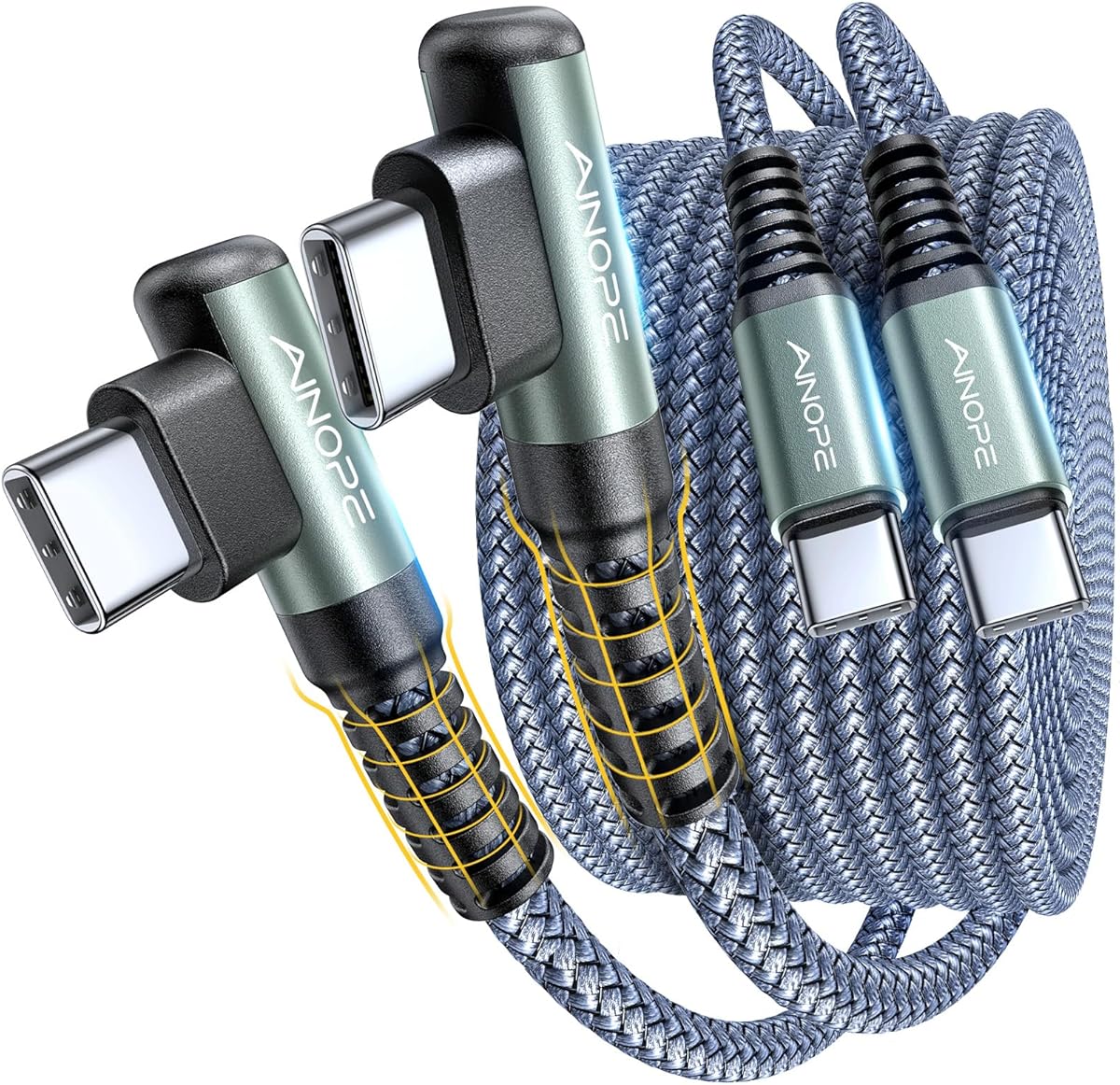
AINOPE USB C to USB C Cable
4.7Editor score
60W Fast Charging Support
Military Grade Durability
Ergonomic 90 Degree End
Explore the top 90 degree USB C cables for fast charging and durability. We compare features, compatibility, and design to help you choose the best option.
Finding the right cable can transform how you charge your devices daily. A 90 degree USB C cable offers ergonomic benefits that straight cables simply cannot match for modern users.
We evaluated ten top-rated models based on durability, charging speed, and real-world usability. Each option was chosen for its ability to reduce strain on ports and improve comfort.
Every pick highlights specific strengths for gaming, travel, or desk setups. Keep in mind that prices fluctuate often so verify current deals before making your final purchase decision today.
4.7Editor score

4.6Editor score

4.5Editor score
This comparison table breaks down the key specifications of every model we reviewed so you can quickly identify which cable fits your specific charging and data transfer needs.




The Anker USB C to USB C Right-Angle Cable stands out as the top performer in our testing. It combines high power delivery with a thoughtful ergonomic design that improves daily use.
We may earn a commission when you buy through this link, at no additional cost to you.
Its 240W capability ensures it can handle even the most power hungry laptops and tablets. The braided material feels premium and resists wear over long periods of use.
While the 90 degree angle is fantastic for gaming or reading, it might not fit perfectly with very thick phone cases. This is a minor trade-off for the improved comfort it offers.
If you want a reliable cable that delivers fast speeds and lasts, this is the one to buy. It justifies the cost with performance and build quality.
With 240W output this cable charges devices like MacBooks quickly reducing wait times significantly.
The right angle connector prevents port strain and keeps the cable out of the way during use.
We may earn a commission when you buy through this link, at no additional cost to you.
AINOPE delivers exceptional value with this USB C cable that balances cost and durability. The claim of 400000 bend tests is supported by its robust military grade construction.
We may earn a commission when you buy through this link, at no additional cost to you.
It supports up to 60W fast charging which is sufficient for most smartphones and smaller laptops. The 90 degree design makes it easy to use while gaming or watching videos.
Some users might find it slightly thicker than standard cables but this adds to its longevity. It does not support video output so keep that in mind for monitor setups.
For budget conscious buyers who need reliability this cable is hard to beat. You get two long cables for a very reasonable price.
Built to last 30 times longer than ordinary cables with laser welding technology at the joint.
The 6.6 foot length provides ample reach for couch or bedside charging without stretching.
We may earn a commission when you buy through this link, at no additional cost to you.
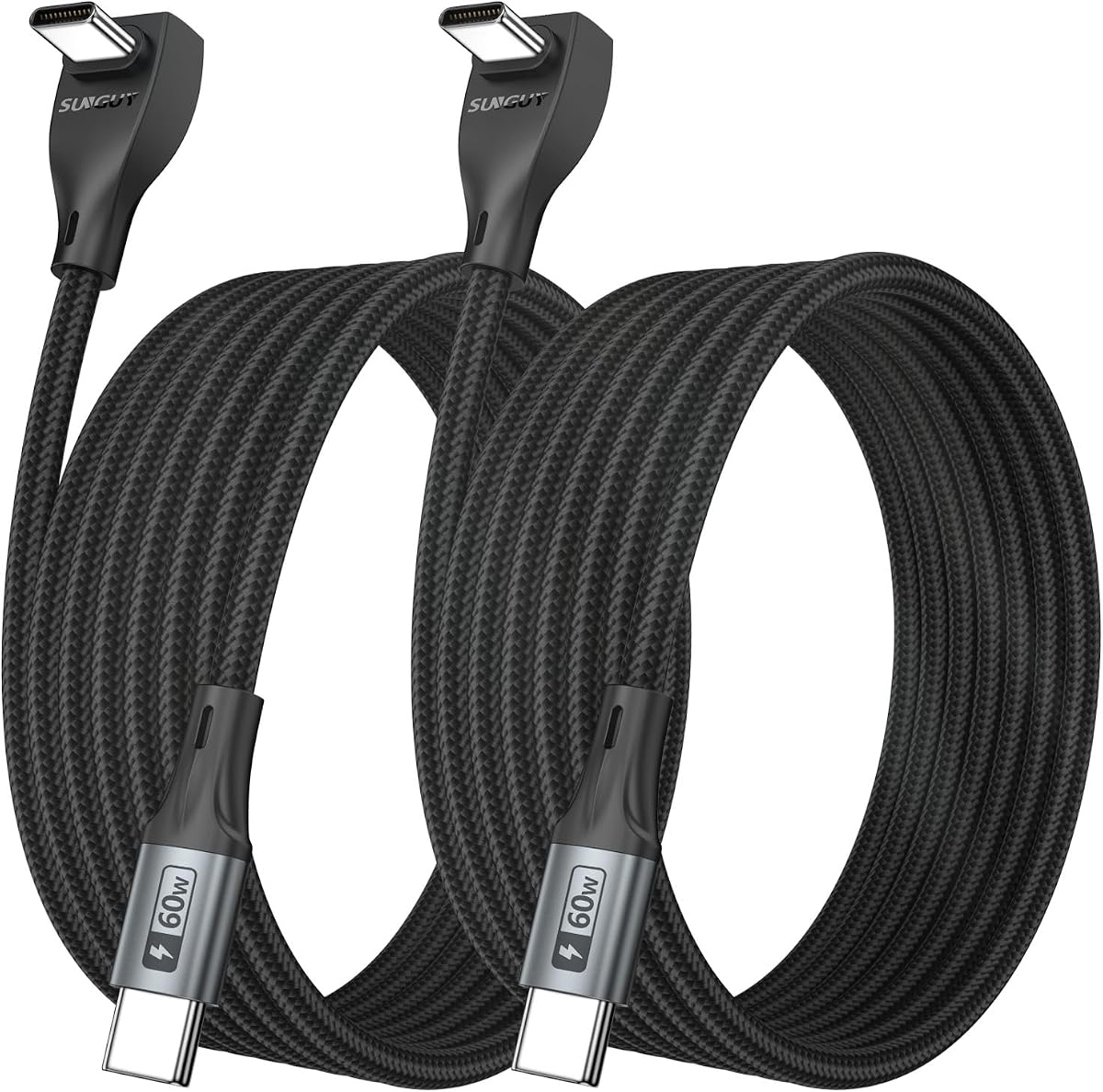
SUNGUY offers a premium experience with a focus on safety and build quality. This cable is ideal for users who want a compact solution for gaming or desk use.
We may earn a commission when you buy through this link, at no additional cost to you.
The 3 foot length keeps things tidy while the 90 degree angle prevents tangling. Safety features like overcurrent protection ensure your devices stay secure during charging.
A 36 month warranty is rare and shows the brand confidence in this product. The aluminum shell adds a sleek look but feels a bit rigid compared to braided options.
Choose this if you value warranty and safety in a compact package. It is perfect for Steam Deck or handheld gaming setups.
Built-in protection against overcurrent and overheating ensures safe charging for all your devices.
The angle keeps the cord out of the way for uninterrupted gameplay sessions.
We may earn a commission when you buy through this link, at no additional cost to you.
This AINOPE cable is a great option if you still have USB A wall outlets. It features the same durable construction as their USB C to C models.
We may earn a commission when you buy through this link, at no additional cost to you.
It supports up to 3.1A stable charging which is faster than standard 2.4A cables. The right angle design helps avoid strain when plugged into power strips.
Note that this requires a compatible fast charger to reach full speed. It is not a USB C to C cable so it does not work for modern laptop charging needs.
Buy this if you need a reliable upgrade for older chargers. The durability and length make it a solid value pick.
Designed to work seamlessly with USB A adapters and power strips in homes.
Data transfer speeds up to 480Mbps allow quick photo and file syncing.
We may earn a commission when you buy through this link, at no additional cost to you.
DbillionDa provides a straightforward solution for users needing a short durable cable. The 3.3 foot length is perfect for travel or desk use.
We may earn a commission when you buy through this link, at no additional cost to you.
Its flat 90 degree port reduces strain on the device significantly. While not as rugged as premium models it holds up well for everyday use.
The 60W power delivery handles most phones and tablets efficiently. It is a simple no-frills cable that gets the job done without fuss.
Ideal for travel bags where space is limited. You get a functional cable at a very accessible price.
The short length ensures it fits easily in any small bag or pocket.
No extra bells or whistles just a reliable cable for fast charging needs.
We may earn a commission when you buy through this link, at no additional cost to you.
This cable offers a strong blend of speed and convenience in a compact size. It supports up to 60W charging when paired with the right adapter.
We may earn a commission when you buy through this link, at no additional cost to you.
The nylon braided exterior feels sturdy and resists tangles. The right angle helps reduce stress on the cable when plugged into tight spaces.
It is a USB A to C cable so it works best with older chargers or car ports. The 3.3 foot length is handy for bedside or desk setups.
Choose this if you need a quick reliable charge for Android devices. It offers great value for the price.
Supports fast charging protocols to get your device powered up quickly.
Tensile strength of 175 lbs ensures it can handle daily use well.
We may earn a commission when you buy through this link, at no additional cost to you.
For those needing extended reach this SUNGUY cable is a top choice. The 10 foot length allows you to charge from across the room easily.
We may earn a commission when you buy through this link, at no additional cost to you.
It maintains the same safety and durability as their shorter versions. The braided design ensures it does not get tangled easily even when long.
The 60W power delivery handles smartphones and tablets well. Just be aware it does not support video output for external monitors.
Buy this if you have large spaces or need to reach distant outlets. Two cables in the pack make it a great value.
Perfect for bedroom setups where outlets are far from the bed.
Braided nylon keeps the long cable organized and easy to manage.
We may earn a commission when you buy through this link, at no additional cost to you.
UGREEN offers a compact solution ideal for travel or desk use. The 1.6 foot length keeps things tight and organized.
We may earn a commission when you buy through this link, at no additional cost to you.
It supports up to 18W fast charging which is decent for phones. The flexible material makes it easy to fold and pack.
The right angle helps prevent strain on the connector. It is not meant for laptops but works well for phones and tablets.
Get this if you need a cable for your bag or car. Its size makes it the most portable option.
Small enough to fit in any pocket or travel case easily.
Material is easy to fold without snapping or wearing out quickly.
We may earn a commission when you buy through this link, at no additional cost to you.
This pack gives you two reliable cables for home or office use. The 3.3 foot length is ideal for most desks and tables.
We may earn a commission when you buy through this link, at no additional cost to you.
It supports 60W charging and includes safety features like overcurrent protection. The braided exterior adds a nice touch of durability.
The 36 month warranty adds peace of mind to the purchase. It is a simple practical solution for daily charging needs.
Buy this if you need multiple cables for different devices. The price per cable is very competitive.
Two cables mean you can keep one at the desk and one at the bedside.
Three years of support ensures long term satisfaction with the purchase.
We may earn a commission when you buy through this link, at no additional cost to you.
AINOPE brings long reach to the table with these 10 foot cables. They support 60W charging and are compatible with many devices.
We may earn a commission when you buy through this link, at no additional cost to you.
The laser welded joint adds strength to the connection point. This helps prevent breakage over time especially with frequent bending.
Having two cables in the pack makes it great for family use. You can keep one in the car and one at home.
Choose this if you need length and durability for multiple devices. It is a robust choice for daily use.
Laser welding ensures the connector end stays intact over many bends.
Two cables allow flexible placement throughout your home or office.
We may earn a commission when you buy through this link, at no additional cost to you.
Choosing the right cable requires considering length, speed, and build quality to match your specific needs.
Ensure the cable supports the wattage your device needs. Most phones need 60W but laptops may require more to charge properly.
Look for PD 3.0 or 240W support if you plan to charge larger devices efficiently.
Select a length that fits your space without creating clutter. Shorter cables are great for travel while longer ones suit large desks.
Measure your typical usage area to avoid buying a cable that is too short or too long.
Check for bend life ratings to know how long the cable will last. Higher ratings like 400000 bends indicate better longevity.
Prioritize cables with reinforced joints to prevent breakage at the connector ends.
Braided nylon covers protect the internal wires better than rubber or plastic. This improves resistance to daily wear and tear.
Aluminum alloy connectors also add strength and reduce the risk of bending.
Decide if you need a cable with a right angle on one or both ends. Single angle is usually better for general use.
Ensure the angle matches your typical device position to maximize comfort.
If you need to sync files quickly look for USB 2.0 or higher speeds. 480Mbps is standard for most basic cables.
Faster speeds like USB 3.1 are available but often cost more and are not needed for just charging.
Confirm the cable works with your specific phone or laptop model. Not all USB C cables support charging and data transfer.
Check reviews to see if others successfully used it with your exact device type.
A good warranty signals confidence in the product quality. Look for at least 18 months to cover any manufacturing defects.
Some premium brands offer up to 36 months which adds extra peace of mind for your purchase.
Plug the cable into your charger block before connecting it to your device to avoid electrical surges that might damage the connector.
Avoid wrapping the cable tightly around the adapter as this can stress the internal wires and lead to fraying over time.
Store your cable in a cool dry place and clean the connector ports with a soft dry cloth to remove dust and lint.
They are better for ergonomics and port health because the angle reduces stress on the device. This makes them ideal for gaming or watching videos while charging.
Most work with modern USB C devices but check if video output is needed. Many models only support charging and data transfer.
Choose 3.3 feet for travel or desks. Use 10 feet if you need to reach across a room or use a car charger.
Some heat is normal during fast charging. If it gets too hot stop using it as it may be damaged or overloaded.
Yes but thick cases might block the connector. Look for cables that fit cases up to 3mm thick for best results.
Yes most support PD 3.0 and QC 4.0 protocols for rapid charging speeds up to 60W or higher.
Use a soft dry cloth to wipe the connector gently. Avoid using liquids that could cause short circuits or damage.
Buying two ensures you have a backup if one gets lost or damaged. It is also cost effective for multiple devices.
We found the Anker and AINOPE options stand out for their blend of durability and power delivery. They offer reliable performance for most daily scenarios.
Consider your usage needs carefully before buying. If you game or watch videos prioritize ergonomic angles over raw power.
Prices change frequently so check the current deal before you click buy. Investing in a good cable saves money in the long run.