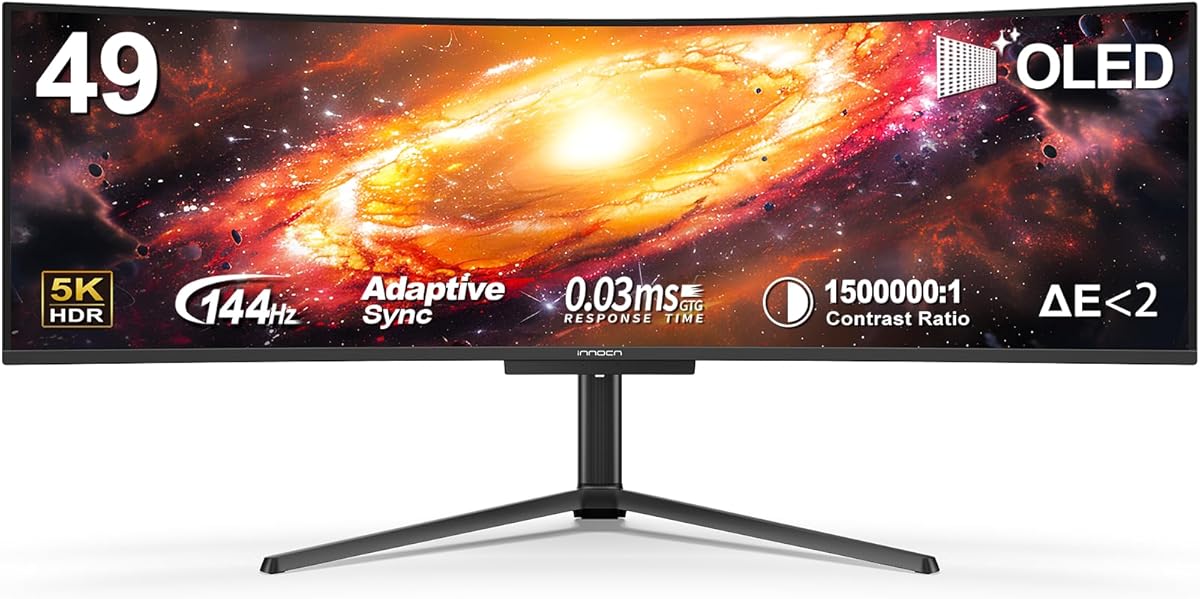
INNOCN 49" QD-OLED 5K2K 5120 x 1440P 144Hz Ultrawide Curved Monitor
4.2Editor score
5K2K resolution
90W USB Type C
HDR 400 support
Finding the right display for your workspace can transform how you work and play. A 49 inch ultrawide curved monitor offers an expansive canvas that wraps around your vision for immersion.
We evaluated ten top models based on resolution, refresh rate, color accuracy, and connectivity. Our selection includes options for gamers, professionals, and casual users seeking value.
Each pick highlights key strengths and potential trade-offs to help you decide. Remember that pricing fluctuates often so check current deals before making your final purchase choice.
4.2Editor score

4.1Editor score

4.4Editor score
As an Amazon Associate we earn from qualifying purchases.
This table provides a side-by-side overview of all ten models selected for this guide to help you quickly identify the right fit for your needs.




The Samsung 49" Odyssey G93SC stands out as a top tier option for enthusiasts seeking the best 49 inch ultrawide curved monitor experience. With its QD-OLED technology it delivers incredible color accuracy and deep blacks that make games look lifelike. The high rating reflects its ability to handle intense gaming sessions without compromise.
We may earn a commission when you buy through this link, at no additional cost to you.
Its 240Hz refresh rate and near instant 0.03ms response time ensure smooth action during fast paced gameplay. The infinite contrast ratio helps reveal details in dark scenes which is crucial for competitive shooters. Features like G Sync compatibility further eliminate screen tearing for a seamless visual flow.
While the premium price tag is a consideration the quality justifies the investment for serious gamers. The design is sleek with a thin metal finish that elevates any desk setup. You may need a powerful graphics card to fully utilize the refresh rate and resolution capabilities.
Buy this if you prioritize visual fidelity and response speed above all else. It is ideal for console and PC gaming alike where every frame matters. The Auto Source Switch plus ensures you jump into gameplay immediately without manual input changes.
The QD-OLED panel brings vibrant colors and deep contrast to life for a truly cinematic feel.
With 240Hz and 0.03ms response time it handles competitive gaming with precision and speed.
We may earn a commission when you buy through this link, at no additional cost to you.
The INNOCN 49" QD-OLED model offers a premium take on the 49 inch ultrawide curved monitor category. Its 5K2K resolution provides sharp details that are perfect for creative work or high fidelity gaming. Users appreciate the OLED panel for its superior contrast and color performance compared to standard LCDs.
We may earn a commission when you buy through this link, at no additional cost to you.
Connectivity is strong with a 90W USB C port that can charge laptops while connecting video. The 144Hz refresh rate ensures smooth motion for those who game on mid range systems. Adaptive sync and HDR 400 support add to the versatility of this display for various tasks.
Potential buyers should note that OLED technology may have burn in risks with static content though modern mitigations help. It is an excellent choice for professionals who need high resolution and deep blacks without sacrificing speed. The price reflects the high-end nature of the panel technology.
Choose this monitor if you want top tier visuals and robust connectivity in one package. It bridges the gap between professional creative work and immersive entertainment. Ensure your setup can drive the 5K2K resolution to get the most out of this screen.
The 5120 by 1440 resolution gives you more space and detail for complex workflows.
USB C delivery plus HDMI and DisplayPort make it easy to hook up multiple devices.
We may earn a commission when you buy through this link, at no additional cost to you.
The INNOCN 49" Curved Gaming Monitor is a standout for those looking for a budget friendly 49 inch ultrawide curved monitor. It offers a massive screen with a 32:9 aspect ratio at a fraction of the cost of high end models. The 144Hz refresh rate makes it suitable for gaming without breaking the bank.
We may earn a commission when you buy through this link, at no additional cost to you.
Features like USB C power delivery allow you to connect laptops with a single cable for video and power. The stand supports tilt and height adjustment which is a rare find at this price tier. Built-in speakers add convenience if you do not have external audio equipment.
While the resolution is lower than 5K options it still delivers smooth gameplay and decent colors. The HDR 400 support is standard but does not offer the dynamic range of premium panels. This trade-off is acceptable for users focused on productivity and casual gaming.
This is the perfect pick for students or casual gamers on a tight budget. You get the immersive curve and size without paying for top tier specs. Verify your GPU can handle the resolution to ensure smooth performance across apps.
You get a large curved screen with high refresh rate at an entry level price.
USB C and adjustable stand make setup easy for laptops and desktops alike.
We may earn a commission when you buy through this link, at no additional cost to you.
The INNOCN 49" Curved Monitor in the 5K2K version is a strong contender for the best 49 inch ultrawide curved monitor for creative users. It provides a high resolution that allows you to work with multiple windows side by side. The 120Hz refresh rate ensures that scrolling and animations remain smooth.
We may earn a commission when you buy through this link, at no additional cost to you.
With 99% sRGB color coverage it delivers accurate colors for photo and video editing. The USB C port with 65W power delivery lets you connect a laptop and charge it simultaneously. Built-in speakers and various ports like HDMI and DisplayPort add to its usability in a studio.
The main drawback is the high price which may not suit every budget. Power consumption is also higher due to the panel size and resolution. However for professionals who need space and accuracy it is a solid investment in your workflow.
Buy this if you work with media or data that requires a large canvas. It is excellent for multitasking and reduces the need for multiple monitors. Ensure your computer has the necessary ports to drive the high resolution screen.
The high resolution and color accuracy make this great for editing and design tasks.
USB C and HDMI allow you to switch between devices quickly and efficiently.
We may earn a commission when you buy through this link, at no additional cost to you.
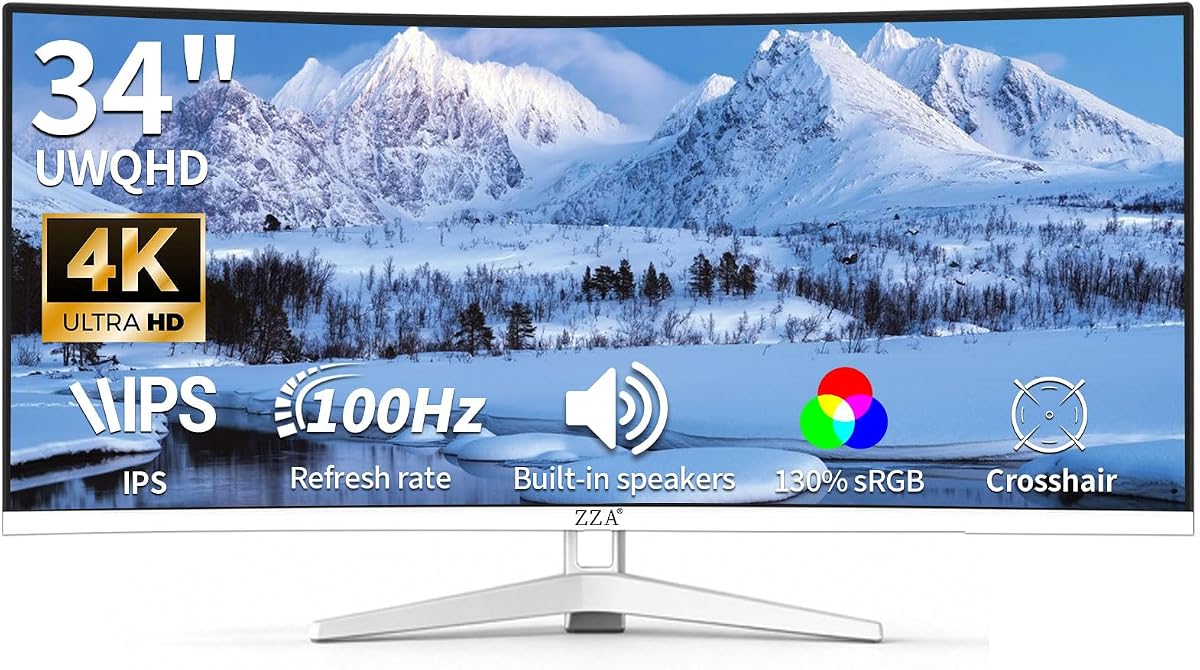
The ZZA 34 Inch Ultrawide Curved Monitor is a great option for the best 49 inch ultrawide curved monitor category with its strong color performance. It features a WQHD resolution and 100Hz refresh rate for smooth visuals. The 130% sRGB coverage ensures vibrant and true to life colors for your content.
We may earn a commission when you buy through this link, at no additional cost to you.
Built-in speakers are a nice bonus that reduces cable clutter on your desk. The white frameless design fits well in modern setups and stands out from typical black monitors. It also supports VESA mounting which gives you flexibility in how you position the screen.
While the refresh rate is not as high as gaming specific models it is still responsive for most tasks. The brand may be less known but the ratings suggest good quality and reliability. You get a clean look with solid performance for productivity.
Choose this if you value color accuracy and aesthetics over raw gaming speed. It is perfect for work environments where visual clarity matters. The USB C and HDMI options make it easy to connect your main devices.
With 130% sRGB coverage you get rich colors that pop on the screen.
The white design and VESA mount option let you integrate it easily into your space.
We may earn a commission when you buy through this link, at no additional cost to you.
The LG 34" Curved UltraWide Smart Monitor is a unique take on the best 49 inch ultrawide curved monitor category with its smart capabilities. It runs webOS so you can stream shows directly without a PC. This makes it a good hybrid for work and entertainment needs.
We may earn a commission when you buy through this link, at no additional cost to you.
The included Magic Remote lets you navigate menus and voice commands easily. AirPlay 2 support allows for seamless streaming from Apple devices. The 100Hz refresh rate provides smooth motion for general use and casual gaming.
It lacks the 49 inch size but offers a smart alternative if you want a TV and monitor in one. The adjustable stand ensures you get a comfortable viewing angle. You may need a strong Wi-Fi connection for streaming apps.
Buy this if you want a device that works without a computer connected. It is great for a living room setup or a secondary workspace. The 99% sRGB coverage keeps colors accurate for your daily tasks.
WebOS and AirPlay 2 make this a versatile entertainment device right out of the box.
The Magic Remote adds convenience when navigating the smart interface without a mouse.
We may earn a commission when you buy through this link, at no additional cost to you.
The Sceptre Curved 34-inch Prime Gaming Monitor is a strong choice for the best 49 inch ultrawide curved monitor category with its speed focus. It offers a 240Hz refresh rate and 1ms response time for competitive gaming. This ensures minimal blur and lag during fast action games.
We may earn a commission when you buy through this link, at no additional cost to you.
With 100% sRGB coverage it maintains good color quality for the price. The multiple HDMI and DisplayPort ports let you connect several devices easily. Built-in speakers and Blue Light Shift technology provide added comfort for long sessions.
While it is not 49 inches it delivers gaming performance that rivals larger screens. The build is solid but may not feel as premium as higher end options. It is a budget friendly option for those who prioritize refresh rate over screen size.
This is a great pick for competitive gamers who want speed without overspending. The eye care features make it suitable for long work sessions too. Ensure your system can push high frame rates to utilize the refresh rate fully.
The 240Hz refresh rate and 1ms response time deliver smooth competitive gameplay.
Multiple video ports make it easy to connect consoles and PCs at once.
We may earn a commission when you buy through this link, at no additional cost to you.
The LG 34WR55QK-B is a well-rounded option for the best 49 inch ultrawide curved monitor category for general use. It offers WQHD resolution and a 100Hz refresh rate for smooth performance. The high rating reflects its reliability and solid build quality for office work.
We may earn a commission when you buy through this link, at no additional cost to you.
USB Type-C with 65W power delivery is a major benefit for laptop users. The ergonomic stand supports tilt and height adjustment for better posture. HDR10 and Reader Mode improve visual comfort during long work sessions.
It lacks the size of 49 inch models but delivers great value for a 34 inch screen. The response time is not gaming focused but is fine for office tasks. You get a clean borderless design that looks modern.
This is a smart choice for professionals who need connectivity and comfort. It fits well in small to medium spaces. The OnScreen Control software lets you manage windows with ease.
The adjustable stand helps you find a comfortable position for long workdays.
USB C allows you to charge a laptop while connecting to the monitor.
We may earn a commission when you buy through this link, at no additional cost to you.
The LG 34U60ZB-B is a solid choice for the best 49 inch ultrawide curved monitor category with a focus on comfort. Its 120Hz refresh rate keeps motion smooth for video and gaming. The 1800R curve follows your line of sight for reduced eye strain.
We may earn a commission when you buy through this link, at no additional cost to you.
LG Switch lets you adjust settings with a hotkey which speeds up workflows. The Black Stabilizer feature helps you see details in dark scenes for games. 99% sRGB coverage ensures decent color accuracy for content creation.
It is not as large as a 49 inch model but fits well on most desks. The stand is space saving with a slim design. You get essential features without unnecessary complexity or cost.
Choose this if you want a reliable monitor for daily tasks and light gaming. The curve helps comfort during long sessions. Verify your ports match the DisplayPort HDMI setup before buying.
The 1800R curve and 120Hz rate reduce eye strain and smooth out motion.
Black Stabilizer helps brighten dark areas to reveal enemies in games.
We may earn a commission when you buy through this link, at no additional cost to you.
The Samsung 34" ViewFinity S5 is a professional grade option for the best 49 inch ultrawide curved monitor category. It delivers QHD resolution and a 120Hz refresh rate for smooth performance. The high rating confirms its quality for office and creative tasks.
We may earn a commission when you buy through this link, at no additional cost to you.
HDR10 and more than 1 billion colors provide accurate visuals for design work. AMD FreeSync Premium reduces screen tearing and choppiness during gaming. Eye Saver Mode and certified tech protect your eyes from blue light during long use.
It is a compact 34 inch model that saves desk space. The ports are straightforward with HDMI and Display for connectivity. You get a clean and professional look without unnecessary bloat.
This is ideal for professionals who value eye comfort and color quality. It works well in small workspaces. Ensure your system can drive the resolution to enjoy the full benefits.
Over 1 billion accurate colors help you create and view content with precision.
Eye Saver Mode minimizes blue light to protect your eyes during long work.
We may earn a commission when you buy through this link, at no additional cost to you.
Selecting the right monitor involves considering several technical and ergonomic factors to ensure it fits your workflow.
The 49 inch size with a 32:9 aspect ratio provides a dual monitor experience in one display. This allows for seamless multitasking and more screen real estate for complex tasks. Ensure your desk has enough width to accommodate this expansive panel.
Choose between OLED and LCD options for your display. OLED panels offer infinite contrast and perfect blacks while LCDs provide high brightness and lower cost. Decide which balance of color and price suits your usage needs.
Gamers should prioritize high refresh rates like 240Hz for smooth motion. Fast response times of 1ms help reduce motion blur during intense action. Casual users may find 100Hz or 144Hz more than enough.
Higher resolutions like 5K2K provide sharper text and images for productivity. For gaming WQHD or WDFHD offers a balance between visual quality and performance. Your graphics card must be capable of driving the chosen resolution.
Look for USB C ports that support power delivery to simplify laptop setups. HDMI and DisplayPort should match your devices to ensure full refresh rate support. Extra ports allow you to keep peripherals connected.
Adjustable stands with tilt and height options help reduce strain during long sessions. A VESA mount allows you to use a custom arm for flexibility. A durable build ensures the monitor lasts through daily use.
HDR support enhances contrast for gaming and media consumption. Look for high sRGB coverage to ensure colors appear accurate for creative work. Check specific HDR standards like HDR400 or HDR10 for details.
Some models include OS features that allow streaming without a computer. Software tools like OnScreen Control help manage window layouts efficiently. These features add value if you want a versatile all-in-one display.
Set up your monitor with the stand firmly on a flat surface to support the curve correctly. Adjust the height and tilt to align with your eye level for comfort.
Use a cable management system to route power and video cords neatly behind your desk. This keeps your workspace safe and reduces clutter near the screen edges.
Clean the screen with a soft dry cloth to remove dust. Avoid using harsh chemicals and keep liquids away from the ports and stand base.
Yes it is excellent for immersive gaming with its wide field of view. Choose a model with high refresh rates and fast response times for competitive play. Make sure your PC has the power to handle the resolution.
It is ideal for productivity as it replaces two monitors seamlessly. You can view multiple windows or code lines side by side. Ensure your software supports ultrawide resolutions for best results.
Use a DisplayPort or HDMI cable that supports the specific refresh rate and resolution. Older cables may limit performance. Check the manufacturer specifications for the correct type to use.
Many models work with Macs via HDMI or USB C. Ensure the resolution matches your settings for clarity. You may need adapters for different ports depending on the model.
OLED offers better contrast and color but costs more. LCD panels provide high brightness and are more affordable. Your choice depends on whether you prioritize visuals or budget.
Avoid static images on screen for long periods to prevent burn in. Use screen savers or lower brightness when possible. Most modern panels have protection features built in.
We have covered ten top models for the best 49 inch ultrawide curved monitor category ranging from budget to premium. Each option offers distinct strengths for gaming creative work or general use.
Prioritize features like refresh rate and connectivity based on your main tasks. A higher price does not always mean better fit so consider your specific needs carefully.
Remember that prices change often so check current deals before finalizing your purchase. We hope this guide helps you find the perfect display for your setup.