
ASUS ProArt PA32QCV
3.9Editor score
Factory calibrated accuracy
Dual Thunderbolt 4 ports
MacBook color matching
Choosing the right display can transform your workflow and creative output significantly. A 32 inch 6K monitor offers incredible pixel density and screen real estate for demanding tasks. These displays deliver sharp text and vibrant colors essential for modern professional environments and immersive entertainment experiences.
We evaluated ten leading models based on resolution, panel technology, connectivity options, and color accuracy. Our analysis focuses on real-world performance for video editing, design work, and high-end gaming. We considered user feedback and technical specifications to ensure each recommendation meets high standards.
Each pick highlights unique strengths and ideal use cases for different professional needs. Prices and availability change frequently so always verify current listings before purchasing. Explore our detailed breakdown to find the perfect 6K display that aligns with your specific workflow requirements and budget constraints today.
3.9Editor score

3.8Editor score

5.0Editor score
As an Amazon Associate we earn from qualifying purchases.
This side-by-side comparison highlights the key specifications and unique features of each top-rated 32 inch 6K monitor to help you decide quickly.


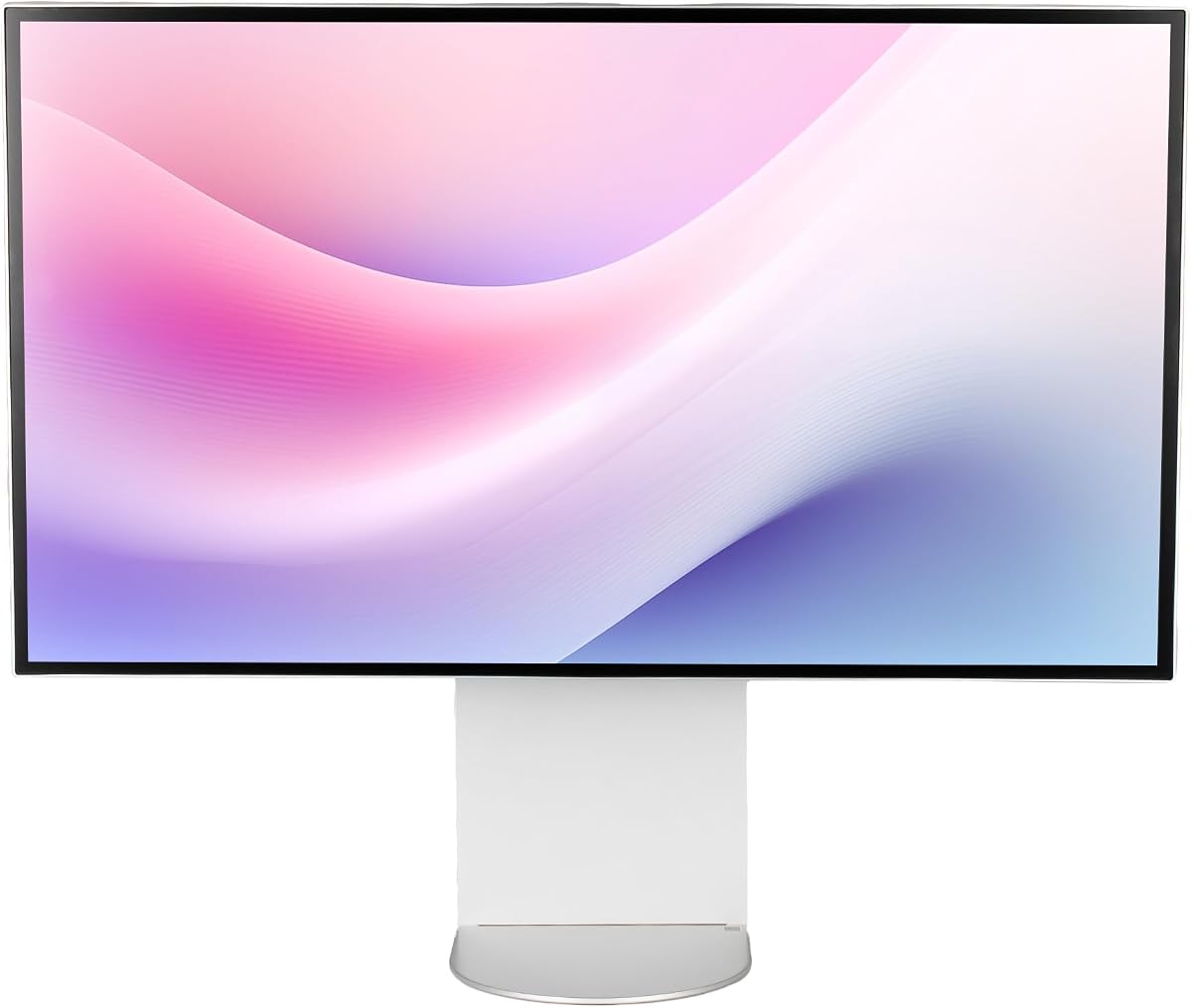
The LG 32U990A-S leads our list with its groundbreaking Thunderbolt 5 support and stunning visual fidelity. It earns a solid rating for professionals needing precise color and maximum connectivity speed. The display shines in creative workflows where pixel precision matters immensely.
We may earn a commission when you buy through this link, at no additional cost to you.
Its Nano IPS Black technology delivers 2000:1 contrast for deeper blacks than typical IPS panels. You get up to 99.5% Adobe RGB coverage ensuring accurate prints and digital assets. Thunderbolt 5 enables 80Gbps transfers and 96W power delivery over one cable simplifying desk setups.
The main trade-off is the high cost which may exceed some budgets. The weight is also considerable requiring a sturdy desk or VESA mount. Still the performance justifies the investment for serious editors and designers needing top tier specs.
Buy this monitor if you need the absolute best connection speed and color accuracy. It is perfect for Mac users wanting future proof hardware and professional video grading tasks. This display sets a new benchmark for high end workstation monitors today.
Thunderbolt 5 doubles transfer speeds of previous versions enabling faster file workflows and external drive connections.
Nano IPS Black improves contrast significantly reducing washed out shadows common in standard IPS screens.
We may earn a commission when you buy through this link, at no additional cost to you.
The ASUS ProArt PA32QCV offers exceptional value with professional grade calibration and connectivity. It is highly rated for creatives who need reliable color without expensive calibration tools. The dual Thunderbolt 4 ports provide ample bandwidth for daisy chaining setups.
We may earn a commission when you buy through this link, at no additional cost to you.
Factory calibration guarantees Delta E less than 2 ensuring colors match your prints accurately. The included Adobe Creative Cloud subscription adds significant value for designers starting fresh. Its MacBook color match mode streamlines workflows for Apple ecosystem users perfectly.
It lacks the full 6144×3456 resolution of competitors but the visual difference is minimal. The warranty support is strong with five years included for peace of mind. These factors make it a smart choice for cost conscious professionals.
Choose this model if you want trusted brand reliability and excellent color right away. It fits freelancers and small studios needing pro features without overspending. The bundle deal with Adobe makes it an unbeatable package for new creatives.
Calman Verified calibration ensures consistent colors across all production assets without extra tools.
Five years of coverage includes extended protection after online registration for long term security.
We may earn a commission when you buy through this link, at no additional cost to you.
The ALOGIC 32 Clarity Touch Series redefines interaction with its groundbreaking 6K touchscreen capability. It has perfect user ratings for its intuitive workflow and premium build quality. This monitor bridges the gap between a traditional display and a digital drafting board.
We may earn a commission when you buy through this link, at no additional cost to you.
The included active stylus supports 4096 pressure levels for detailed artwork and sketches. Pinch to zoom gestures work seamlessly on macOS and Windows making navigation natural. The fold stand allows flat use for drawing or upright for standard viewing comfortably.
Its high price is a significant barrier for many buyers. The glossy screen can be reflective in bright rooms requiring careful placement. Yet for artists needing direct input and high fidelity the functionality is unmatched.
Select this if you require touch interaction for design or annotation tasks. It is ideal for digital artists who want a massive canvas without a separate tablet. The investment pays off for those who draw directly on screen.
Direct touch control eliminates the disconnect between pen and screen for intuitive editing.
Fold stand design transforms the monitor from office tool to drawing tablet instantly.
We may earn a commission when you buy through this link, at no additional cost to you.
The Samsung Odyssey G8 brings 6K resolution to gaming with an industry first claim. It earns high marks for motion clarity and refresh rate flexibility. The Dual Mode feature lets you choose between detail or speed based on your game type.
We may earn a commission when you buy through this link, at no additional cost to you.
At 6K it runs at 165Hz for stunning visuals in single player games. Switch to 3K at 330Hz for competitive shooters where speed is key. HDR10+ Gaming optimizes contrast dynamically to enhance depth and brightness in titles.
Color accuracy is good but not as precise as dedicated creative panels. Power consumption is higher due to the panel and high refresh requirements. Gamers will appreciate the smoothness and detailed rendering though.
Buy this if you want the sharpest possible gaming visuals and high speed. It fits PC gamers with powerful GPUs needing both resolution and frame rates. The Dual Mode is a unique feature you won't find elsewhere.
Dual Mode switching optimizes resolution for either clarity or speed instantly.
1ms response reduces motion blur significantly in fast action sequences.
We may earn a commission when you buy through this link, at no additional cost to you.
The Dell UltraSharp U3224KB stands out with a built-in privacy webcam perfect for remote work. It is rated well for users who need a simple all-in-one solution. The webcam sits above the bezel saving desk space for external gear.
We may earn a commission when you buy through this link, at no additional cost to you.
USB-C allows quick data transmission and laptop charging via one cable. The 6K resolution provides clear text for document editing and spreadsheets. Dell's ergonomic stand adjusts height tilt and pivot for comfort throughout the day.
Panel performance is adequate but lacks premium HDR or wide color features. It focuses on utility rather than creative color fidelity. This makes it a practical choice for corporate or home office setups.
Choose this if you value convenience and reliable business features over color. It suits professionals doing mostly text based work or video calls. The integrated camera simplifies setup for hybrid workers perfectly.
USB-C hub simplifies docking and charging for clean desk environments.
Built-in webcam reduces cable clutter and maintains privacy when not in use.
We may earn a commission when you buy through this link, at no additional cost to you.
This bundle version of the LG UltraFine evo adds practical accessories to the main unit. It has a strong rating from users who value extra value in the box. The included cleaning kit helps maintain the high resolution screen over time.
We may earn a commission when you buy through this link, at no additional cost to you.
Built-in KVM lets you switch between two computers with one keyboard mouse. Thunderbolt 5 provides fast data transfer and 96W laptop charging via USB-C. DisplayHDR 600 delivers bright highlights and deeper shadows for realistic visuals.
The extra cost for the bundle might not appeal to everyone. The built-in speakers are functional but not for audiophiles. Still the KVM feature simplifies multi system setups for developers significantly.
Pick this bundle if you want the LG performance plus extra utility. It fits tech pros managing multiple devices efficiently. The accessories save time and effort on immediate setup steps.
KVM switching reduces hardware needs when working across different laptops.
Nano IPS Black maintains high contrast while keeping accurate color reproduction.
We may earn a commission when you buy through this link, at no additional cost to you.
The G32X Minimalist emphasizes clean aesthetics and solid build quality. It has received top ratings for users prioritizing desk style and comfort. The CNC machined aluminum body looks premium and resists scratches effectively.
We may earn a commission when you buy through this link, at no additional cost to you.
Its 100W high-speed port charges laptops while delivering 6K video. Anti-glare coating and flicker-free backlighting reduce eye strain during long sessions. The stand includes tilt pivot and height adjustments for personalized viewing comfort.
Brand support may be limited compared to bigger names like Dell. Port selection is sufficient but lacks some advanced legacy interfaces. However the design and performance meet most modern needs well.
Buy this if you want a stylish screen that blends into any office. It fits users who value ergonomics and durability alongside resolution. The aluminum build ensures longevity for daily professional use.
Fully adjustable stand promotes healthy posture during extended work hours.
Aluminum chassis provides premium durability and heat dissipation.
We may earn a commission when you buy through this link, at no additional cost to you.
The G32P Glossy uses a reflective screen to boost color vibrance and contrast. It is rated highly for its unique design and cooling features. The honeycomb back design aids heat dissipation keeping the unit cool under load.
We may earn a commission when you buy through this link, at no additional cost to you.
At 223 PPI the panel offers incredibly sharp text and images. It supports 100W charging via a single cable for simplified connections. The glossy coating makes colors pop for media consumption and art.
The lack of a stand requires mounting which may be inconvenient. Glossy screens show fingerprints easily and need regular cleaning. But the visual impact for static work is compelling for creators.
Select this if you want maximum visual pop and thermal efficiency. It suits creative professionals who value color vibrancy and cooling. Ensure your workspace has a suitable mounting arm before buying.
Glossy screen delivers richer colors and deeper blacks than matte panels.
Honeycomb back vents improve airflow for stable performance.
We may earn a commission when you buy through this link, at no additional cost to you.
This Dell UltraSharp bundle adds a two-year premium protection plan for peace of mind. It is rated for buyers who want security against hardware failure or damage. The included cables ensure you can connect immediately without extra purchases.
We may earn a commission when you buy through this link, at no additional cost to you.
The monitor features 450 nits brightness for well lit environments. USB Type-C allows rapid data transmission and charging for modern laptops. Dell offers robust driver support and a straightforward warranty claim process.
The protection adds to the total cost which some may find unnecessary. Panel features are standard compared to high contrast competitors. Still the bundle offers a safe entry into 6K displays.
Choose this if you want warranty support and included accessories. It fits corporate procurement or cautious buyers needing long term security. The bundle simplifies purchasing by removing accessory guesswork.
Two year plan covers accidental damage and technical issues.
Cables are included to get started right away.
We may earn a commission when you buy through this link, at no additional cost to you.
The LG Ultrafine AEU variant provides essential 6K performance with practical features. It is rated for consistent color and reliable daily operation. The multiple USB-C ports make it easier to connect various peripherals without adapters.
We may earn a commission when you buy through this link, at no additional cost to you.
It supports HDR 600 for improved contrast and brightness in supported content. The stand allows height adjustment and pivot for ergonomic positioning. VESA mount compatibility lets you adapt it to custom setups easily.
Availability may be limited compared to other LG models. Power options might require regional adapters depending on your location. But the core display quality remains solid for professional needs.
Buy this if you need a simple and reliable 6K panel. It fits users who prioritize connectivity and ergonomics over extra features. The brand reputation ensures consistent quality and support.
Three USB-C ports allow multiple device connections without dongles.
Adjustable stand helps maintain proper eye level during work.
We may earn a commission when you buy through this link, at no additional cost to you.
Choosing a 6K monitor requires balancing resolution connectivity and color performance for your specific tasks.
IPS panels offer wide viewing angles and accurate colors which are vital for design. Look for Nano IPS Black or similar advanced coatings to improve contrast ratios beyond standard IPS limitations. This ensures your shadows and dark details remain sharp during editing work.
Prioritize IPS or OLED for color critical tasks over TN or VA panels.
True 6K on 32 inches delivers over 220 pixels per inch for crisp text. Verify the resolution matches 6144×3456 for max sharpness. Higher PPI means less need to zoom in on images or documents during work sessions.
Always confirm native resolution matches 6K standards before buying.
Check for factory calibration with Delta E less than 2. Wide gamut coverage like 98% DCI-P3 and 99.5% Adobe RGB ensures prints match screens. This matters if you work with print or web design requiring consistent color.
Look for Calman Verified or P3 preset modes for reliable color.
Thunderbolt 5 or 4 ports are essential for fast data and charging. Ensure the port supports full 6K video signal over a single cable. Multiple inputs allow connecting different devices easily without constant cable changes.
Select at least one high speed port for laptop docking convenience.
Standard productivity monitors use 60Hz which works for office work. Gamers should seek 165Hz or higher refresh rates for smooth motion. If you edit video verify the refresh rate handles frame rates without artifacts.
Balance refresh rate needs with resolution performance for your tasks.
A good stand must adjust height tilt and pivot to reduce neck strain. VESA mounting compatibility lets you swap to a monitor arm if needed. Comfortable viewing angles protect your posture during long working hours.
Choose a model with full stand adjustments for health benefits.
Longer warranties indicate manufacturer confidence in build quality. Look for at least three years of coverage with optional extensions. This protects your investment against dead pixels or electronic failures.
Prioritize models with strong after sales support and warranty terms.
Higher cost usually means better calibration and faster connectivity. Weigh bundled accessories like cleaning kits or extra cables against price. A slightly pricier model with included tools often saves money later.
Compare total value including warranty and accessories not just screen.
Start by connecting the monitor using the high speed cable like Thunderbolt or USB-C to enable full resolution. Adjust your display settings to 6K resolution in your system preferences to ensure sharp text rendering.
Clean the screen gently with a microfiber cloth to remove dust without scratching. Avoid harsh chemicals or ammonia based cleaners that can damage anti glare coatings on premium panels.
Take regular breaks to reduce eye strain by following the 20-20-20 rule. Adjust brightness and blue light filters for comfort during night work sessions.
Yes it provides massive workspace for documents and spreadsheets. The high pixel density makes text sharp and easy to read. Many professionals find it increases productivity with multitasking capabilities.
Yes 6K requires significant graphics processing power. Most modern dedicated GPUs can handle desktop scaling well. Gaming at full 6K needs top tier cards like 4090 or higher.
Most 6K models support Mac through Thunderbolt connections. macOS scales 6K well making text crisp. Check compatibility for specific scaling modes like Retina on Mac.
Use Thunderbolt 5 Thunderbolt 4 or DisplayPort 2.1 cables. Standard HDMI may not support full bandwidth. Verify cable ratings match your refresh rate and resolution.
IPS offers wide viewing angles and consistent color for work. OLED provides perfect blacks but costs more. For office use IPS is usually sufficient and stable.
Use built-in factory calibration or a colorimeter tool. Most models include preset modes for sRGB Adobe RGB. Professional workflows may still require hardware calibration.
We reviewed the top 32 inch 6K monitors balancing performance and price for different needs. The LG UltraFine leads with Thunderbolt 5 while the ASUS ProArt offers value for creatives.
Prioritize connectivity and color accuracy if you work with video or design. Gamers should focus on refresh rates and response times for smooth gameplay.
Always check current prices and promotions before buying. Models update frequently so verify specs match your requirements before finalizing your purchase today.