
Samsung 57" Odyssey Neo G9
4.3Editor score
Dual 4K UHD resolution
240Hz refresh rate
Quantum Matrix technology
Edge to edge monitors redefine modern workspace efficiency by minimizing bezels and maximizing screen real estate. These displays offer seamless visual continuity ideal for multitasking and immersive content consumption across various professional and gaming scenarios.
We evaluated ten leading models based on panel type, resolution, refresh rate, and ergonomic features. Each product was selected for its ability to deliver crisp visuals and robust connectivity while maintaining a sleek footprint suitable for contemporary desk setups.
Each pick highlights key strengths and ideal use cases to help you find the perfect display. Note that product availability and pricing fluctuate regularly so verify current details before making your final purchasing decision online.
4.3Editor score

4.4Editor score

4.6Editor score
As an Amazon Associate we earn from qualifying purchases.
Compare key specifications across all ten models to find the ideal match for your workflow needs.




The Dell 34 Monitor S3425DW stands out as a versatile choice for work and gaming with its WQHD VA panel and 120Hz refresh rate. Its improved ComfortView Plus technology ensures all-day comfort by reducing harmful blue light without sacrificing color accuracy for creative tasks.
We may earn a commission when you buy through this link, at no additional cost to you.
With 99% sRGB and 95% DCI-P3 coverage the display delivers vibrant true-to-life colors perfect for content creation. The 3000:1 contrast ratio creates stunning depth while AMD FreeSync Premium ensures a tear-free experience with ultra-low 0.03ms response times during gameplay.
Connectivity is streamlined with a single USB-C cable providing up to 65W power delivery to keep your desk organized. While the refresh rate caps at 120Hz the overall performance and sound quality make it a strong contender for hybrid users.
This monitor is ideal for professionals who prioritize eye comfort and color fidelity alongside moderate gaming needs. Its balanced feature set and reliable Dell build quality make it a top recommendation for most users seeking an edge to edge display.
ComfortView Plus reduces harmful blue light emissions while maintaining accurate color reproduction for professional workflows.
USB-C connectivity simplifies cabling by delivering power and data through a single cable to your laptop.
We may earn a commission when you buy through this link, at no additional cost to you.
The Z-Edge 49 inch Ultrawide Curved Monitor offers an immersive cinematic experience with its 49-inch DQHD display and 1500R curvature. This massive screen wraps around your field of view providing a true panoramic workspace ideal for professional workflows and multitasking.
We may earn a commission when you buy through this link, at no additional cost to you.
Productivity is boosted significantly with the built-in KVM switch allowing control of two devices with one keyboard and mouse. Dual QHD resolution equivalent to two QHD monitors side-by-side ensures seamless multitasking without bezels in between for a clutter-free setup.
Gaming performance is solid with up to 165Hz refresh rate and 1ms MPRT response time supported by FreeSync to eliminate screen tearing. Pro gaming assist features like Crosshair and Shadow Balance provide a competitive edge during FPS and competitive gameplay sessions.
This monitor is perfect for power users who need expansive screen real estate and advanced multitasking capabilities. The combination of immersive design and practical KVM functionality makes it a standout choice for demanding office and gaming environments.
The 32:9 aspect ratio delivers a massive wide screen perfect for multitasking without bezels.
KVM switch allows seamless control of two different computer systems from one set of peripherals.
We may earn a commission when you buy through this link, at no additional cost to you.
The Dell UltraSharp U4924DW is a reliable choice for professionals seeking a large immersive display with robust connectivity. Its 49-inch viewable screen size showcases content with striking clarity while USB Type-C allows powerful and efficient data transfer with maximum productivity.
We may earn a commission when you buy through this link, at no additional cost to you.
The Dual Quad HD screen mode provides visual clarity ensuring maximum productivity across multiple applications. Edge WLED backlight technology delivers a clear and smooth display with 350 Nit brightness offering exceptional visibility for consistent on-screen pictures throughout the day.
Although the 5ms GTG response time is not ideal for fast-paced gaming it remains excellent for latest action films sports or general office workflows. VESA mount compatibility gives users the flexibility to mount the display on a wall or with a stand depending on specific needs.
This monitor suits professionals who value reliability and efficient data connectivity over high-speed gaming performance. Its large screen real estate and professional design make it a strong candidate for financial analysis coding or graphic design workstations.
USB Type-C connection ensures efficient data transfer and power delivery for laptop users.
VESA mount compatibility allows flexible setup whether you prefer a stand or wall mounting.
We may earn a commission when you buy through this link, at no additional cost to you.
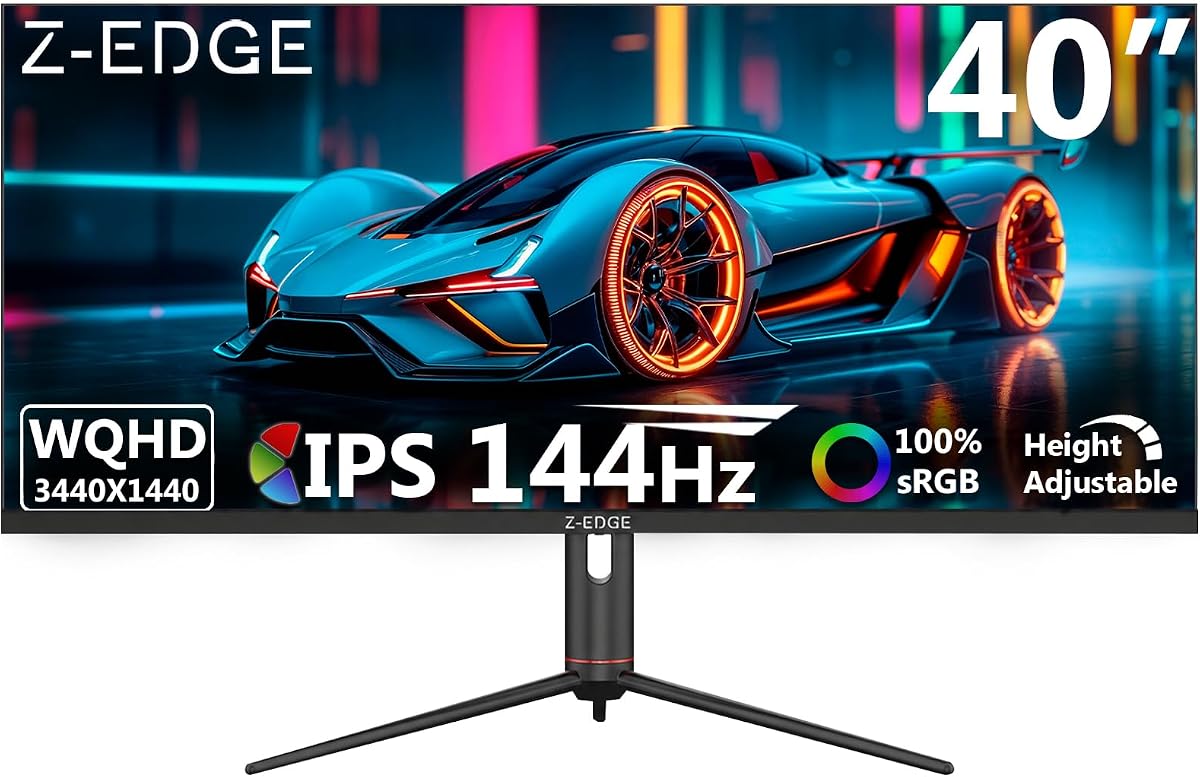
The Z-Edge 40 inch Ultrawide Gaming Monitor delivers fluid motion and responsiveness ideal for gaming and content creation. With a 144Hz refresh rate via DP ports it ensures ultra-smooth visuals whether you are gaming or working with fast-moving content.
We may earn a commission when you buy through this link, at no additional cost to you.
The advanced IPS panel provides 178 degree wide viewing angles for consistent colors and brightness from nearly any perspective. Versatile Type-C port ensures convenient connectivity and efficient data transmission making it easy to connect laptops and modern devices.
Productivity is boosted with PIP and PBP split-screen modes allowing simultaneous display of multiple input sources. Advanced gaming modes like Shadow Balance and Game Crosshair enhance visibility and precision providing improved control during intense gaming sessions.
This monitor is an excellent choice for gamers who also need professional multitasking capabilities. The combination of IPS color accuracy high refresh rate and ergonomic adjustability makes it a versatile option for hybrid desk setups.
IPS panel technology ensures consistent brightness and color from nearly any viewing angle.
Built-in tools like Shadow Balance and Crosshair improve visibility and aiming precision in games.
We may earn a commission when you buy through this link, at no additional cost to you.
The Corsair XENEON Edge 14.5" display allows you to take your PC build to the next level with a standout screen. It is perfect for showcasing system metrics chat channels calendars weather apps and even playing games directly on the panel.
We may earn a commission when you buy through this link, at no additional cost to you.
Outstanding versatility allows you to install the screen inside your case mount it outside or use it as a standalone monitor. The native resolution of 2560×720 with 60Hz refresh rate provides vibrant colors and wide viewing angles that look incredible wherever you use it.
The five-point multi-touch capacitive touchscreen makes interacting with widgets applications and games as easy as using your smartphone. Internal installation is supported by 14x magnets and four corner screws that fit 360mm fan mounting positions in a range of cases.
This monitor is designed for enthusiasts who want secondary screens or interactive elements in their setup. While not intended as a primary display its unique features and portability make it a fun addition to custom PC builds and streaming stations.
Use the touchscreen to display chat channels weather apps and system metrics easily.
Magnets and screws support internal installation while a stand allows standalone external use.
We may earn a commission when you buy through this link, at no additional cost to you.
The Sceptre Curved 34-inch Prime Gaming Monitor offers seamless connectivity and performance with up to 240Hz refresh rate via HDMI and DisplayPort. Built-in speakers provide rich audio while keeping your desk clutter-free making it a convenient all-in-one solution.
We may earn a commission when you buy through this link, at no additional cost to you.
Protect your eyes and enhance comfort with Blue-Light Shift technology which reduces harmful blue light emissions to alleviate eye strain. True to life colors are ensured with 100% sRGB color gamut performance guaranteeing accurate visuals for creative and multimedia tasks.
Enhanced gaming experience is delivered with a lightning-fast 1ms response time and blur reduction for responsive gameplay. This combination of high refresh rate and eye comfort features makes it a compelling choice for budget conscious gamers.
This monitor is ideal for users seeking high performance at an affordable price point. The integration of speakers and eye protection features adds value beyond standard specifications making it a strong contender in the gaming monitor market.
Up to 240Hz refresh rate ensures buttery-smooth visuals for competitive gaming.
Blue-Light Shift technology protects eyes during long hours of usage.
We may earn a commission when you buy through this link, at no additional cost to you.
The LG 45GX950A-B delivers gaming like never before with the world's first 5K2K WUHD resolution on a massive 45-inch curved OLED screen. This unparalleled clarity pulls you deep into the action surrounding you with stunning visuals and astounding detail perfect for epic battles.
We may earn a commission when you buy through this link, at no additional cost to you.
Dual Mode lets you take control of your gaming experience switching from 5K2K at 165Hz to Wide Full HD at 330Hz for ultra-responsive gameplay. The near-instantaneous 0.03ms response time minimizes ghosting ensuring sharp clear and buttery smooth visuals for fast-paced titles.
Peak brightness reaches up to 1300 nits with deep blacks and brilliant color offering a 1.5M:1 contrast ratio. DisplayPort 2.1 ensures ultra-fast data speeds for flawless high refresh rate gameplay giving you the edge to dominate in any title.
This monitor is designed for gamers who demand the absolute best in visual fidelity and speed. The combination of 5K2K resolution and OLED speed makes it a flagship option for enthusiasts willing to invest in a premium gaming experience.
The 5K2K resolution on OLED delivers crisp text and stunning visuals for work and play.
Dual Mode allows switching to 330Hz for FPS titles requiring rapid frame rates.
We may earn a commission when you buy through this link, at no additional cost to you.
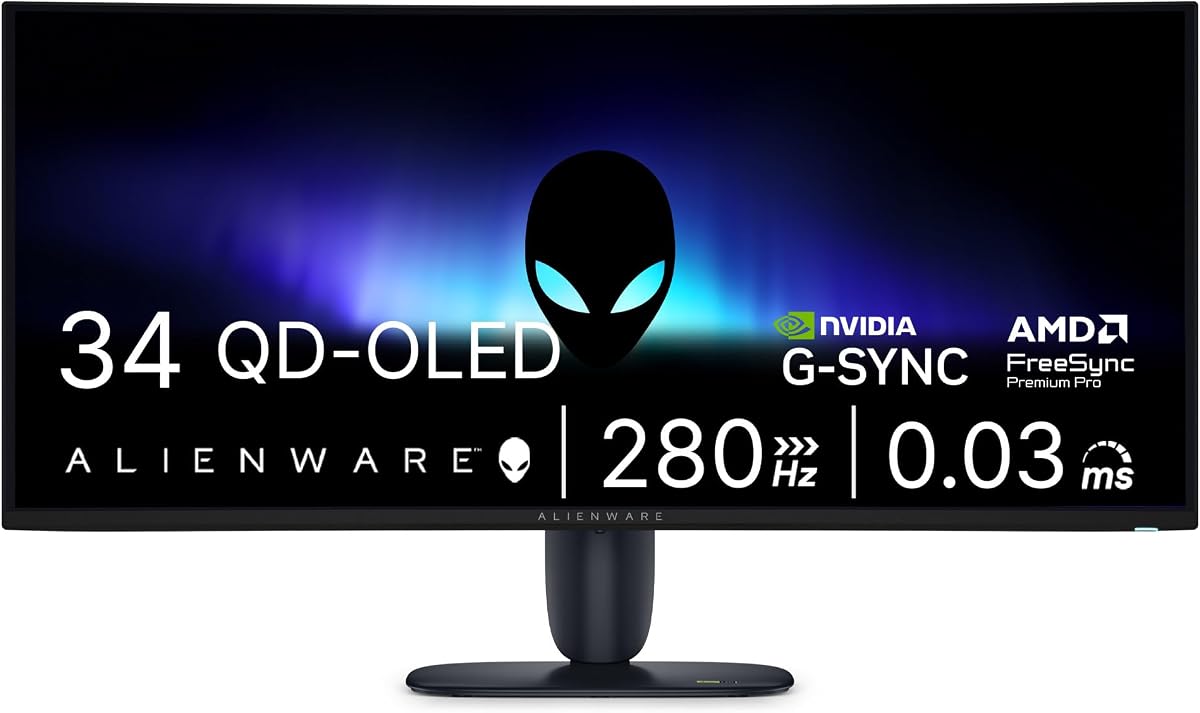
The Alienware 34 Gaming Monitor AW3426DW leverages UWQHD QD-OLED technology to deliver vibrant colors and deep blacks. With a 280Hz refresh rate and 0.03ms response time it is designed for competitive gamers seeking ultimate speed and performance.
We may earn a commission when you buy through this link, at no additional cost to you.
G-SYNC compatibility ensures ultra-smooth tear-free visuals giving you perfect frame sync across PC and console gaming. The QD-OLED panel provides exceptional color volume and brightness making it ideal for HDR content and immersive gaming sessions.
Alienware design and build quality add reliability to this high performance display. Its slim profile and striking aesthetics make it a centerpiece for any gaming setup while maintaining the professional look needed for mixed-use environments.
This monitor is best for gamers who prioritize speed and color accuracy over screen size. The QD-OLED technology paired with high refresh rates makes it a top choice for competitive shooters and visually demanding titles.
Quantum Dot OLED technology offers wider color gamut and higher brightness than traditional OLED.
280Hz refresh rate ensures ultra-smooth motion for competitive multiplayer gaming.
We may earn a commission when you buy through this link, at no additional cost to you.
The acer SB240Y G0bi presents stunning high-quality images with its zero-frame design providing maximum visibility of the screen from edge-to-edge. Its Full HD resolution ensures excellent detail while Adaptive-Sync Support matches refresh rate with your graphics card for a tear-free experience.
We may earn a commission when you buy through this link, at no additional cost to you.
Fast response time of 1ms VRB ensures smooth rendering without smearing or ghosting even during fast-moving action. Up to 120Hz refresh rate speeds up frames per second to deliver smooth 2D motion scenes suitable for gaming and office tasks.
The IPS panel offers great viewing angles and color consistency for most users. While it may lack advanced features like USB-C it remains a reliable choice for those seeking a clean modern look without breaking the budget.
This monitor is perfect for students budget-conscious users and home offices needing a simple yet effective display. The zero-frame design creates a seamless visual experience that looks professional and modern on any desk.
Zero-frame design maximizes screen visibility from edge-to-edge for a cleaner look.
Up to 120Hz refresh rate ensures smooth motion for casual gaming and video.
We may earn a commission when you buy through this link, at no additional cost to you.
The Samsung 57" Odyssey Neo G9 is a world's first DUHD resolution display as wide as 2 UHD monitors with incredibly detailed images. The vivid scenes wrap around you for next-level gaming intensity with more than you will miss a single detail.
We may earn a commission when you buy through this link, at no additional cost to you.
240Hz refresh rate and 1ms response time enable precision gaming with minimized ghosting. Quantum Matrix Technology with Quantum Mini LEDs creates controlled brightness and improved contrast offering unmatched picture quality with local dimming zones.
Your station can be customized with multiple input options like DisplayPort 2.1 HDMI 2.1 and USB Hub. CoreSync and Core Lighting plus project game colors into your real world to further immerse you into the setting for a complete experience.
This monitor is ideal for enthusiasts who want the ultimate immersive setup without compromise. Its sheer size and advanced backlighting make it a flagship product for those seeking a truly cinematic and competitive gaming environment.
57-inch DUHD resolution offers a screen as wide as two UHD monitors side-by-side.
Quantum Mini LEDs and local dimming zones ensure precise brightness and contrast.
We may earn a commission when you buy through this link, at no additional cost to you.
Selecting the right edge to edge monitor requires evaluating several key factors to ensure it fits your specific needs and setup.
Edge to edge monitors come in various sizes ranging from compact portable screens to massive 57-inch displays. Aspect ratios like 21:9 or 32:9 offer wider fields of view which are excellent for multitasking and immersive gaming experiences.
Choose a size that fits your desk and viewing distance to maintain comfort and usability.
Higher resolutions such as WQHD DQHD or 5K2K provide sharper text and images which are vital for productivity and detail-oriented work. Ensure your graphics card can support the native resolution of the monitor for optimal performance.
For productivity prioritize higher pixel counts while gaming may benefit from balanced resolution and refresh rates.
IPS panels offer wide viewing angles and accurate colors ideal for creative work. VA panels provide higher contrast ratios for deeper blacks while OLED offers perfect blacks and fast response times but at a premium price.
Select a panel based on your priority between color accuracy contrast or speed.
Gaming monitors often feature refresh rates up to 240Hz and response times as low as 1ms for smooth motion and minimal blur. Higher rates ensure fluid gameplay while lower response times reduce ghosting during fast action.
Non-gaming users may prioritize higher resolution over high refresh rates for daily use.
Look for modern ports like HDMI 2.1 DisplayPort 2.1 and USB-C to ensure compatibility with your devices. USB-C with power delivery simplifies desk setups by reducing cable clutter for laptop users.
Verify your current devices have matching ports or plan to purchase appropriate adapters.
An adjustable stand with height tilt and swivel options helps prevent strain during long hours of use. VESA mounting compatibility allows for flexible setups using monitor arms or wall mounts.
Prioritize ergonomic features if you work for extended periods to maintain a healthy posture.
For graphic design and video editing look for monitors with high sRGB and DCI-P3 coverage percentages. Accurate color reproduction ensures your work looks consistent across different devices and printing.
Professional users should verify color calibration tools and factory preset modes.
Well-known brands often provide better build quality and customer support. Warranty terms vary significantly so check coverage for dead pixels and other issues before purchasing.
Invest in a reliable warranty to protect your investment against potential manufacturing defects.
To maintain image quality avoid touching the screen directly with fingers as oils can attract dust. Use a microfiber cloth to gently wipe the screen when needed and never use harsh chemical cleaners that could damage the panel coating.
Position your monitor at arm's length with the top of the screen at or slightly below eye level to reduce neck strain. Adjust the brightness to match your room lighting to minimize eye fatigue during long work sessions.
Keep the stand clean and ensure no heavy objects rest on the screen frame. Use a surge protector to safeguard the monitor against power fluctuations and avoid placing it near heat sources that could affect performance.
An edge to edge monitor features minimal or zero bezels creating a seamless display frame that maximizes the viewing area. This design is ideal for immersive multitasking and provides a modern aesthetic suitable for professional and gaming setups.
High-resolution monitors like those with 4K or 5K require powerful graphics cards to render content smoothly. For standard Full HD or WQHD displays most modern computers will handle the load without issues.
Use a dry microfiber cloth to wipe the screen gently. Avoid using paper towels or harsh chemicals as they can scratch the surface or damage the coating. Clean only when the monitor is powered off and cool.
Most models support VESA mounting standards allowing you to attach them to wall brackets or monitor arms. Check the specific product specifications for compatible VESA sizes before purchasing mounting accessories.
Competitive gamers often prefer refresh rates of 144Hz or higher to ensure smooth motion. Casual users may find 60Hz to 120Hz sufficient for general gaming and multimedia consumption.
Yes ultrawide monitors allow you to view multiple windows side by side without the need for multiple screens. This setup enhances workflow efficiency for tasks like coding video editing or data analysis.
Curved screens wrap around your peripheral vision providing a more immersive viewing experience. They are especially effective on ultrawide monitors reducing eye strain by keeping the edges closer to your eyes.
FreeSync is an open standard by AMD while G-Sync is a proprietary solution by NVIDIA both designed to reduce screen tearing. They synchronize the monitor refresh rate with the graphics card frame rate for smoother visuals.
The ten models featured in this guide offer diverse options for users ranging from casual enthusiasts to professional creators. Each selection prioritizes bezel-less design to ensure maximum screen real estate and visual continuity.
Prioritize factors like resolution panel type and connectivity that align best with your primary use case whether it is gaming design or general office work. Finding the right balance ensures long term satisfaction with your investment.
Always check current availability and verified specifications before making your purchase as models and features evolve frequently. This guide serves as a starting point to help you navigate the vast market of modern displays.