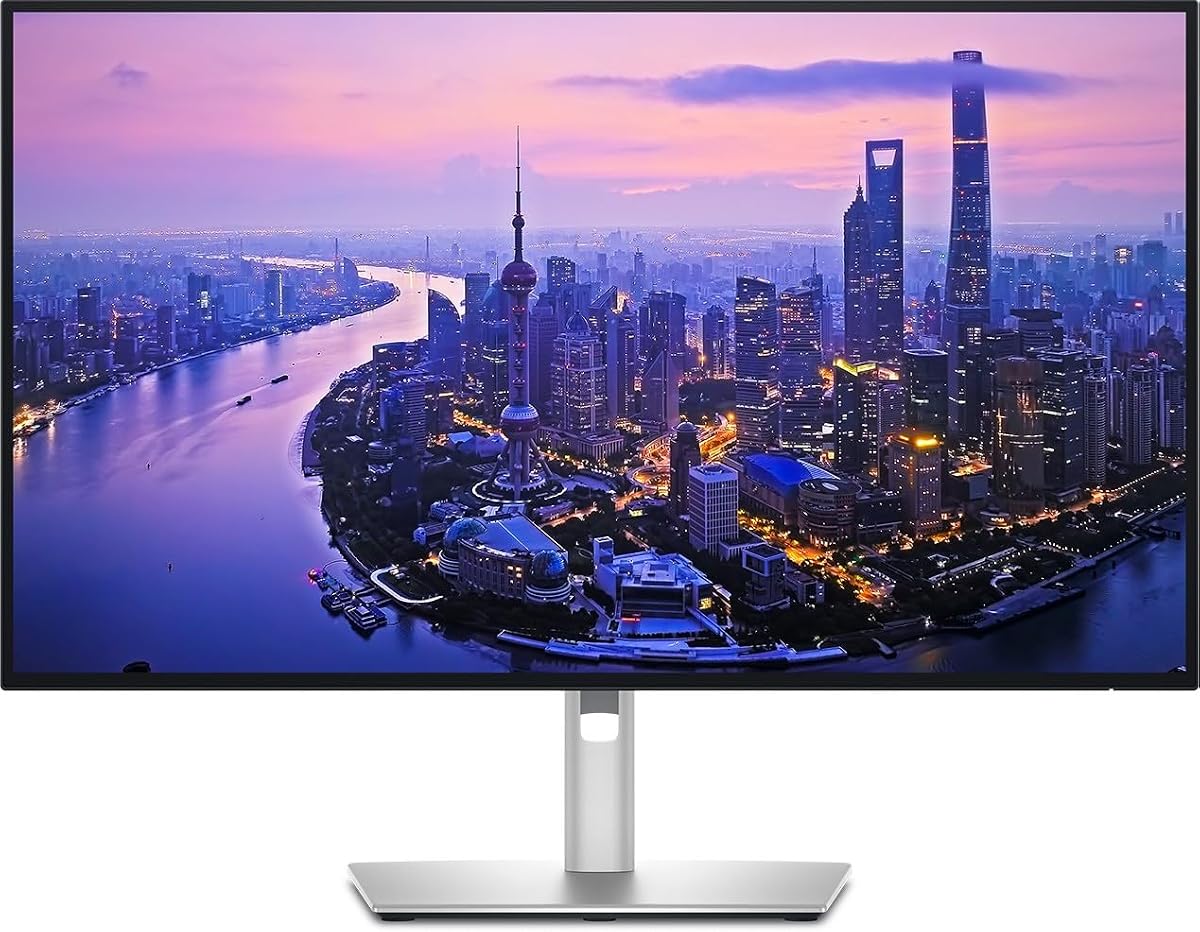
Dell UltraSharp U2725QE 27-Inch 4K UHD IPS Black Monitor
4.4Editor score
Thunderbolt 4 single cable
Factory calibrated color
120Hz refresh rate
Finding the right 4K monitor with Thunderbolt support is essential for modern professionals who need high resolution and fast data transfer. These displays offer crisp visuals and streamlined connectivity for laptops and desktops alike.
We compared ten top models based on color accuracy, refresh rates, and port selection. Our analysis focuses on real-world performance for creative work, coding, and general productivity tasks in 2026.
Each pick highlights key strengths and potential trade-offs to help you choose wisely. Please note that pricing fluctuates often, so verify current deals before making your final purchase decision today.
4.4Editor score

4.6Editor score

4.5Editor score
As an Amazon Associate we earn from qualifying purchases.
This side-by-side comparison highlights the key specifications and unique features of each monitor to help you find the perfect match for your workflow and budget needs.


The Dell UltraSharp 32 Thunderbolt Hub Monitor stands out as the top choice for professionals needing premium visuals and connectivity. Its 32-inch 4K display delivers stunning clarity while the Thunderbolt hub simplifies your desk setup significantly.
We may earn a commission when you buy through this link, at no additional cost to you.
This monitor excels with an Enhanced IPS Black panel offering 3000:1 contrast for deeper blacks. The 120Hz refresh rate ensures smooth motion for dynamic content. Color accuracy is factory-calibrated to Delta E less than 1.5 ensuring true-to-life visuals for creative work.
While it offers extensive features like a built-in KVM switch for multi-device workflows, the price is higher than average. The large 32-inch size might not fit smaller desks easily. These are acceptable trade-offs for the productivity boost it provides.
If you are a designer or executive needing a reliable Mac companion, this monitor is the ideal investment. It combines top-tier image quality with seamless connectivity to elevate your professional workspace.
The Enhanced IPS Black panel provides 47% deeper blacks than conventional IPS making shadows richer and colors pop more vividly.
Switch between two machines using a single keyboard and mouse with the built-in KVM switch for streamlined multitasking workflows.
We may earn a commission when you buy through this link, at no additional cost to you.
The Dell UltraSharp U2725QE offers a premium experience with its IPS Black technology and robust Thunderbolt 4 connectivity. It is designed for professionals who demand precise colors and high power output from a single cable.
We may earn a commission when you buy through this link, at no additional cost to you.
Its 99% DCI-P3 color coverage calibrated to Delta E less than 1.5 ensures professional accuracy. The 120Hz refresh rate supports fast workflows smoothly. With up to 140W power delivery it can charge even high-performance laptops effortlessly.
The high price may be a barrier for some users. Setting up daisy chains requires compatible devices. These minor issues are worth it for the top-tier image quality and productivity gains this monitor delivers daily.
This monitor is perfect for video editors needing reliable color and power. It simplifies your desk while enhancing your visual workspace significantly.
Transmits video data and up to 140W power simultaneously allowing you to charge laptops while using the display.
Factory calibration ensures Delta E less than 1.5 so your work looks true to life from the first second.
We may earn a commission when you buy through this link, at no additional cost to you.
The ViewSonic VP2488-4K brings premium Thunderbolt 4 connectivity to a compact and affordable package. It is an excellent choice for MacBook users seeking professional color standards without breaking the bank.
We may earn a commission when you buy through this link, at no additional cost to you.
This monitor features 100% sRGB and 98% DCI-P3 coverage with Pantone Validation for pinpoint color fidelity. The Thunderbolt 4 port supports 40 Gbps data transfer and 100W power delivery keeping your laptop charged while you work.
The 24-inch size may feel small for multitasking compared to larger options. Port selection is standard but not expansive. These trade-offs are acceptable given the strong performance and competitive price point available now.
Ideal for students or freelancers needing a reliable Mac-ready display. It maximizes desk space while delivering high-quality visuals for creative tasks.
Pantone Validated display ensures precise color reproduction essential for professional-tier creative outputs and accurate editing.
Thunderbolt 4 delivers lightning-fast 40 Gbps data transfer and 4K video signal over one versatile cable.
We may earn a commission when you buy through this link, at no additional cost to you.
The Dell UltraSharp 27 4K Thunderbolt Hub Monitor delivers exceptional color accuracy and sharpness for creative professionals. It transforms your desk into a full connectivity hub for simplified cable management.
We may earn a commission when you buy through this link, at no additional cost to you.
Its 100% sRGB and Display P3 coverage ensures true-to-life color reproduction. The built-in Thunderbolt hub supports daisy-chaining and high-speed data transfer. This setup benefits designers and photographers needing reliable visual quality.
Some users report a lower rating which may indicate specific quirks. Detailed reviews are sparse making it harder to predict long-term reliability. Consider checking recent feedback before committing to this model.
This monitor suits creative professionals needing precise visuals and a clean setup. It offers a balanced mix of features for demanding productivity tasks.
Single-cable connection dramatically simplifies desk setup and cable management for compatible laptops.
Fully adjustable stand with tilt swivel height and pivot options ensures personalized comfort during long sessions.
We may earn a commission when you buy through this link, at no additional cost to you.
The LG 27UP850K-W offers stunning image quality with vibrant colors and HDR 400 support for an immersive viewing experience. It is ideal for users who watch movies or play games in 4K.
We may earn a commission when you buy through this link, at no additional cost to you.
With up to 95% DCI-P3 color gamut expression it brings brilliant color to life. The built-in stereo speakers with Waves MaxxAudio provide decent sound without extra hardware. USB Type-C offers power delivery up to 90W for your laptop.
The HDR implementation is basic compared to higher-end displays. Some users may want better stand stability or wider viewing angles. These limitations are acceptable for the versatile multimedia features it provides.
Choose this monitor for entertainment and general productivity. Its balance of features makes it a strong all-rounder for home office use.
HDR 400 support enhances dynamic range for better contrast and brightness in compatible content.
USB Type-C provides data transfer and power delivery up to 90W reducing the need for dongles.
We may earn a commission when you buy through this link, at no additional cost to you.
The Dell UltraSharp 27 4K Thunderbolt Hub Monitor variant offers enterprise-grade connectivity. It shares similar features to other models in this line with a focus on reliability and integration.
We may earn a commission when you buy through this link, at no additional cost to you.
The Thunderbolt hub simplifies desk setups by reducing cables. Users can connect various peripherals through the display itself. This is useful for office environments needing streamlined workstation setups.
Limited public information makes it hard to gauge specific performance. The lack of a rating suggests it may be a niche product. Verify specs before purchase to ensure it meets your needs.
This monitor is suitable for corporate deployments needing consistent hardware. It provides standard features for productivity without extra flair.
Connect multiple peripherals and devices through the monitor to reduce cable clutter and improve efficiency.
We may earn a commission when you buy through this link, at no additional cost to you.
The Samsung 32 ViewFinity S7 provides exceptional clarity for professionals across all industries. Its 4K UHD resolution delivers visual excellence with high pixel density revealing greater levels of detail.
We may earn a commission when you buy through this link, at no additional cost to you.
With HDR10 support it optimizes contrast for accurate colors. Eye Saver Mode reduces eye strain by minimizing blue light. The sleek design fits well into any professional environment.
It lacks Thunderbolt connectivity which limits laptop charging options. Some users might prefer more advanced gaming features. These are acceptable trade-offs for general productivity and design work.
Ideal for creatives needing a large workspace. It supports intricate designs and complex diagrams effectively.
More screen space enables the creation of intricate designs complex diagrams and dynamic video content.
We may earn a commission when you buy through this link, at no additional cost to you.
The Dell U3225QE offers immersive visuals on a 31.5-inch 4K display. It benefits professionals needing ample screen real estate for multitasking and detailed work reducing the need for multiple monitors.
We may earn a commission when you buy through this link, at no additional cost to you.
Its integrated Thunderbolt hub offers versatile connectivity options for peripherals. The sleek design features a slim bezel complementing any professional environment. Crisp text and sharp images ensure comfortable viewing.
Some users may find the average rating reflects minor issues. Specific HDR capabilities are less detailed than competitors. These trade-offs are acceptable for the large screen and connectivity benefits.
Best for professionals needing a single large workspace. It combines visual performance with efficient connectivity.
Maximize your workflow with the expansive 32-inch screen size providing ample screen real estate for multitasking.
We may earn a commission when you buy through this link, at no additional cost to you.
The Samsung TU87F Series supports seamless dual 4K displays with Thunderbolt 3 ports for daisy chaining. It is perfect for users who want to connect two compatible monitors easily for a bigger screen setup.
We may earn a commission when you buy through this link, at no additional cost to you.
Features like Picture-by-Picture and Picture-in-Picture allow simultaneous viewing of two sources. The stand is fully adjustable for comfort. 90W charging keeps devices powered during use.
The refresh rate is limited to 60Hz which may not suit gamers. VA panels have lower viewing angles than IPS. These are acceptable for professional multitasking workflows.
Ideal for users needing a dual-monitor setup without extra cables. It simplifies your desk while expanding screen space.
Daisy chaining lets you bring monitors together with just one single cable for a simpler dual UHD setup.
We may earn a commission when you buy through this link, at no additional cost to you.
This model focuses on stunning 4K resolution with exceptional color accuracy. It is designed for designers and professionals needing a premium visual workspace for demanding creative tasks.
We may earn a commission when you buy through this link, at no additional cost to you.
Thunderbolt hub connectivity supports high-speed data transfer and single-cable connection. The ergonomic stand allows personalized comfort for long sessions. Color coverage ensures true-to-life reproduction for editing.
Users should verify recent performance feedback as the rating is mixed. Detailed features vary by specific batch. These trade-offs are acceptable for the core productivity benefits offered.
Choose this for its balance of visual quality and connectivity. It serves as a reliable centerpiece for a professional desk.
Built-in Thunderbolt hub supports high-speed data transfer and simplifies desk setup.
We may earn a commission when you buy through this link, at no additional cost to you.
Selecting the right monitor involves evaluating several key factors to ensure it fits your specific workflow and device ecosystem.
Ensure the monitor offers true 4K UHD resolution (3840×2160) for crisp text and sharp images. IPS panels generally provide better viewing angles and color consistency than VA or TN panels making them ideal for creative work.
Choose IPS panels for accurate colors and wider viewing angles to ensure consistent image quality across your workspace.
Thunderbolt 4 offers 40 Gbps bandwidth and supports video data and power simultaneously. Look for power delivery of at least 65W to charge most laptops or higher like 100W for gaming laptops.
Prioritize Thunderbolt 4 with 65W or more power to charge your laptop while connecting data and video with one cable.
For photo editing or graphic design check for 99% or 100% sRGB and DCI-P3 coverage. Factory calibration with Delta E less than 2 ensures colors match industry standards out of the box.
Look for high gamut coverage like 100% sRGB and factory calibration to guarantee true-to-life color accuracy for creative tasks.
While 60Hz is standard for office work 120Hz offers smoother motion for fast-paced workflows and gaming. Low response times under 5ms reduce motion blur ensuring sharp visuals during movement.
Select 120Hz refresh rates and low response times for smoother motion and reduced blur during active use or gaming.
Beyond Thunderbolt ensure the monitor has HDMI DisplayPort and USB-A ports for legacy peripherals. Daisy chain support allows you to connect multiple monitors using a single cable from your computer.
Choose monitors with diverse ports and daisy chain support to connect multiple devices without extra adapters or cables.
Adjustable stands with height tilt swivel and pivot help you position the screen to reduce neck strain. VESA mount compatibility is useful if you prefer a wall mount or third-party arm setup.
Prioritize stands with full adjustability and VESA mount options to maintain a healthy posture and flexible desk layout.
Ensure the monitor supports your operating system with necessary drivers and color profiles. Some brands offer apps for fine-tuning settings or managing multiple devices through the display interface.
Verify OS compatibility and software support to ensure seamless integration and easy management of your display settings.
Prices vary widely from budget-friendly options around $300 to premium models over $1000. Decide which features are essential for you versus nice to haves to find the best value for your specific needs.
Balance your budget against must-have features to choose a monitor that offers the best value for your unique requirements.
Connect your laptop to the monitor using a certified Thunderbolt cable to ensure maximum power delivery and data transfer speeds. Ensure your device supports Thunderbolt 3 or 4 to avoid performance bottlenecks.
Adjust the monitor stand to eye level and position it about an arm's length away to reduce eye strain. Use built-in blue light filters during late night sessions to protect your vision.
Clean the screen gently with a microfiber cloth and avoid harsh chemicals that could damage the coating. Regularly update firmware through the manufacturer software to maintain optimal performance and security.
Thunderbolt monitors allow you to connect video data and power through a single cable. This simplifies desk setup and reduces cable clutter while supporting high-speed data transfer and daisy chaining multiple devices.
Thunderbolt monitors work best with laptops that support Thunderbolt 3 or 4 ports. Most modern MacBook Pro and high-end Windows laptops are compatible but check your device specs before buying.
Thunderbolt 4 offers stricter requirements like higher data speeds up to 40 Gbps and better power delivery support. It ensures more reliable performance for complex setups compared to Thunderbolt 3.
Yes you can use USB-C or HDMI to connect the monitor but you lose some features like high-speed data transfer and power delivery. The display will function normally just without the full Thunderbolt benefits.
Yes you need certified Thunderbolt cables to achieve full 40 Gbps speeds and proper power delivery. Standard USB-C cables may work for video but will not support the full feature set.
4K monitors with high refresh rates like 120Hz are excellent for gaming if your GPU can handle it. Look for FreeSync or G-Sync to reduce screen tearing during fast-paced gameplay.
Thunderbolt monitors tend to be more expensive than standard monitors. They also require compatible devices to unlock their full potential which can limit flexibility for older hardware setups.
Use factory calibration settings provided by the manufacturer for best results. You can also use a hardware calibrator tool or built-in software options for precise color accuracy.
The Dell UltraSharp 32 Thunderbolt Hub Monitor and Dell UltraSharp U2725QE lead the list for professionals seeking top-tier quality and connectivity. The ViewSonic VP2488-4K stands out as an affordable option for MacBook users.
When choosing prioritize color accuracy and power delivery based on your primary tasks. Consider your desk space and device compatibility to ensure the monitor meets your specific workflow needs.
Prices fluctuate often so check current deals before making a purchase. Our guide provides a comprehensive overview to help you make an informed decision for your workspace.