
Square Reader for magstripe (USB-C)
4.6Editor score
Affordable entry level payment solution
Works with USB-C connected devices
Quick setup with free Point of Sale app
Discover the top credit card readers for phones in October 2026. This guide compares features, compatibility, and security to help small businesses choose the
Modern businesses need flexible payment solutions that work anywhere. Credit card readers for phones enable merchants to accept payments securely using smartphones or tablets. These devices transform mobile devices into powerful point of sale systems.
We evaluated ten top-rated mobile payment readers based on connectivity, security, and ease of use. Our analysis covers compatibility with iOS and Android, transaction speeds, and overall reliability for daily business operations.
Each pick highlights key strengths and ideal use cases for different business sizes. Prices and availability change frequently, so verify current details on the product page before making your final purchasing decision.
4.6Editor score

4.5Editor score

4.5Editor score
This side-by-side comparison highlights the key specifications and capabilities of each mobile payment reader to help you decide which device best fits your specific business needs and budget constraints.




The Square Reader for contactless and chip (2nd Generation) stands out as the top choice for mobile merchants needing versatility and security. With a 4.5 star rating, it balances cost and functionality effectively for small business owners.
We may earn a commission when you buy through this link, at no additional cost to you.
This device accepts contactless payments, chip cards, Apple Pay, and Google Pay from anywhere. It features improved connectivity and extended battery life, ensuring you can keep selling even when internet access is unreliable.
While it requires a Square account and has a higher price point than basic magstripe readers, the offline payment capability and advanced security features justify the investment for serious merchants.
Businesses looking for a reliable all-in-one solution that supports modern payment methods should choose this reader. It is ideal for retail stores and food vendors who need flexibility and trust.
Accepts tap, dip, and mobile wallet transactions for faster customer service and increased convenience.
Continue accepting payments for up to 24 hours without internet, ensuring sales are never lost due to connectivity issues.
We may earn a commission when you buy through this link, at no additional cost to you.
The Square Reader for magstripe (USB-C) is the perfect entry-level option for new businesses or occasional sellers. It boasts a high 4.6 star rating thanks to its simplicity and reliability.
We may earn a commission when you buy through this link, at no additional cost to you.
This reader connects directly to your phone via USB-C, allowing you to swipe cards and accept payments immediately. The free Square Point of Sale app helps track sales and manage your business efficiently.
Although it lacks modern chip and contactless capabilities, its low cost makes it accessible for entrepreneurs starting out or those with low transaction volumes.
Choose this reader if you need a cost-effective solution for basic payment acceptance and do not require advanced security features or tap-to-pay functionality.
Download the free app, create an account, and start taking payments anywhere without long-term commitments or hidden fees.
Track sales, manage inventory, send digital receipts, and accept tips all in one place through the intuitive Square app.
We may earn a commission when you buy through this link, at no additional cost to you.
The Square Terminal is a full standalone point of sale device that rings up sales, accepts payments, and prints receipts all in one unit. It holds a 4.5 star rating for its comprehensive functionality.
We may earn a commission when you buy through this link, at no additional cost to you.
Unlike dongles that require a phone, this device works independently with a built-in battery designed to last all day. It processes chip cards in just two seconds and accepts all major credit and debit cards.
While it comes at a higher cost compared to phone dongles, the convenience of having a dedicated terminal with a printer makes it ideal for busy retail counters or market stalls.
Invest in this device if you want a professional setup that does not rely on your personal phone and provides a seamless checkout experience for your customers.
Run your business all in one place without tying up your phone, allowing you to manage inventory and sales simultaneously.
Print physical receipts for customers who prefer paper, while still offering digital receipt options through the system.
We may earn a commission when you buy through this link, at no additional cost to you.
The Clover GO (3rd Generation) offers a secure and flexible way to accept payments through your mobile device. It has earned a perfect 5.0 star rating based on user feedback and functionality.
We may earn a commission when you buy through this link, at no additional cost to you.
This reader connects wirelessly via Bluetooth, making it fully compatible with any smartphone. It protects customer data with end-to-end security and allows you to manage employee permissions easily.
You can set custom tip percentages and multiple tax rates to fit your business model. While it requires processing through SwyftPAY, the control and features provided are highly valued by users.
Consider this option if you need a secure, wireless payment solution that integrates well with your phone and offers robust management tools for your staff.
From card acceptance to transaction completion, your customers data is protected with advanced end-to-end encryption standards.
Manage multiple employee permissions and create custom tax rates tailored to the specific items you sell.
We may earn a commission when you buy through this link, at no additional cost to you.
The 2-in-1 Smart Card Reader is designed for specialized needs, supporting CAC, PIV, and military ID cards alongside standard credit cards. It has a 4.3 star rating for its versatility across different sectors.
We may earn a commission when you buy through this link, at no additional cost to you.
It features both contact and contactless reading capabilities with integrated USB-A and USB-C cables. This ensures compatibility with a wide range of devices without needing extra adapters.
Certified for high-security standards, it works on Windows, Mac, Linux, and Android. However, you must provide your own middleware software for certain functions like health insurance card support.
This reader is ideal for government contractors, military personnel, or businesses that require secure identity verification in addition to standard payment processing capabilities.
Works on Windows, Mac, Linux, and Android without drivers, making it a versatile tool for various professional environments.
Supports high-security military and government authentication standards with FCC and CE certifications for reliability.
We may earn a commission when you buy through this link, at no additional cost to you.
The SumUp Plus Card Reader provides a straightforward way to accept payments using your smartphone or tablet. It holds a 3.8 star rating, reflecting its simplicity and ease of use.
We may earn a commission when you buy through this link, at no additional cost to you.
This device connects via Bluetooth and accepts all major credit and debit cards. You can start accepting transactions immediately using the free SumUp app without needing a long-term contract.
It charges a simple flat rate per in-person transaction, making it easy to understand costs. While it lacks some advanced features, it is reliable for basic business needs.
Choose this reader if you want an affordable, contract-free payment solution that works with your existing smartphone and offers straightforward pricing.
Pay one low rate for every transaction with no hidden fees or monthly charges, keeping your business costs predictable.
Use the mobile card reader to accept payments anywhere and anytime without being tied to a fixed location.
We may earn a commission when you buy through this link, at no additional cost to you.
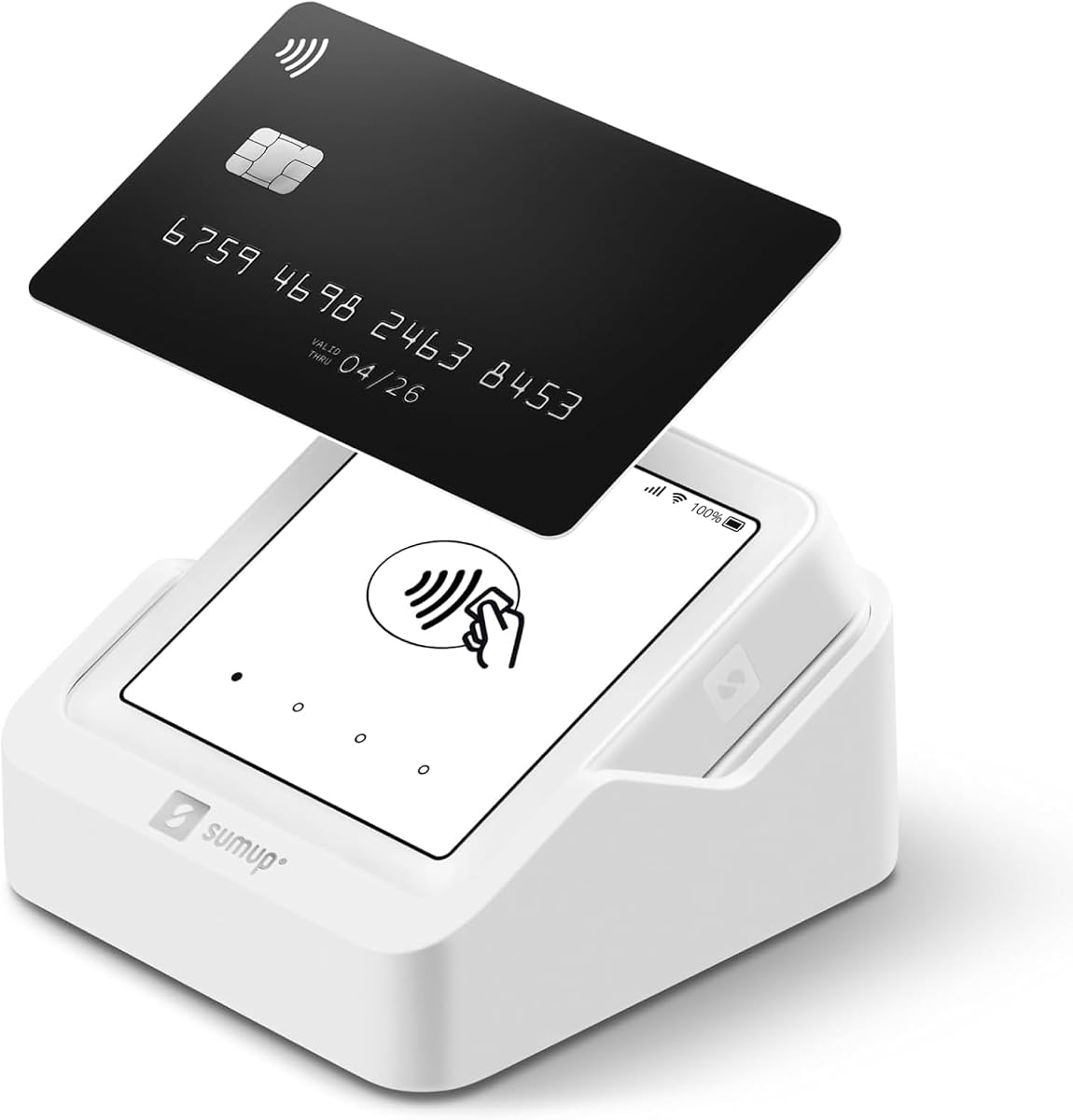
The SumUp Solo is a standalone device with a touch-screen interface that does not require a smartphone to operate. It has a 3.5 star rating based on user experiences with its specific features.
We may earn a commission when you buy through this link, at no additional cost to you.
It comes with a free SIM card and mobile data, allowing you to process payments anywhere with a strong Wi-Fi connection. The additional charging station ensures you have enough battery capability for your day.
Setup is fast and hassle-free upon registration on the SumUp website or app. You can manage sales easily through the intuitive interface and get support via phone, email, or chat.
This device is best for businesses that prefer a dedicated terminal over a phone-based solution and want built-in connectivity options.
Stay in control of your business wherever you go with a truly portable device that includes its own mobile data connection.
Accept payments and manage sales easily with an intuitive interface designed for fast and efficient transactions.
We may earn a commission when you buy through this link, at no additional cost to you.
The Clover GO (Newest Model) brings the power of a point of sale system directly to your pocket. It has a 3.6 star rating reflecting its utility for mobile transactions and business management.
We may earn a commission when you buy through this link, at no additional cost to you.
This device pairs via Bluetooth with your mobile device, ensuring full compatibility with any smartphone. It protects customer data with end-to-end security and allows you to manage employee permissions easily.
You can set custom tip percentages and create multiple tax rates for the things you sell. Customers can also receive their receipts via email or text for a paperless experience.
Opt for this device if you need a modern, secure mobile payment system that integrates well with your existing Clover Go account.
From the moment a card is accepted to the end of the transaction, your data remains protected with top security.
Create and manage multiple employee permissions so only certain staff can access sensitive business information.
We may earn a commission when you buy through this link, at no additional cost to you.
The Clover Go Contactless Reader offers a convenient way to accept contactless payments and EMV chip transactions. It holds a 4.0 star rating for its reliability and ease of use for businesses.
We may earn a commission when you buy through this link, at no additional cost to you.
This device works with both iOS and Android devices, making it a flexible choice for mobile merchants. It does not require a merchant account, simplifying the setup process significantly.
However, quantities of this version are limited as it may be an end of life product. Future orders may be fulfilled with the most current version of the Clover Go system.
If you need a quick contactless payment solution without complex setup, this reader is a solid option provided availability allows.
Get started without needing a traditional merchant account, reducing barriers to entry for small businesses and freelancers.
Supports EMV chip and contactless payments to meet customer expectations for fast and secure transaction methods.
We may earn a commission when you buy through this link, at no additional cost to you.
The Clover Go Bluetooth Reader (3rd Gen) is designed to offer secure and convenient payments on the go. It has a 3.6 star rating based on user experiences with its Bluetooth connectivity and security.
We may earn a commission when you buy through this link, at no additional cost to you.
This device works with any Clover Go account and provides end-to-end security from card acceptance to transaction completion. You can set custom tips and tax rates for the things you sell easily.
While it does not require a merchant account, it is tied to the Clover ecosystem. The third-generation Bluetooth ensures a stable connection between your phone and the reader.
Choose this reader if you are already invested in the Clover ecosystem and need a secure, flexible payment solution for mobile transactions.
Customize tip percentages and tax rates to match your business needs without complex configuration steps.
Protect customer data with end-to-end security ensuring confidence in every transaction you process.
We may earn a commission when you buy through this link, at no additional cost to you.
Choosing the right credit card reader depends on your specific business needs, volume, and preferred payment types. Here are key factors to consider before making your purchase.
Mobile payment readers connect to your phone via Bluetooth, USB-C, or Lightning. Bluetooth offers the most flexibility and range, while wired connections ensure a stable link without battery concerns for the reader.
Select Bluetooth for convenience or wired for reliability based on your daily environment and device compatibility.
Ensure the reader supports chip, contactless, and magstripe payments. Modern customers expect to use tap-to-pay and mobile wallets like Apple Pay and Google Pay.
Choose a device that supports all major payment types to avoid turning away potential customers at checkout.
Different providers charge various transaction rates and may require long-term contracts. Look for transparent fee structures with no hidden monthly charges or early termination fees.
Compare total costs including transaction rates to ensure they fit your profit margins before signing up.
The reader must work seamlessly with your Point of Sale (POS) app. Check if your business software supports the specific device you are considering for inventory and sales tracking.
Verify app compatibility on both iOS and Android to ensure it matches your current mobile devices.
Data protection is critical for handling sensitive payment information. Look for end-to-end encryption and PCI compliance to keep customer data safe from breaches.
Prioritize readers with built-in security features to protect your business and build customer trust.
If you move around a lot, a reader with long battery life is essential. Some devices offer offline modes allowing payments to be processed when internet access is unavailable.
Choose a device with durable battery and portability to support your operational schedule and location changes.
Complex setup can delay your business operations. Select readers that offer quick activation, clear instructions, and intuitive interfaces for both staff and customers.
Prioritize plug-and-play devices that minimize downtime and maximize selling time on day one.
Issues may arise with hardware or software during transactions. Reliable customer support via phone, email, or chat helps resolve problems quickly to avoid lost sales.
Check availability and responsiveness of support teams before committing to a provider to ensure peace of mind.
To start using your mobile payment reader, download the corresponding POS app from your device's app store and create an account. Pair the reader via Bluetooth or connect it via cable following the manufacturer's instructions.
Before each transaction, ensure your device has sufficient battery and a stable internet connection. Swipe, tap, or insert the customer's card into the reader and follow the on-screen prompts to complete the sale securely.
Keep the reader clean by wiping it with a soft cloth and avoiding exposure to moisture or extreme temperatures. Regularly check for software updates and charge the device fully to maintain peak performance.
No, many providers offer all-in-one solutions where payment processing and the account are bundled together. You simply sign up through the provider's app or website to get started without a bank merchant account.
Mobile readers use end-to-end encryption and PCI compliance just like traditional terminals. They tokenize card data so sensitive information is never stored on your phone, ensuring high security.
Some advanced models offer offline modes that store transactions securely until connectivity is restored. This feature is useful for areas with poor signal or to ensure uninterrupted business operations.
Most modern readers like Square, Clover, and SumUp support both iOS and Android devices. Always verify compatibility with your specific phone model before purchasing to avoid issues.
If a reader fails, you can cancel the transaction and retry with a different device. Ensure you have backup options like a second reader or manual entry if the app supports it.
Many providers do not charge monthly fees but instead take a percentage of each transaction. Always check the fee structure to avoid unexpected costs in your monthly budget.
We highlighted the Square Reader for contactless and chip as the best overall choice due to its versatility and strong security features. The Square Reader for magstripe remains the top budget option for those starting out.
Prioritize a device that supports modern payment types like contactless and chip to meet customer expectations. Ensure the reader integrates smoothly with your existing POS software for efficient daily operations.
Prices and availability for these products can change frequently. Always check the current product page before purchasing to confirm the latest details and ensure the deal matches your needs.